Дизайн редакторов: WYSIWYG, код, документы, холсты
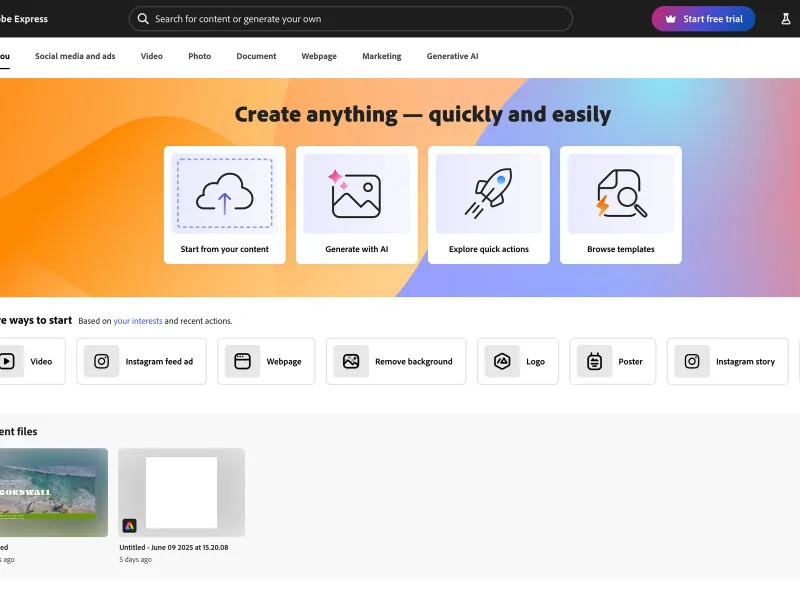
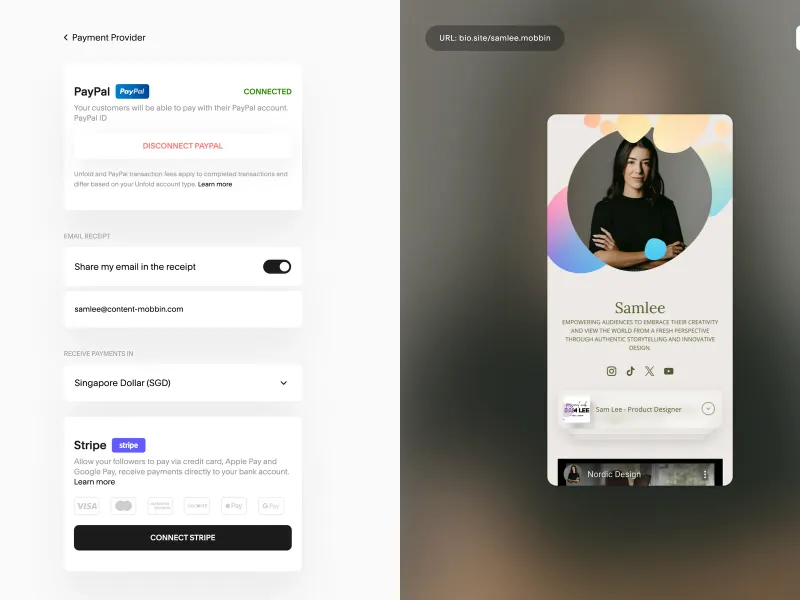
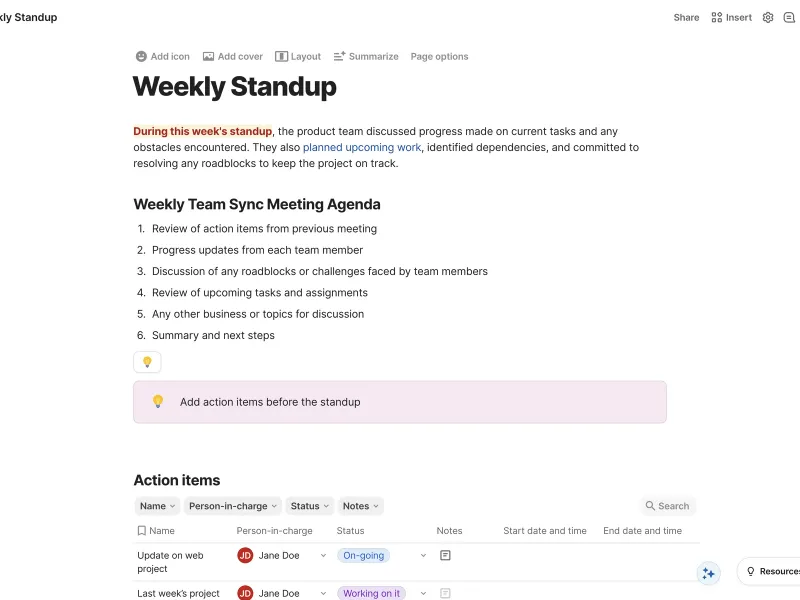
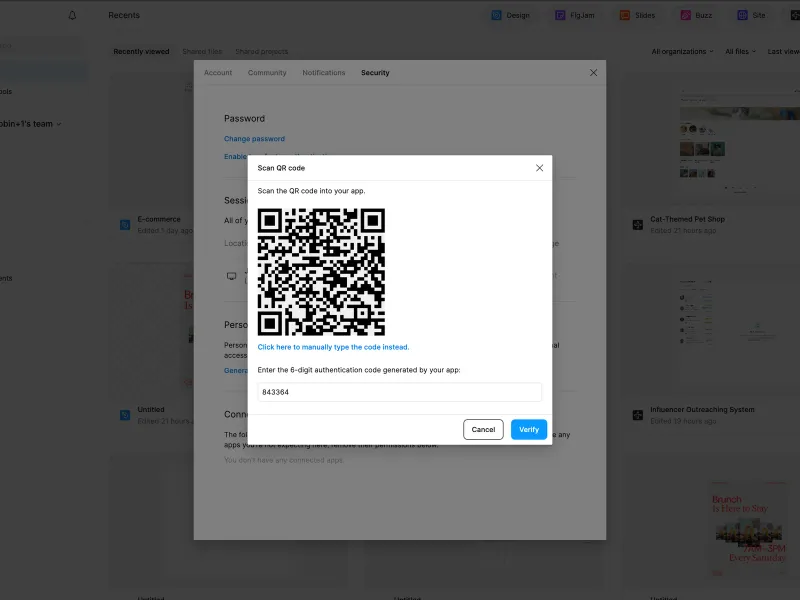
Примеры редакторских интерфейсов: WYSIWYG, редакторы кода, документы, визуальные холсты. Смотрите, как Notion, VS Code, Figma проектируют инструменты создания контента.
27 продуктов · 335 скриншотов
Подробнее о паттерне
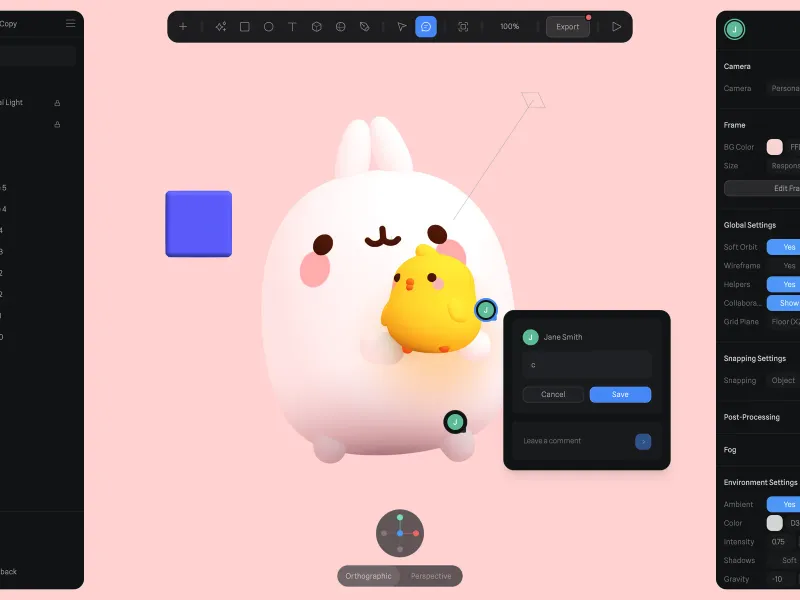
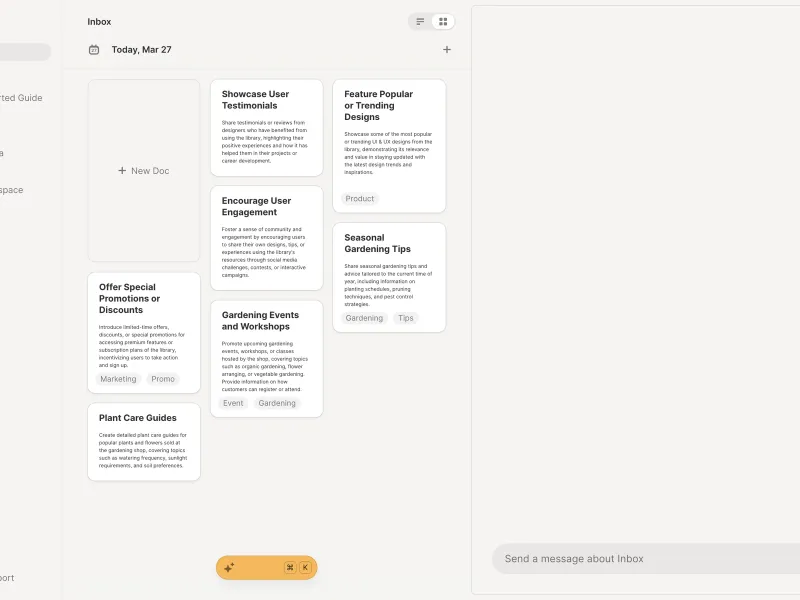
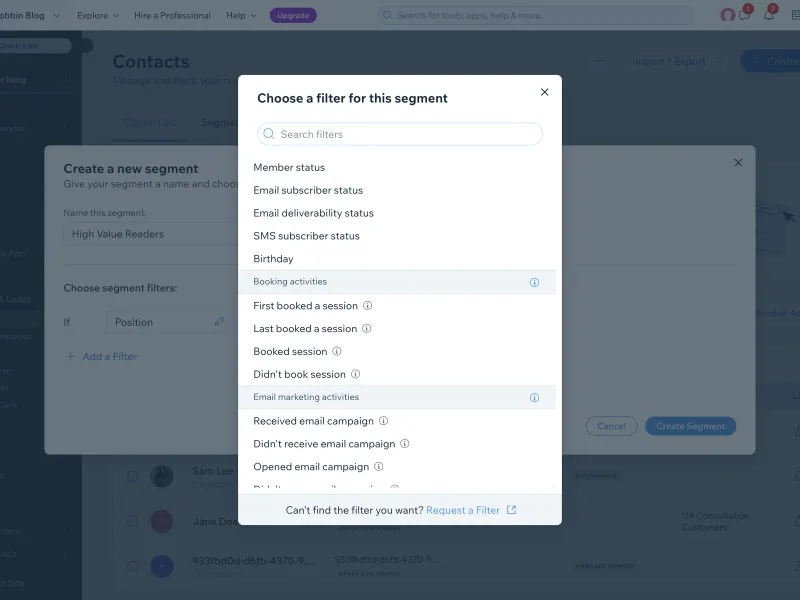
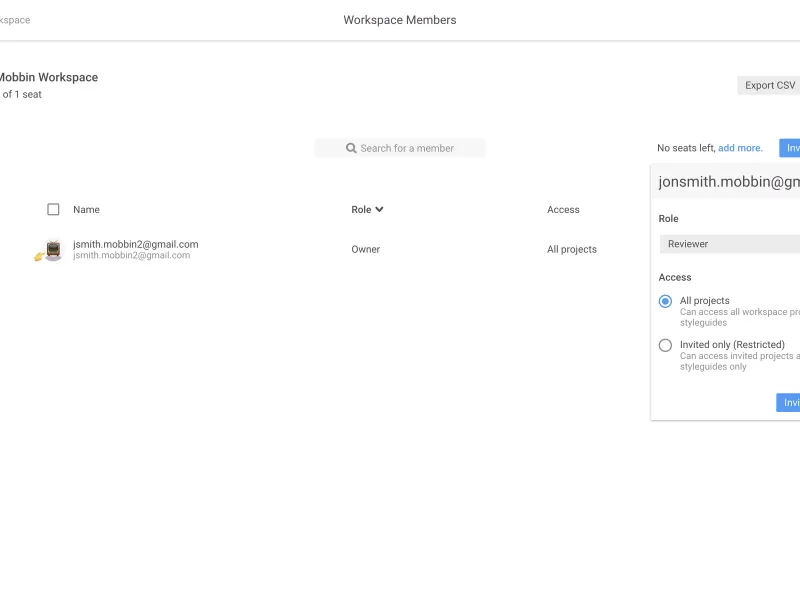
Редактор — центральная часть многих продуктов, где пользователь создаёт контент. В подборке: блочные редакторы (Notion), rich-text с тулбаром, редакторы кода с подсветкой синтаксиса, canvas-редакторы (Figma, Miro), markdown-редакторы. Обратите внимание на тулбар (фиксированный vs floating), slash-команды, совместное редактирование, историю версий. Полезно при проектировании CMS, note-taking приложений и любых creative-инструментов.
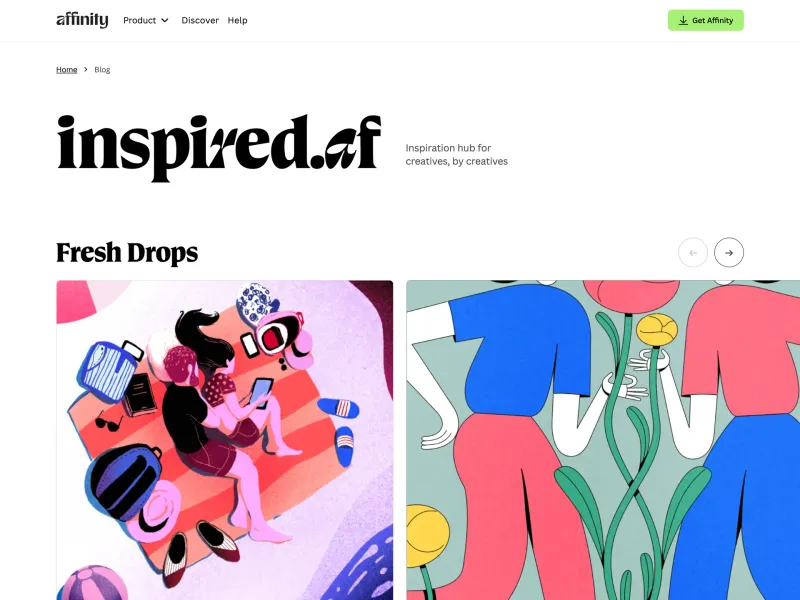
Affinity
Design and photo editing tools in one app
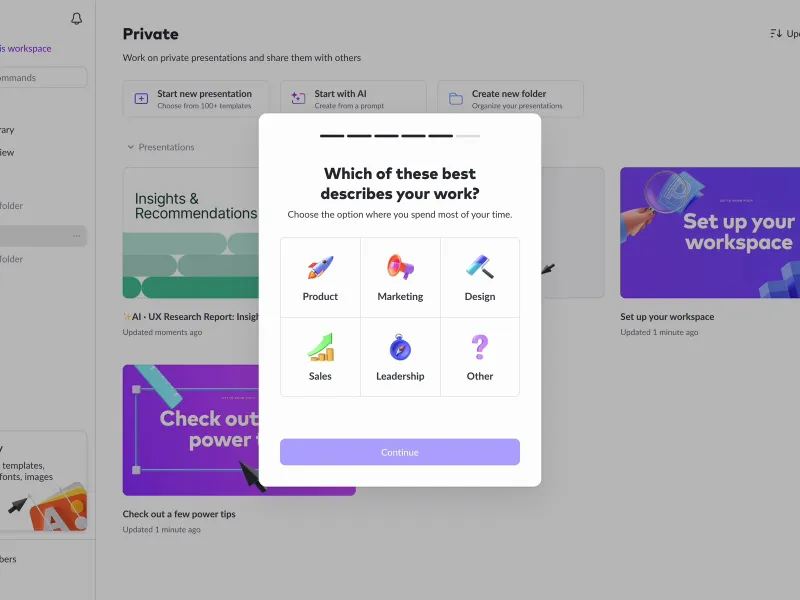
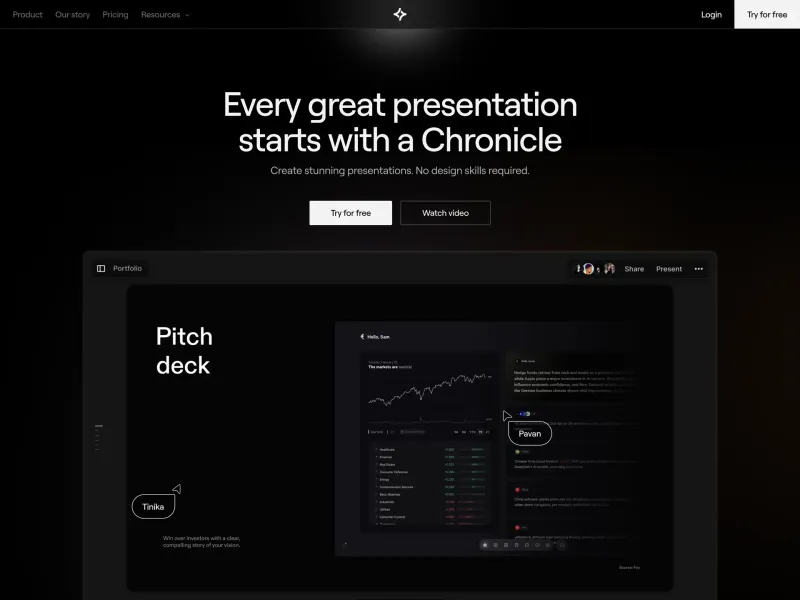
Chronicle
AI presentation tool for stories worth telling
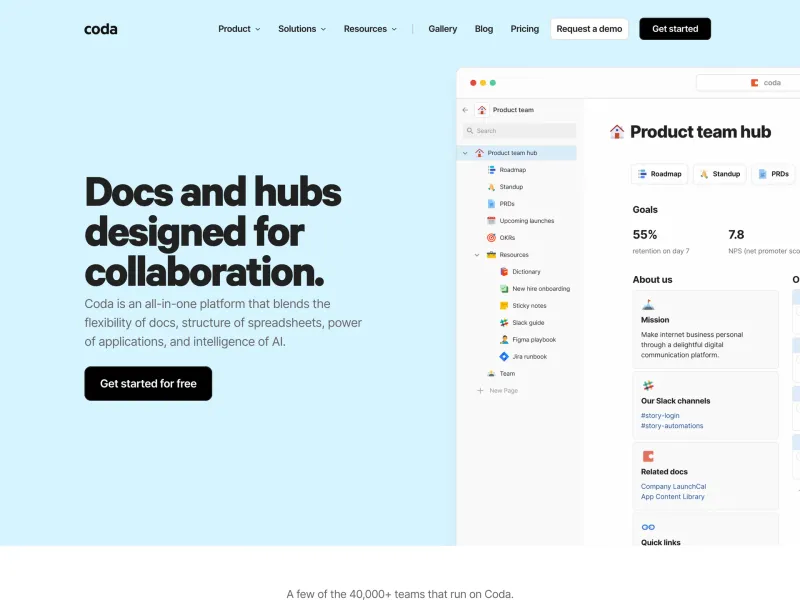
Coda
The doc for everyone, meet the evolution of docs
Craft
Write docs, AI editing
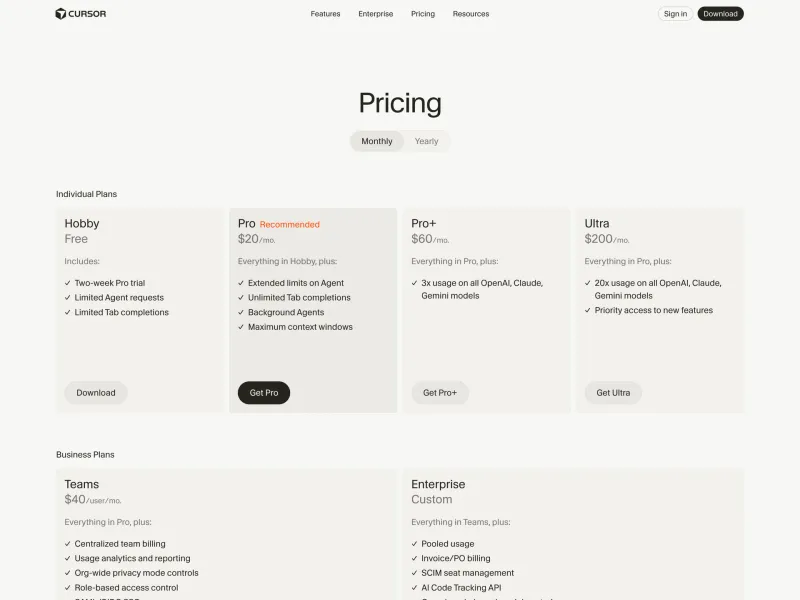
Cursor
The best way to code with AI
Deta
Intelligent notebook for thinkers
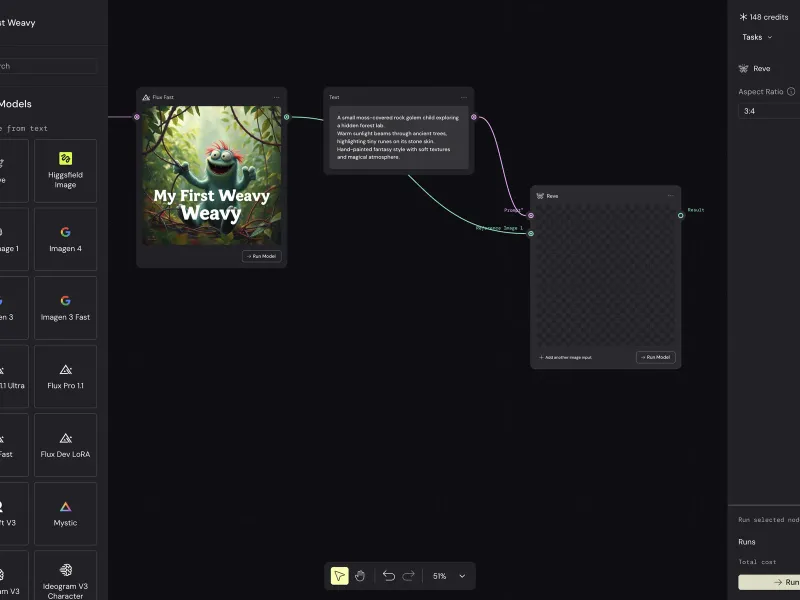
FLORA
Your intelligent canvas
Fourmula AI
AI product generation
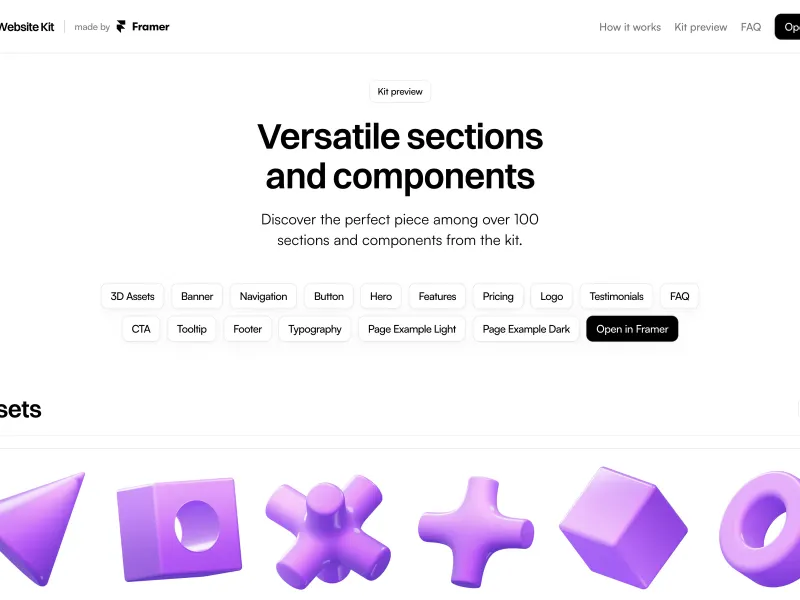
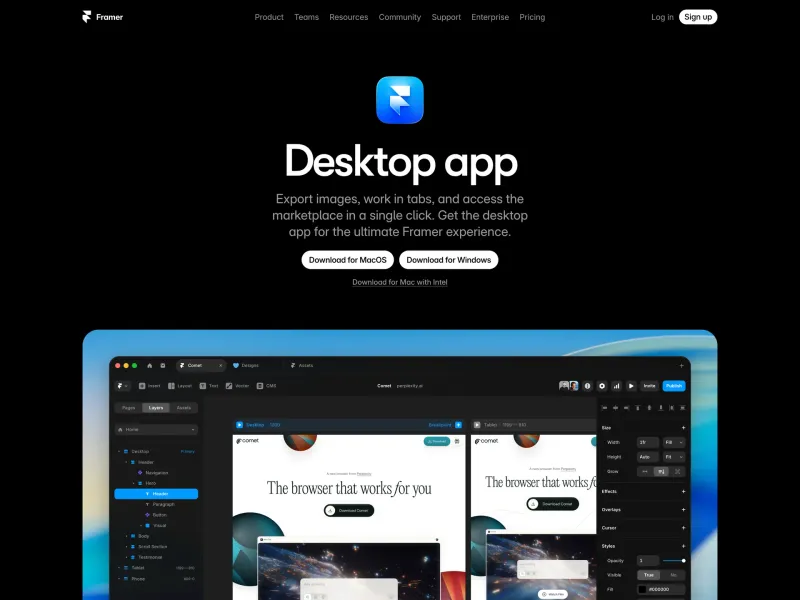
Framer
No code website builder
Fuser
Universal AI creative platform
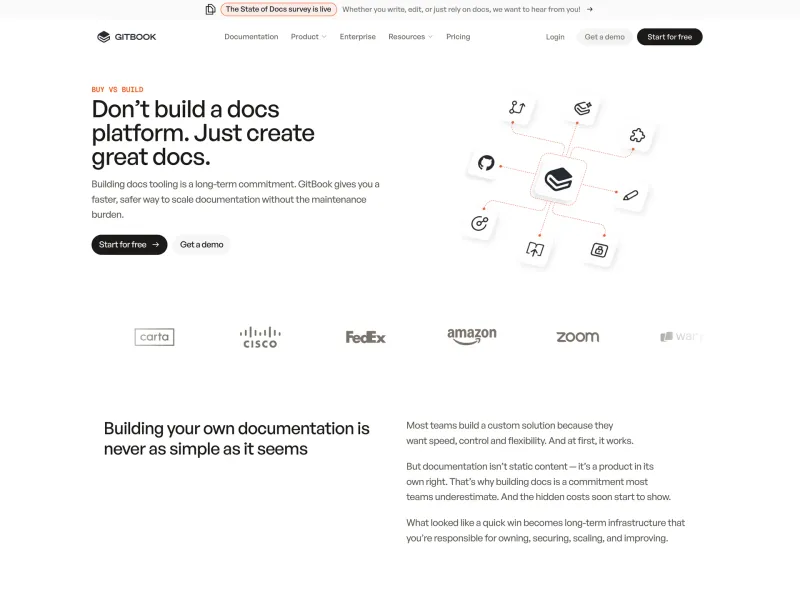
GitBook
The AI-native documentation platform
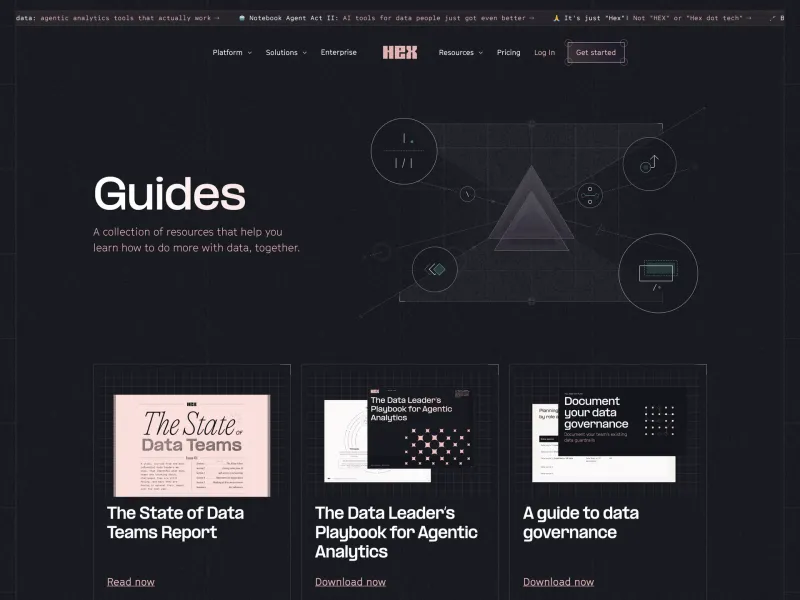
Hex
Bring the magic of AI to data, for everyone
Jasper
AI built for marketing
Jitter
Fast and simple motion design tool
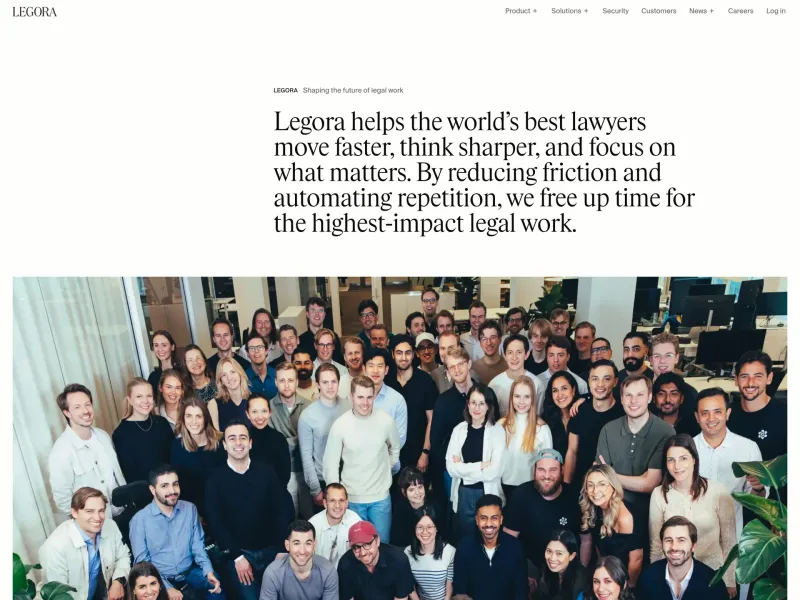
Legora
Collaborative AI for lawyers
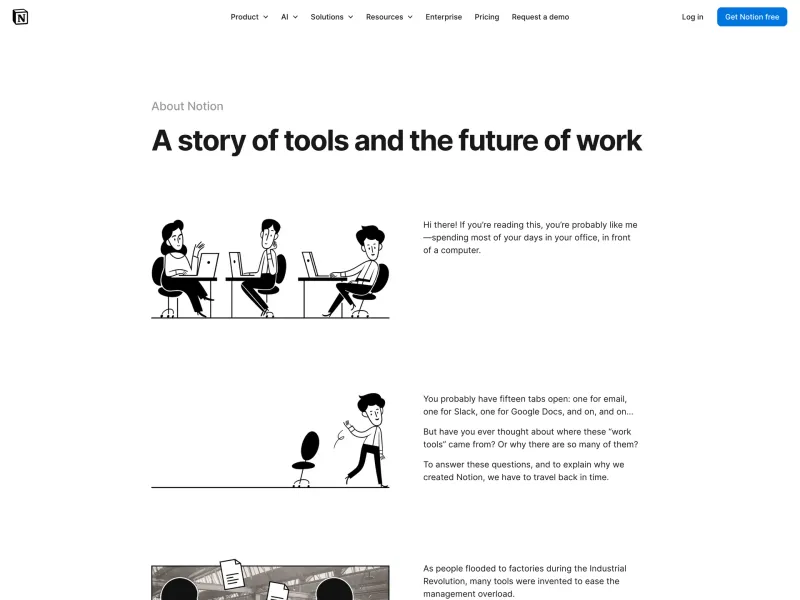
Notion
The AI workspace that works for you
Opennote
The notebook that thinks with you
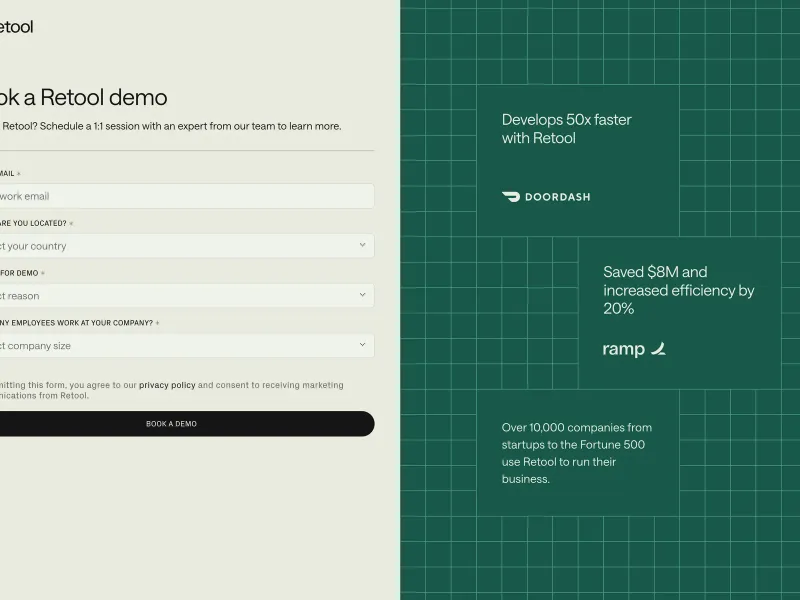
Retool
The best way to develop effective software
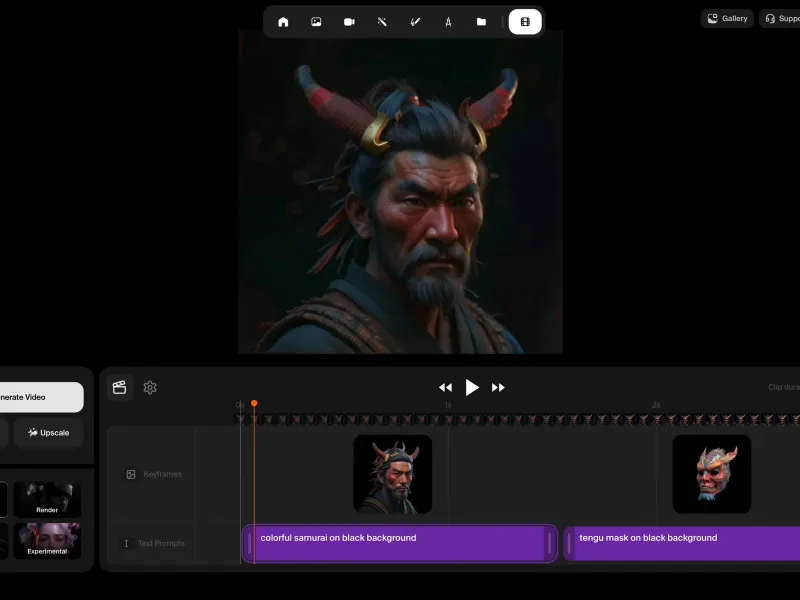
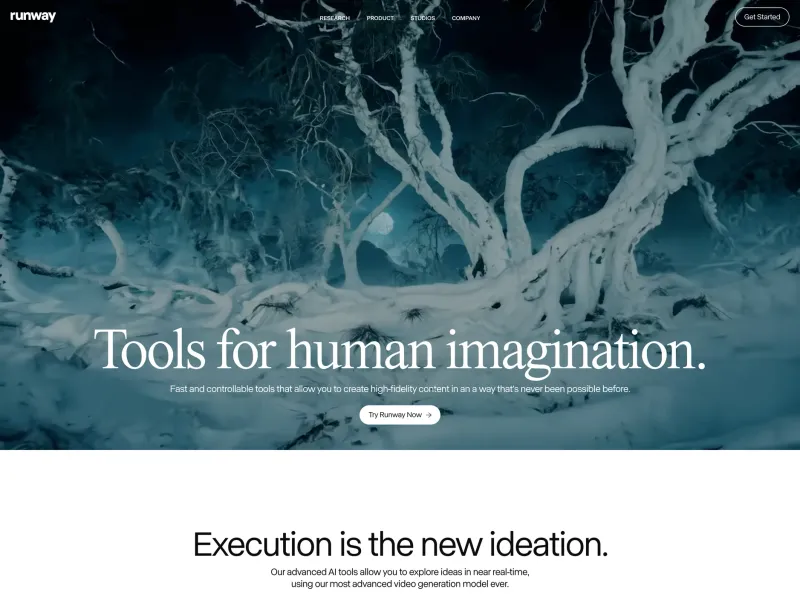
Runway
Advancing creativity with artificial intelligence
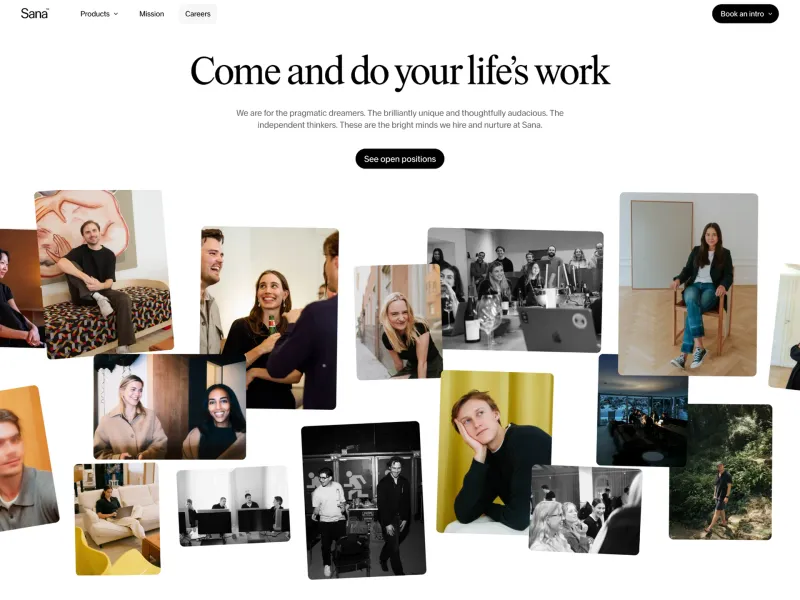
Sana
AI tools for human knowledge
Squarespace
Easily create your own website
Superr
Your AI notebook
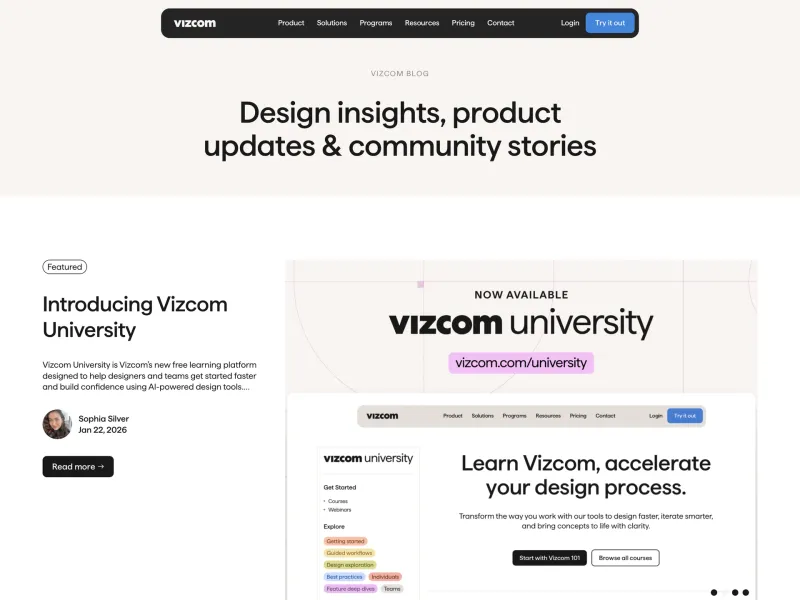
Vizcom
AI creative tools for artists and designers
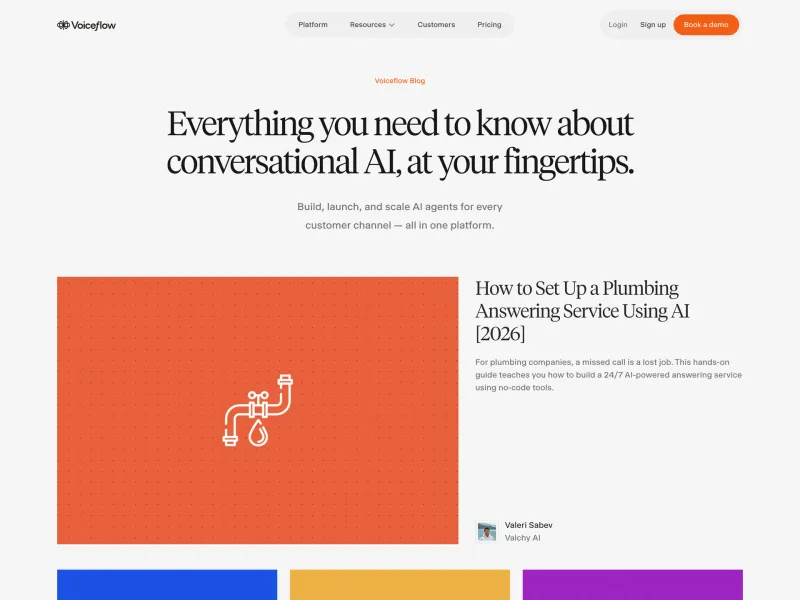
Voiceflow
Build chat and voice AI agents without code
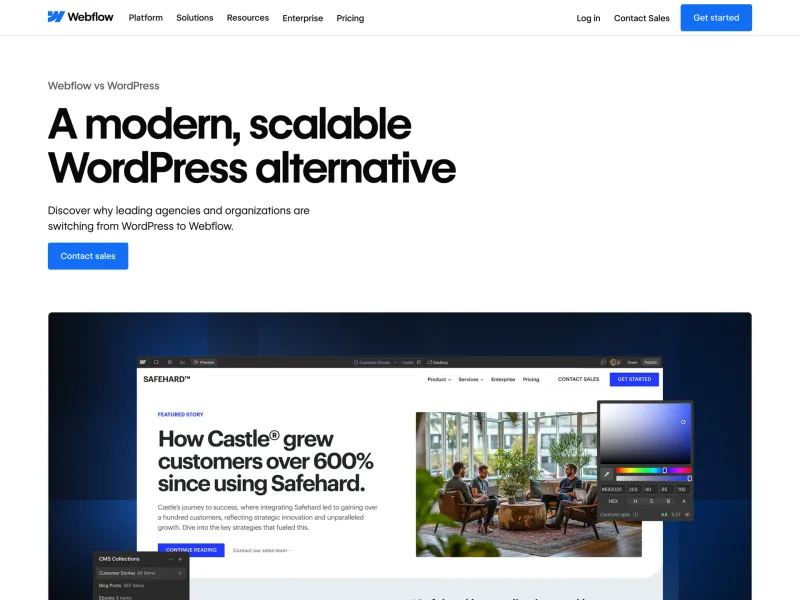
Webflow
Create a custom website
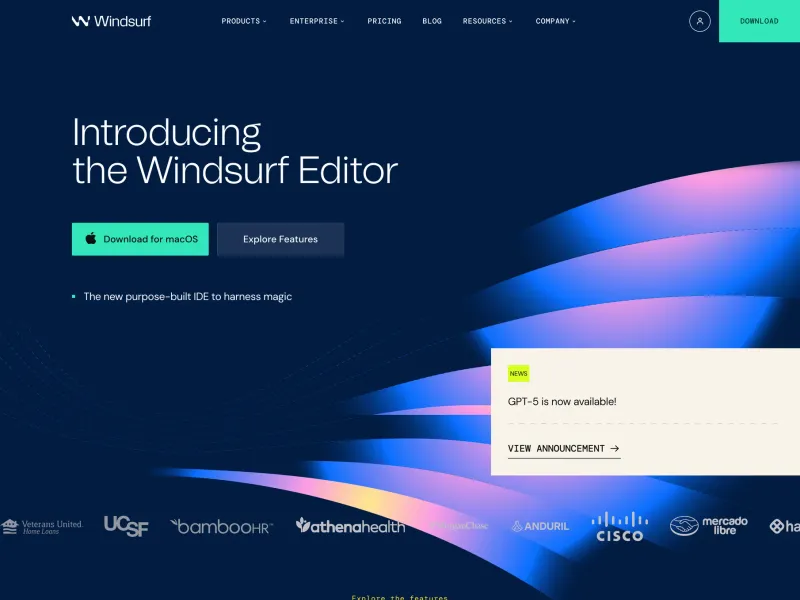
Windsurf
The most powerful AI code editor
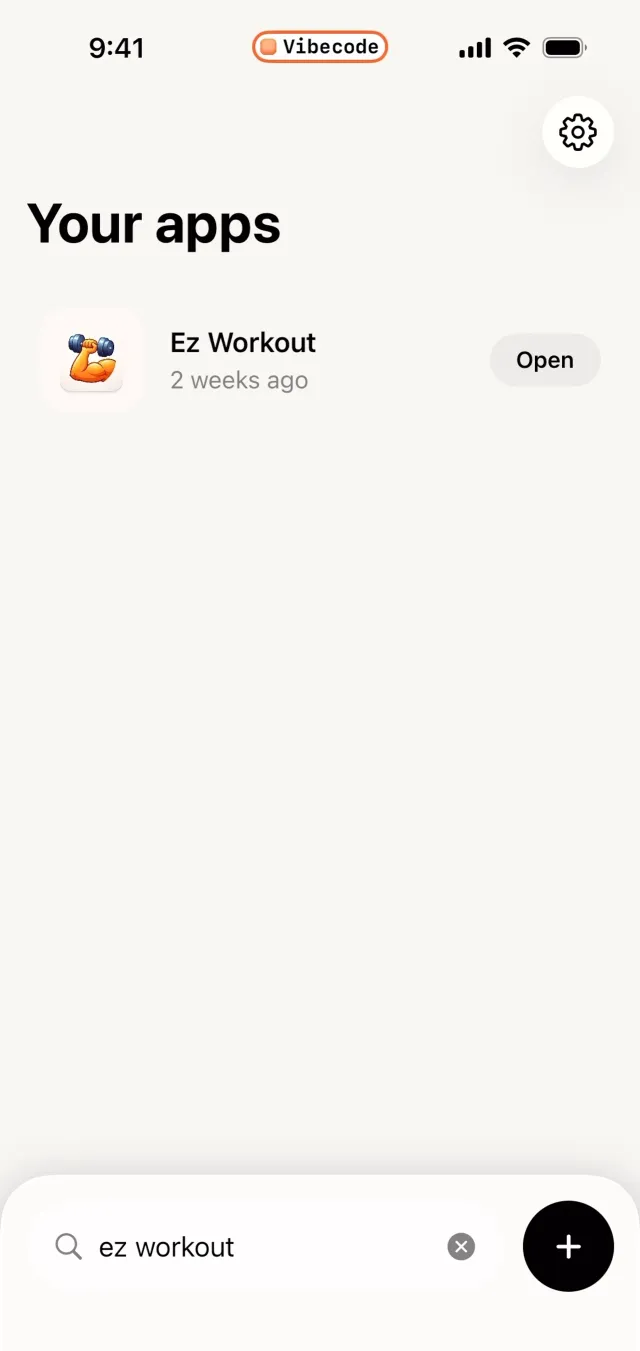
VibeCode
Mobile coding environment. Write and run code on iOS, programming playground.