Sber
Russia's largest bank. Ecosystem of financial and digital services for personal and corporate clients.
www.sberbank.ru ↗Interface Screenshots Sber
Which UI decisions are documented for Sber?
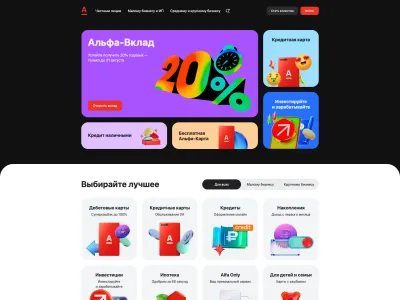
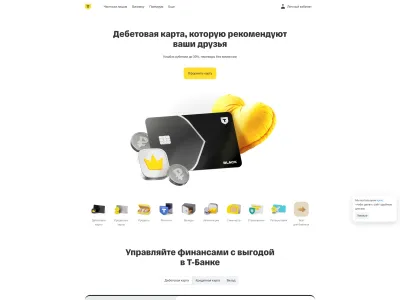
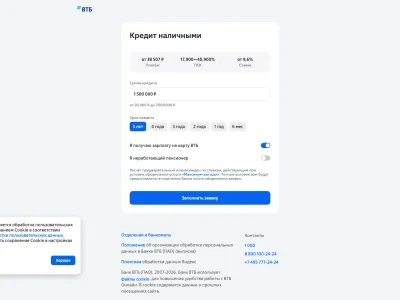
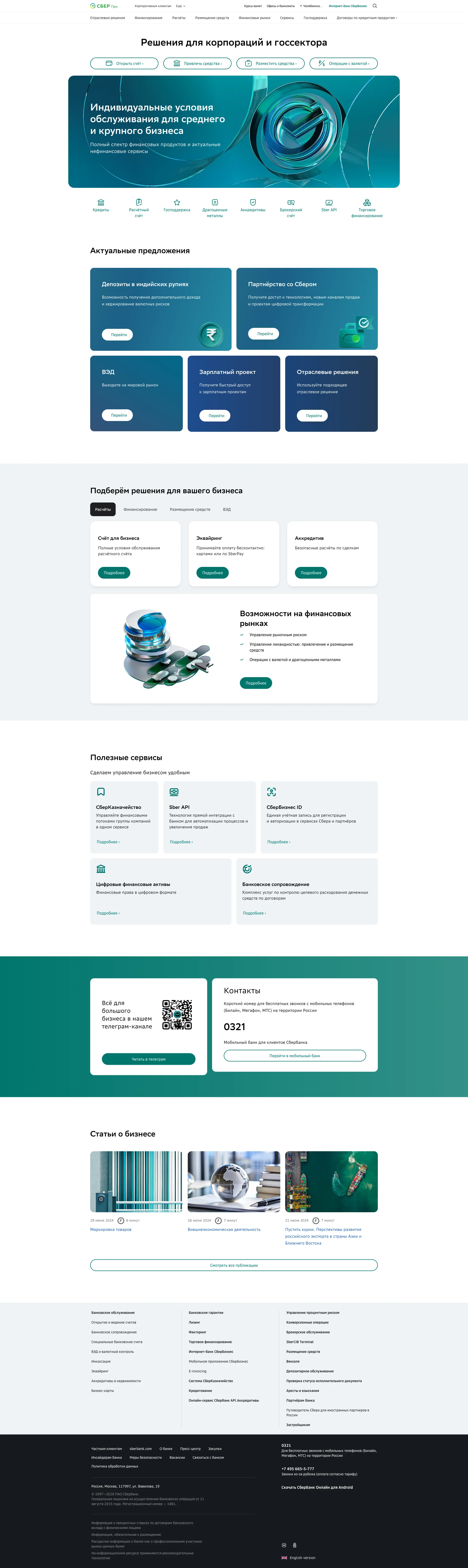
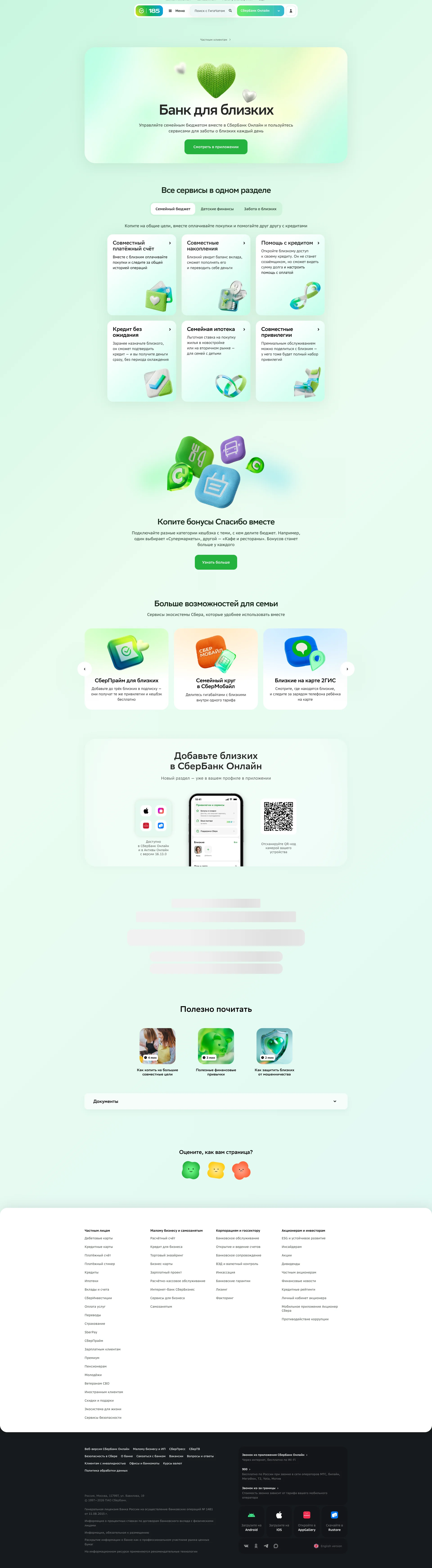
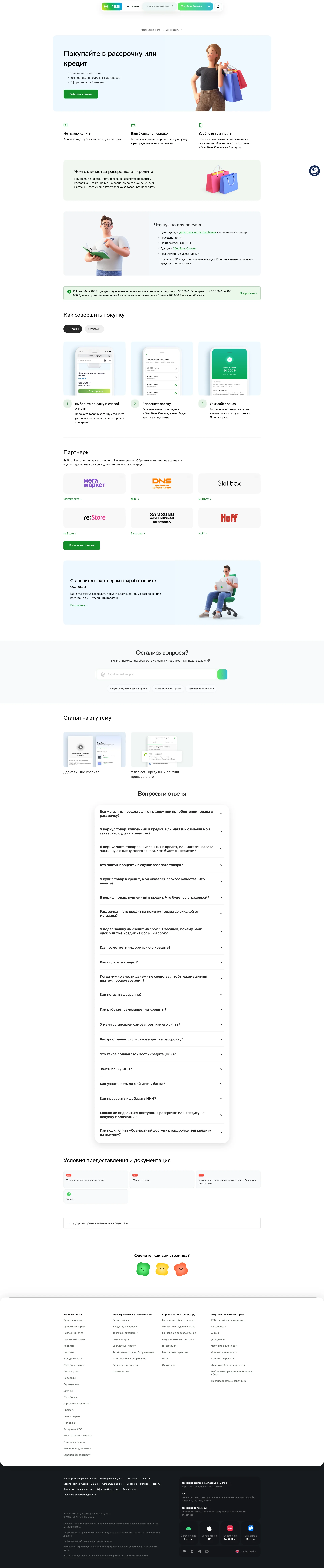
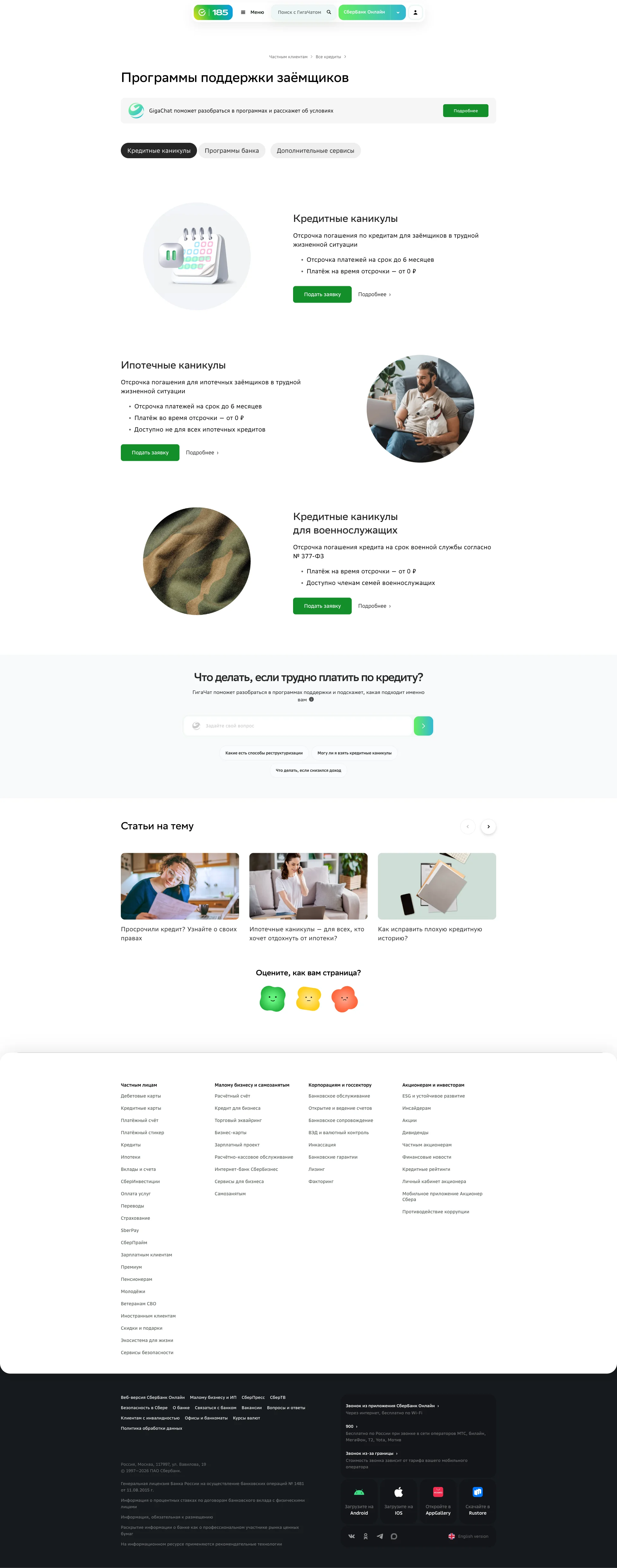
DesignShots contains 4 interface screenshots for Sber. It is a web app in the Fintech category, which covers financial technology: banking, payments, investments. Frame-level labels identify 5 distinct screen types; documented elements include Hero Section, Features, CTA Section, Top Navigation Bar and Footer Section. At composition level, the project is tagged with 3 UI patterns: Product landing page, Content card grid layout and Navigation bar and menu. Its extracted palette is led by light tones, with the HEX values displayed on the page. For analysis, compare repeated screen types within Sber, then open the linked patterns and other Fintech products. This separates a durable interface pattern from a treatment unique to one product. Every figure comes from the published collection; captures filed under older versions are excluded from the current count.
More about SberHide
Interface Design Sber
Sber — a Web App in the Fintech. Financial technology: banking, payments, investments. Russia's largest bank. Ecosystem of financial and digital services for personal and corporate clients. The interface includes 3 UI patterns: Product landing page, Content card grid layout, Navigation bar and menu. The color palette is built on light tones.
UI Patterns in Sber
What the Sber screens show
The set covers 5 distinct screen types, showing which parts of the product are documented.
FAQ
How many screenshots of Sber are in the collection?
The collection contains 4 UI screenshots of Sber, covering key product screens.
What category does Sber belong to?
Sber is a Web App in the Fintech category.
How to use screenshots as design reference?
Study UI/UX design solutions for inspiration when designing Fintech products.
The screenshots come from the real product and document the interface as it appeared when captured.