Hatch Sleep
Smart sleep device companion. Sound machines, lights, alarms, sleep routines.
www.hatchbaby.com ↗Interface Screenshots Hatch Sleep

Showing 12 of 172
Which UI decisions are documented for Hatch Sleep?
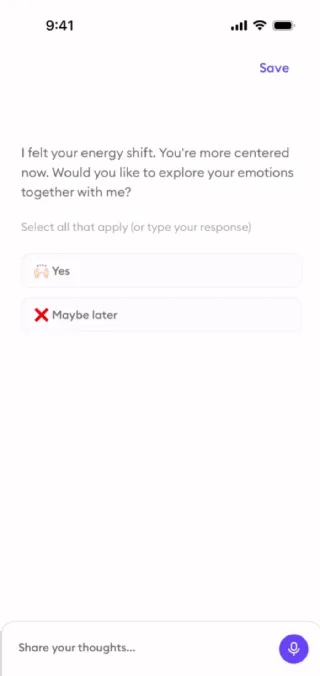
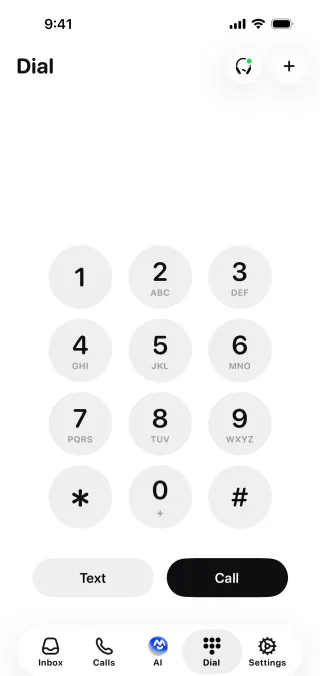
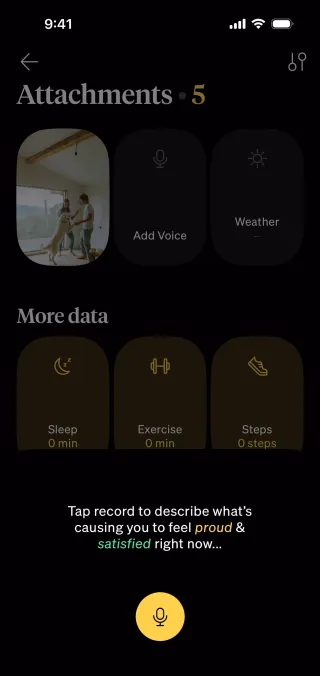
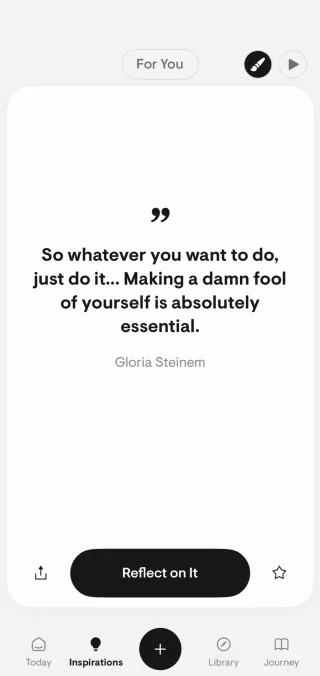
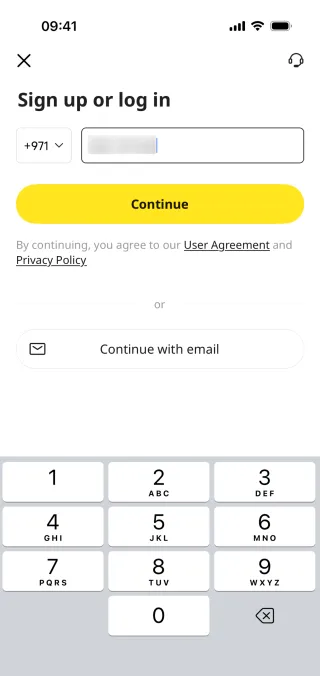
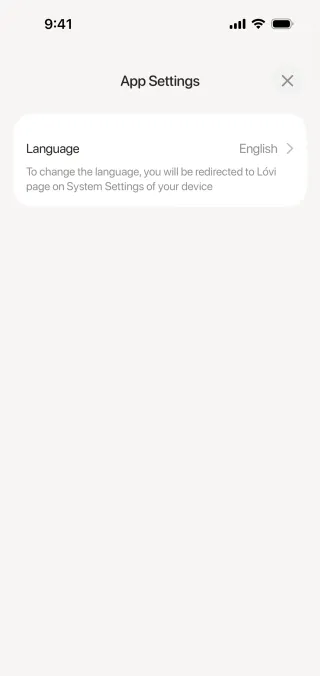
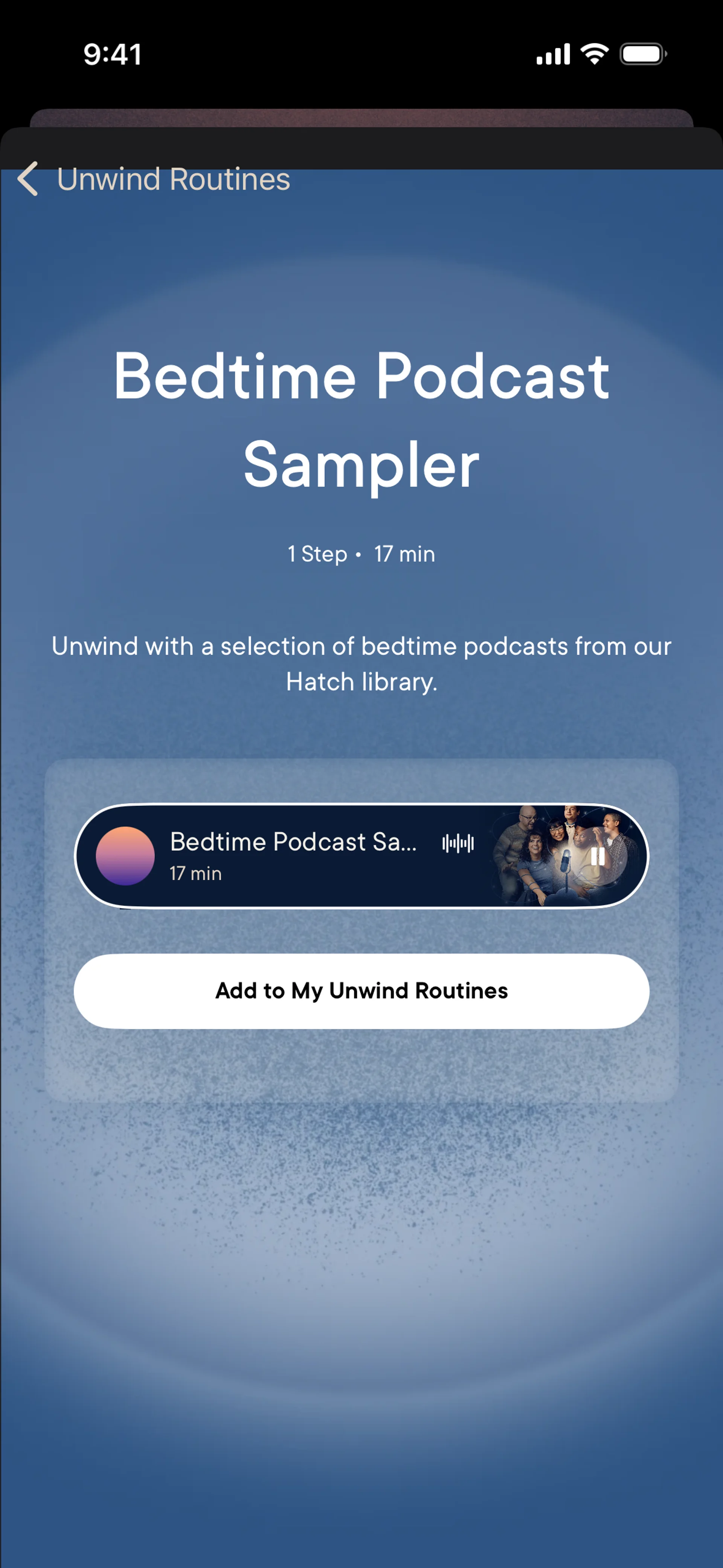
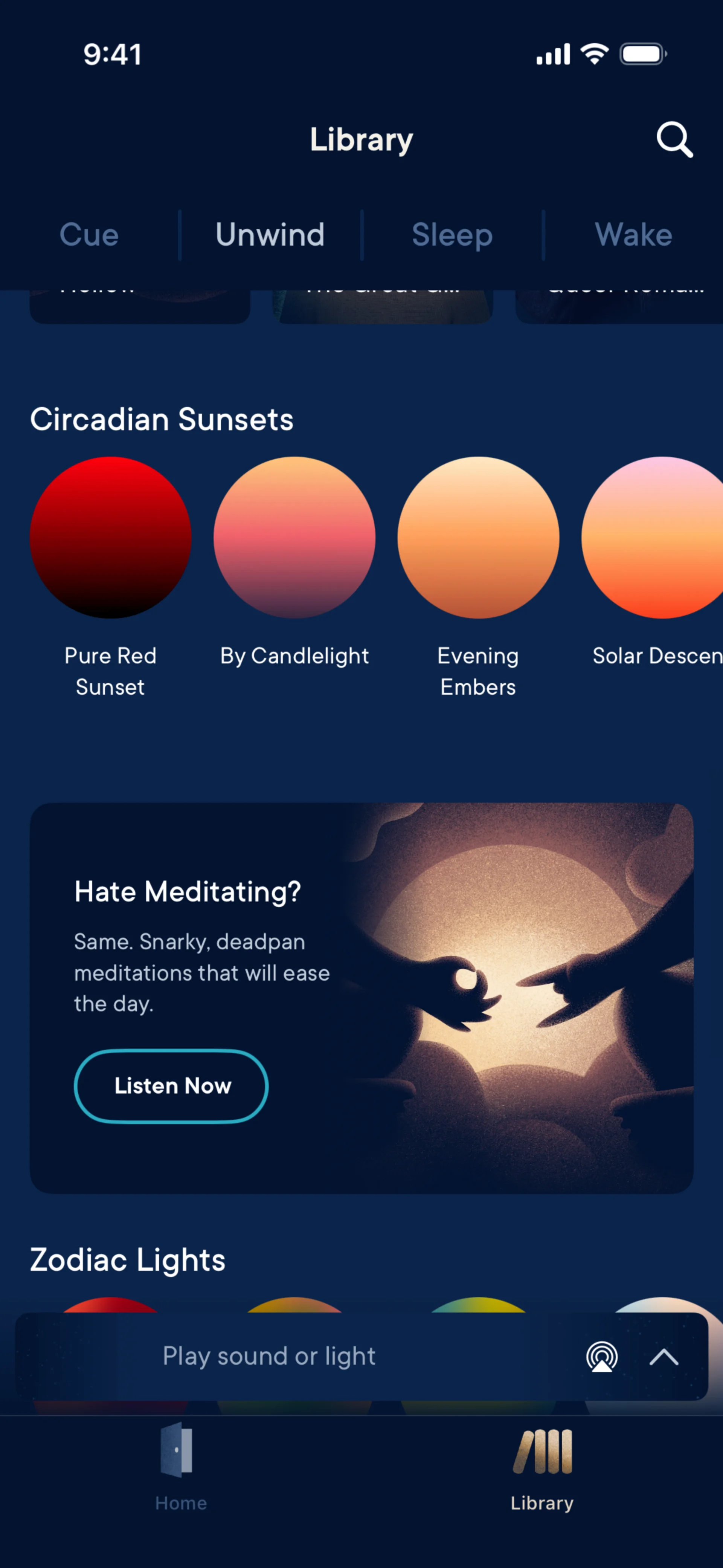
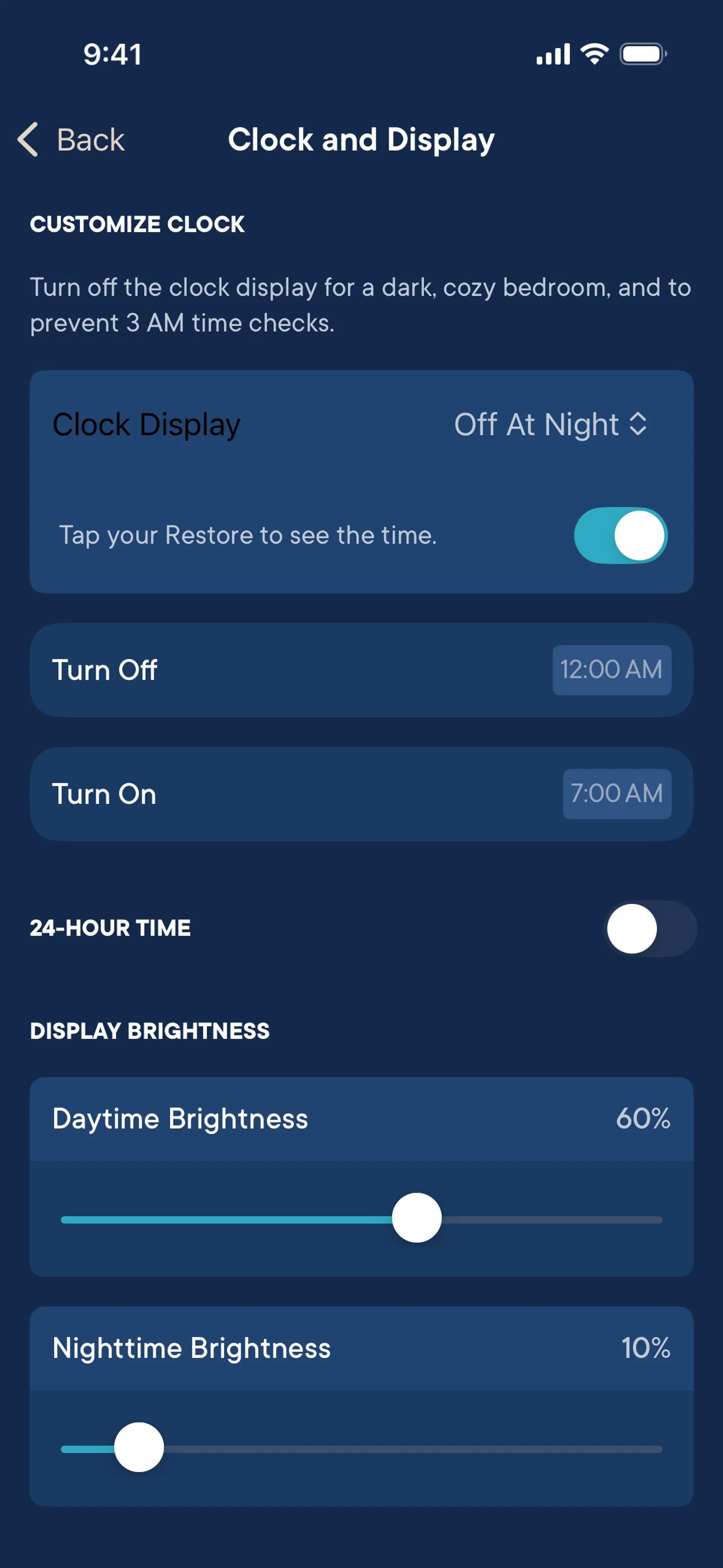
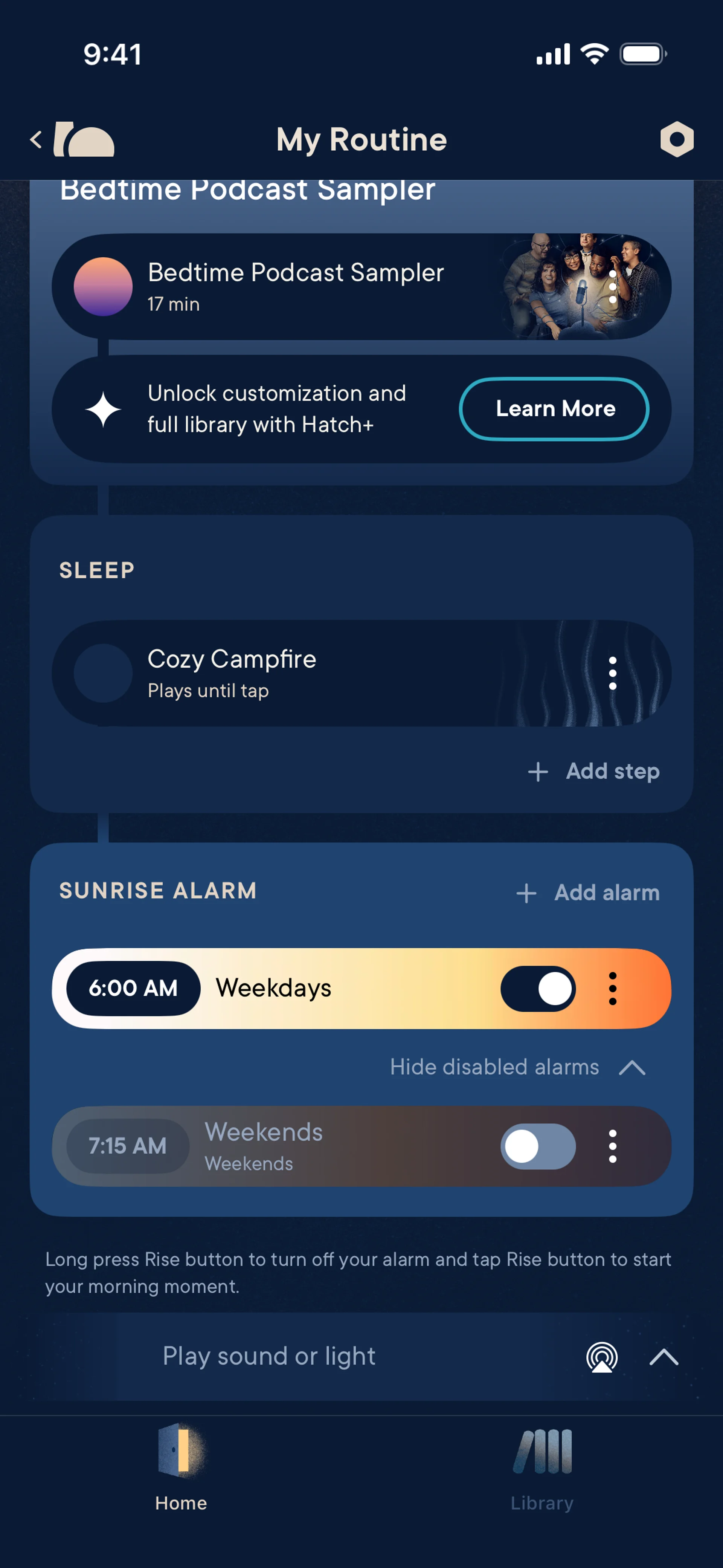
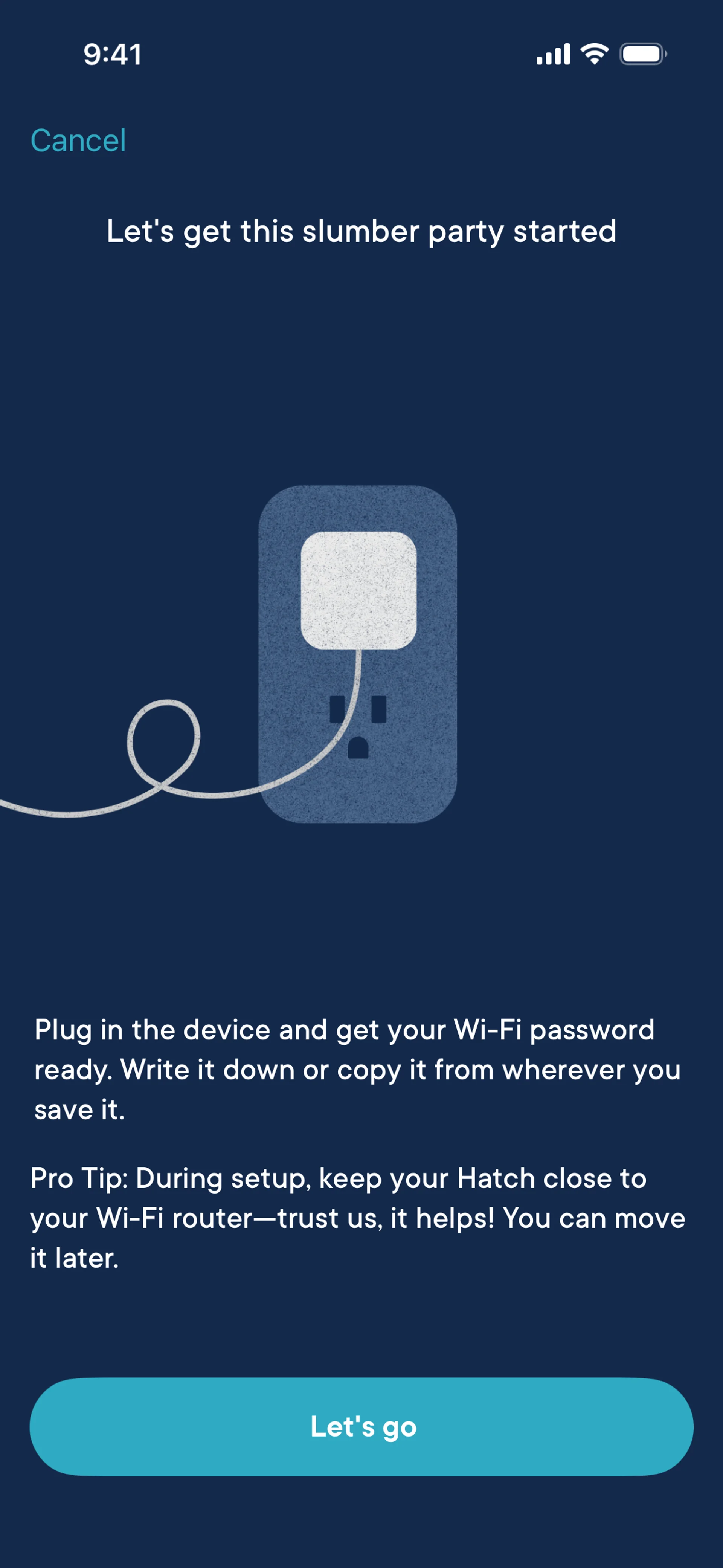
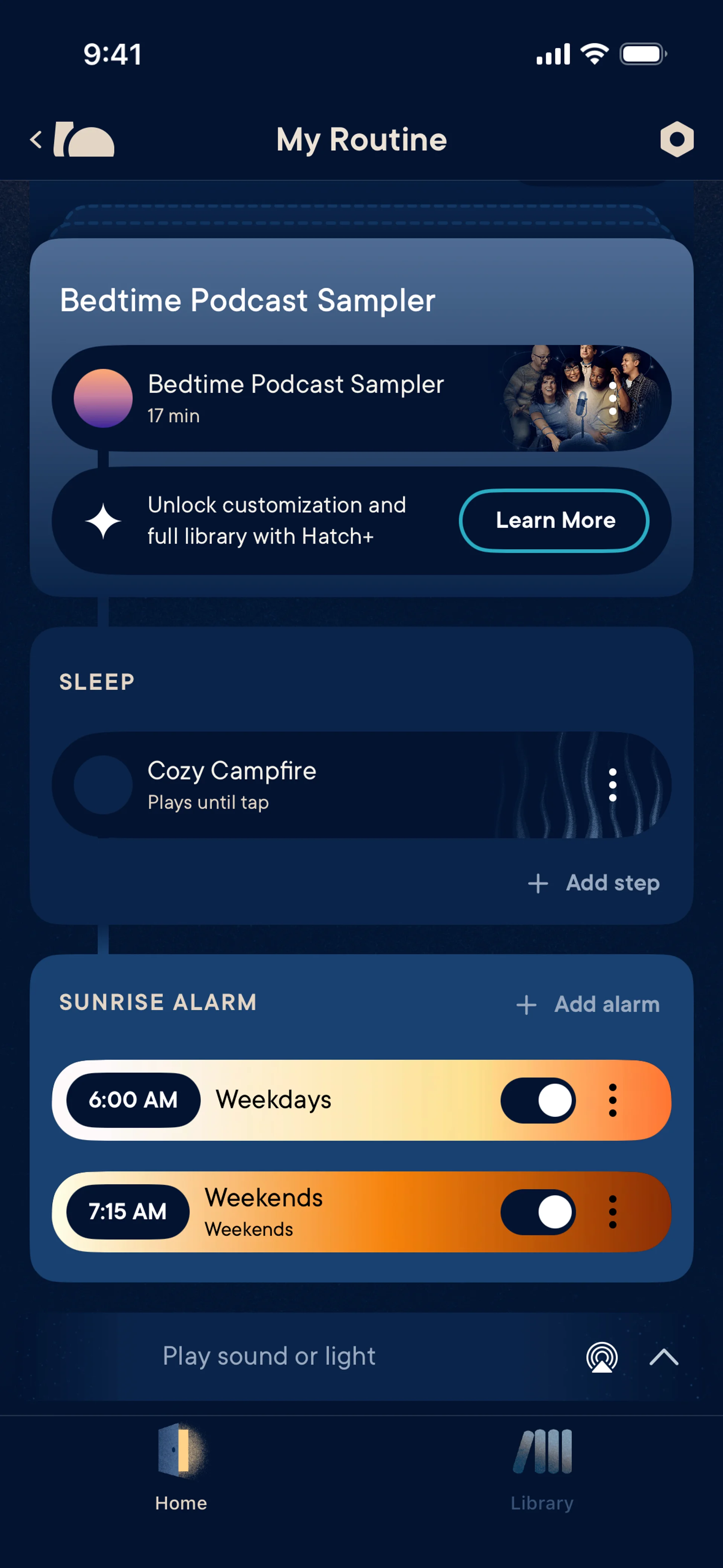
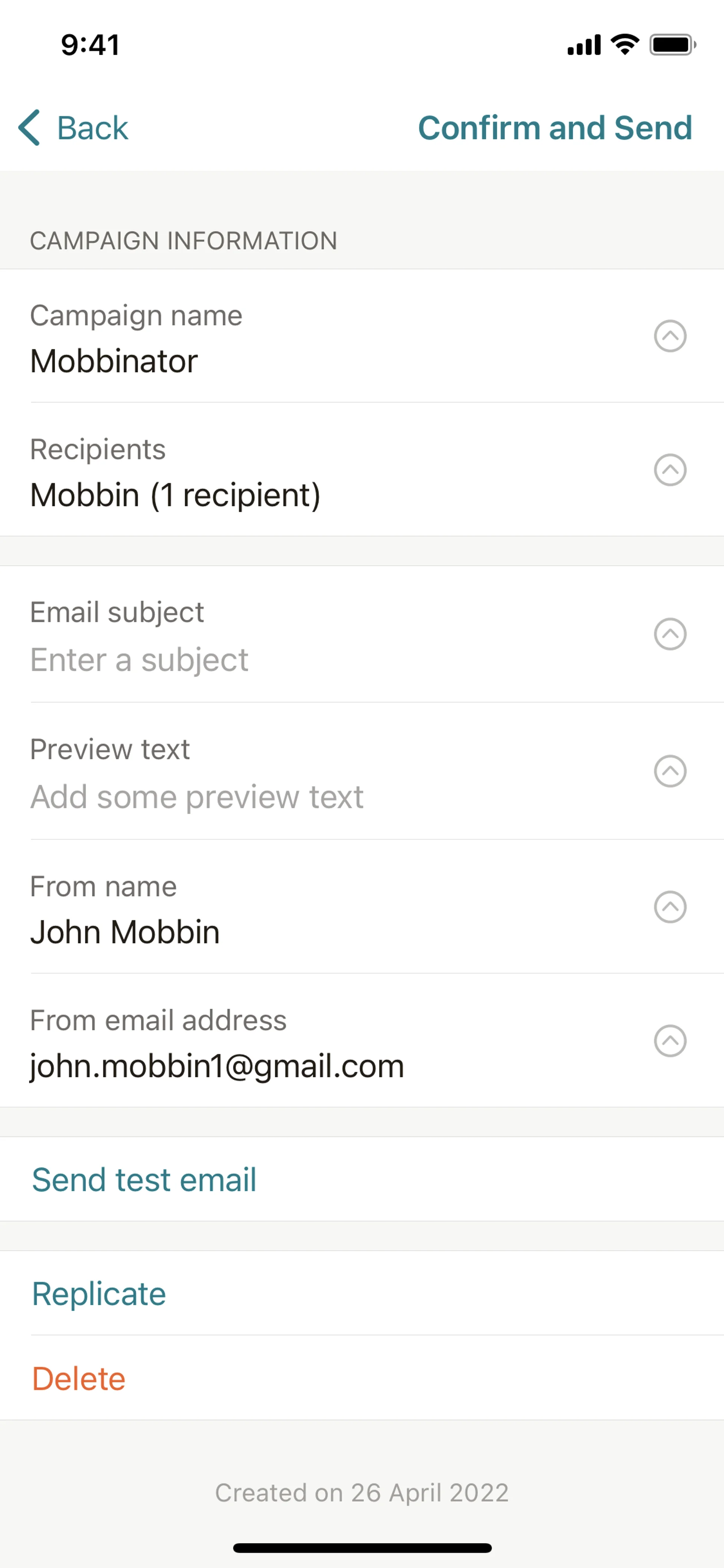
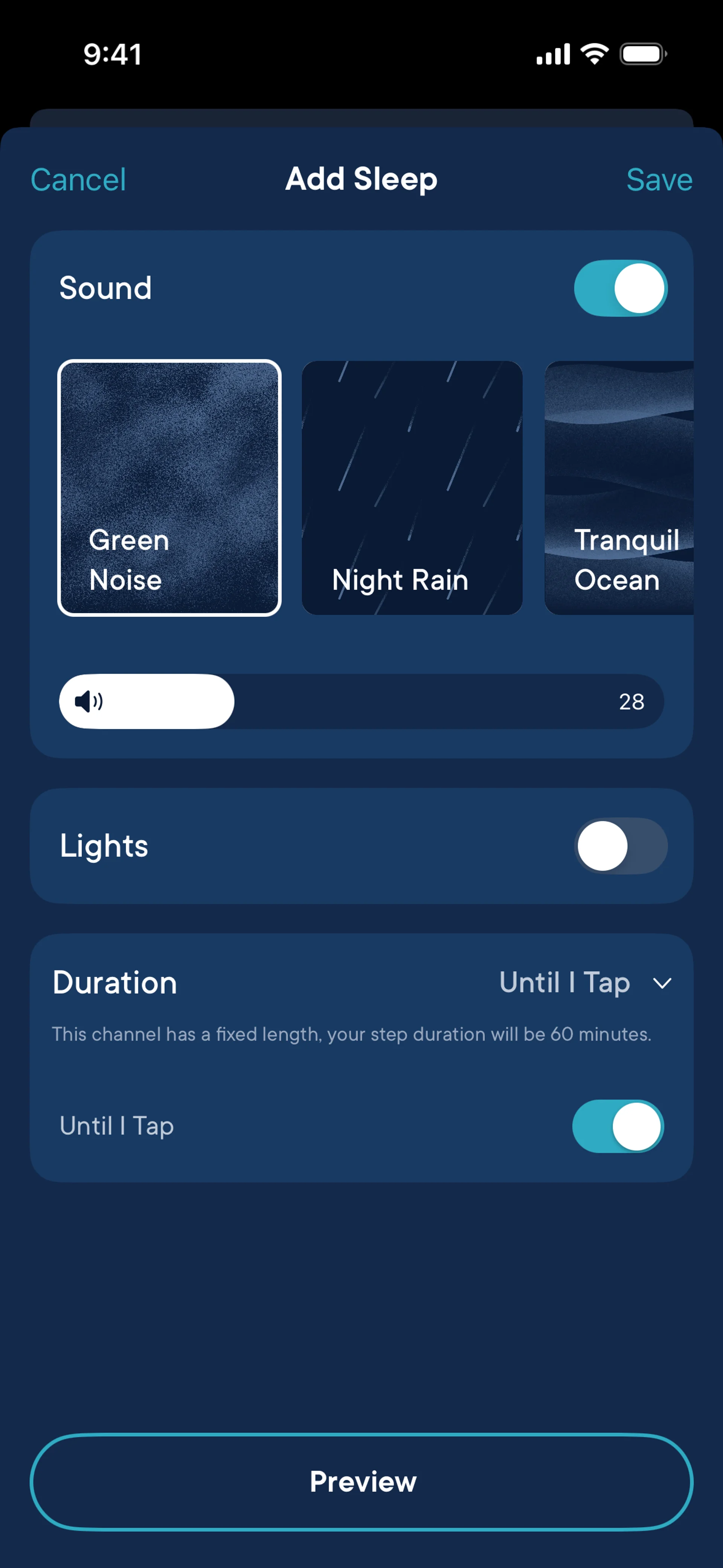
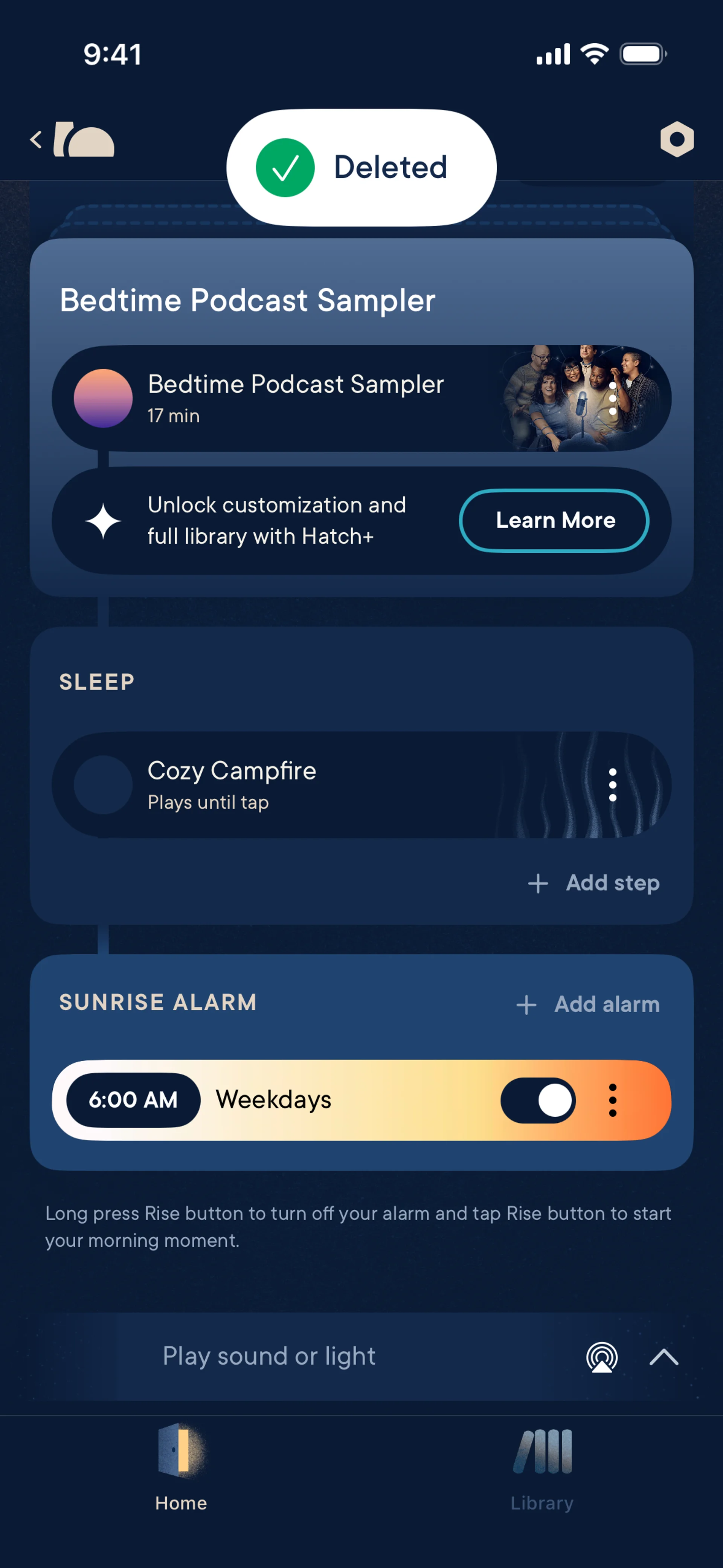
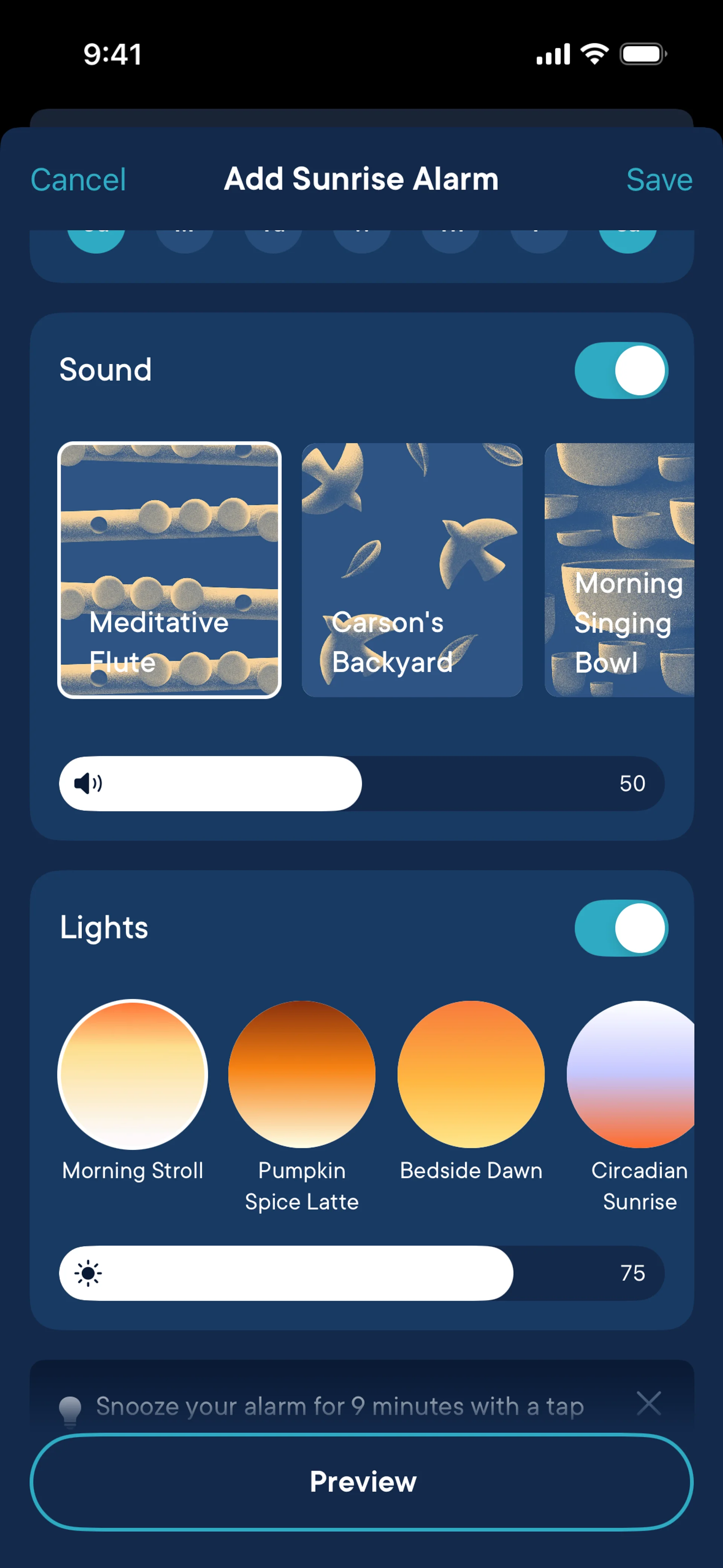
DesignShots contains 172 interface screenshots for Hatch Sleep. It is an iOS app in the Health category, which covers health, medicine and wellness. Frame-level labels identify 60 distinct screen types; documented elements include Switch, Slider, Illustration, Song & Podcast Detail and Acknowledgement & Success. At composition level, the project is tagged with 6 UI patterns: Control panel with metrics and charts, Settings and configuration page, Step-by-step product introduction, Notification and alert center and Data input forms, validation and submission. Its extracted palette is led by cool tones, with the HEX values displayed on the page. For analysis, compare repeated screen types within Hatch Sleep, then open the linked patterns and other Health products. This separates a durable interface pattern from a treatment unique to one product. Every figure comes from the published collection; captures filed under older versions are excluded from the current count.
More about Hatch SleepHide
Interface Design Hatch Sleep
Hatch Sleep — an iOS App in the Health. Health, medicine and wellness. Smart sleep device companion. Sound machines, lights, alarms, sleep routines. The interface includes 6 UI patterns: Control panel with metrics and charts, Settings and configuration page, Step-by-step product introduction, Notification and alert center, Data input forms, validation and submission, Modal windows and dialogs. The color palette is built on cool tones.
UI Patterns in Hatch Sleep
- dashboard
- Control panel with metrics and charts
- settings
- Settings and configuration page
- onboarding
- Step-by-step product introduction
- notifications
- Notification and alert center
- form
- Data input forms, validation and submission
- modal
- Modal windows and dialogs
What the Hatch Sleep screens show
The set covers 60 distinct screen types, showing which parts of the product are documented.
- Tile5
- Acknowledgement & Success4
- Button4
- Card4
- Illustration4
- Loading4
- Banner3
- Bottom Sheet3
- Carousel3
- Guided Tour & Tutorial3
- Account Setup2
- Add & Create2
- Badge2
- Chip2
- Dialog2
- Error2
- Home2
- Icon2
- Loading Indicator2
- Schedule2
- Search Bar2
- Select2
- Settings & Preferences2
- Signup2
- Slider2
- Stacked List2
- Text Field2
- Top Navigation Bar2
- Audio Player1
- Browse & Discover1
- Checkbox1
- Coach Marks1
- Color Picker1
- Confirmation1
- Delete1
- Delete & Deactivate Account1
- Divider1
- Drawer1
- Edit1
- Feature Info1
- Filter & Sort1
- Forgot Password1
- Full-Screen Overlay1
- Login1
- Logo1
- Other Content1
- Permission1
- Pricing1
- Progress1
- Radio Button1
- Reminder1
- Search1
- Skeleton1
- Song & Podcast Detail1
- Splash Screen1
- Subscription & Paywall1
- Switch1
- Tab1
- Tab Bar1
- Toast1
FAQ
How many screenshots of Hatch Sleep are in the collection?
The collection contains 172 UI screenshots of Hatch Sleep, covering key product screens.
What category does Hatch Sleep belong to?
Hatch Sleep is an iOS App in the Health category.
How to use screenshots as design reference?
Study UI/UX design solutions for inspiration when designing Health products.
The screenshots come from the real product and document the interface as it appeared when captured.