Basedash
Internal tool builder connected to your database. Admin panels, dashboards without code.
basedash.com ↗Interface Screenshots Basedash
Showing 12 of 170
Which UI decisions are documented for Basedash?
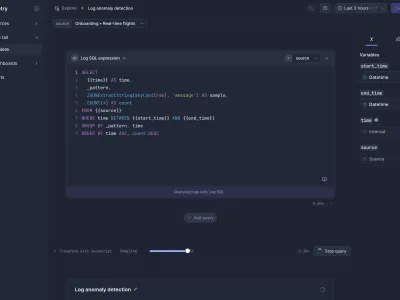
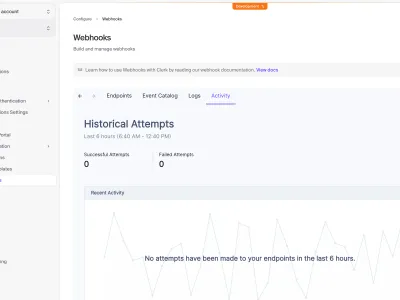
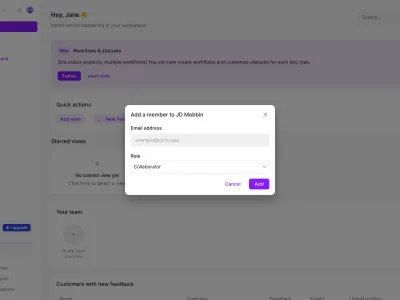
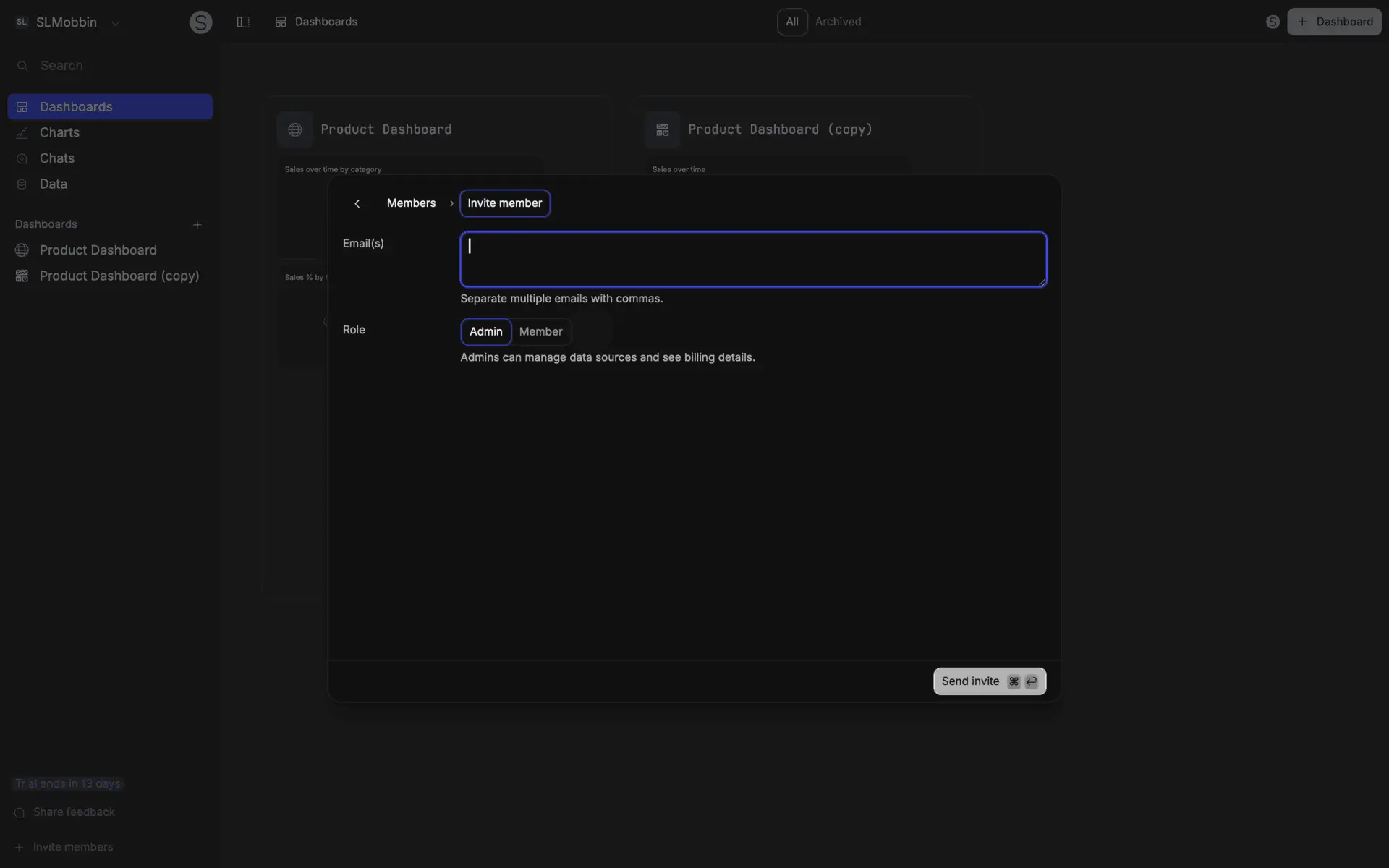
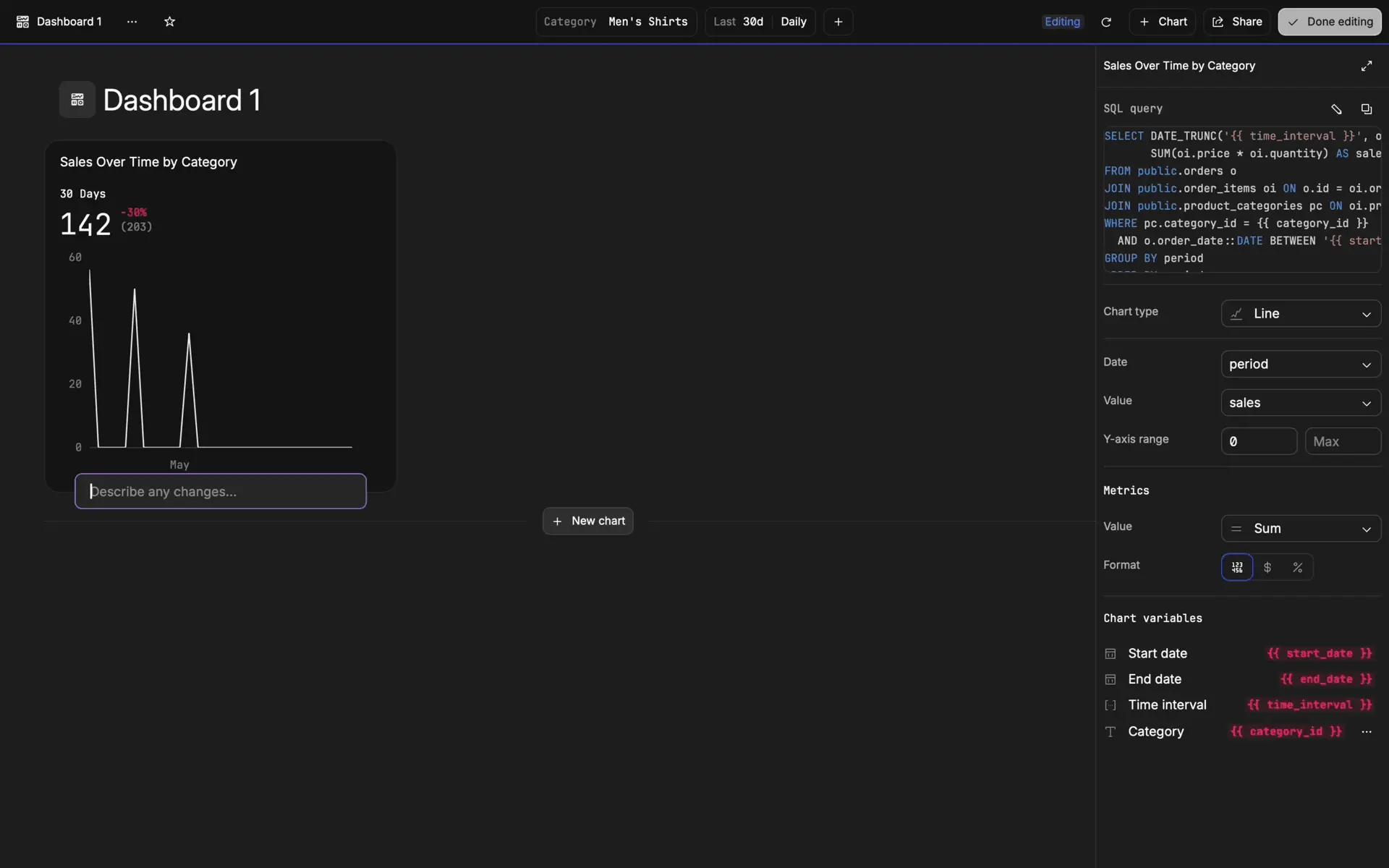
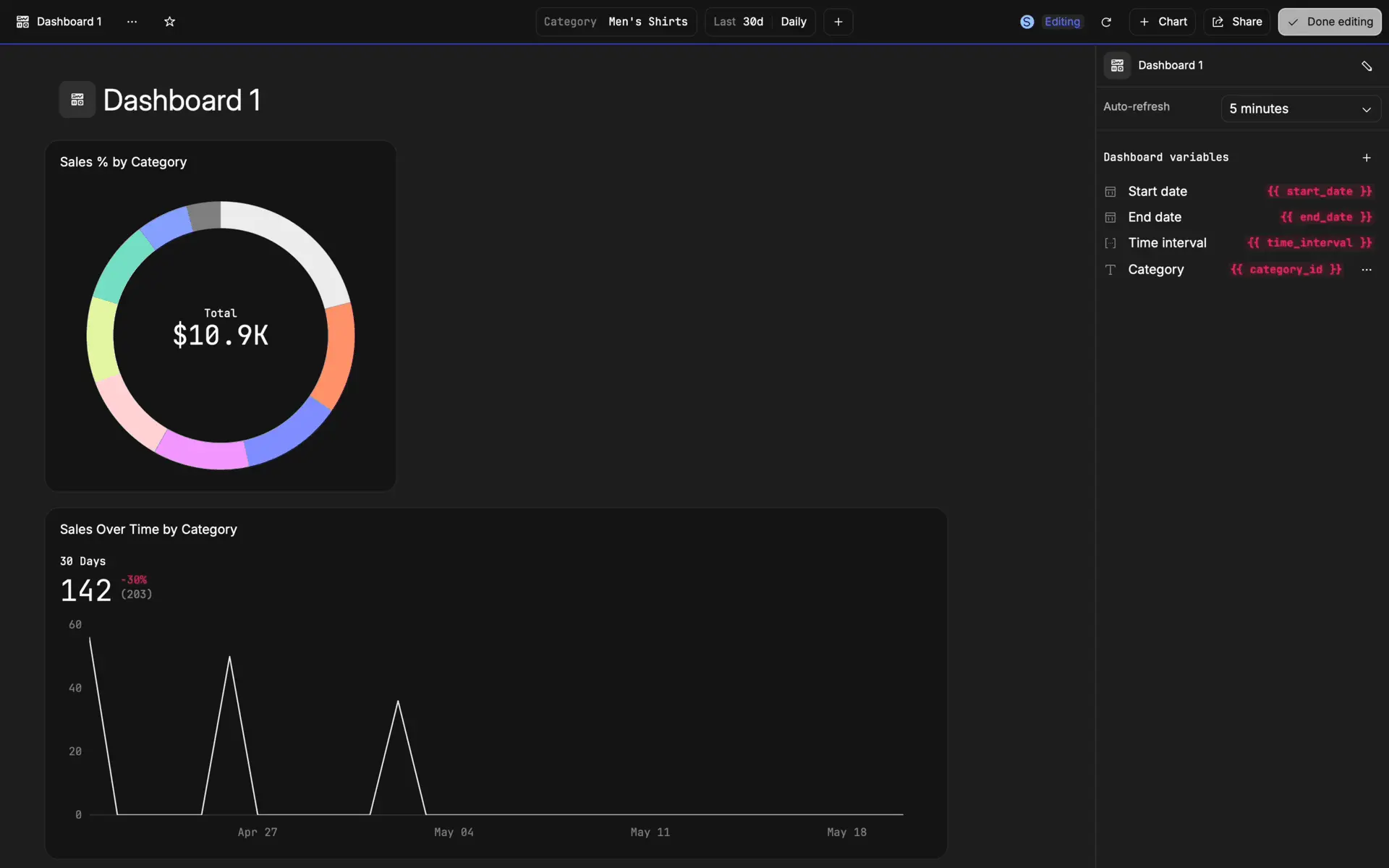
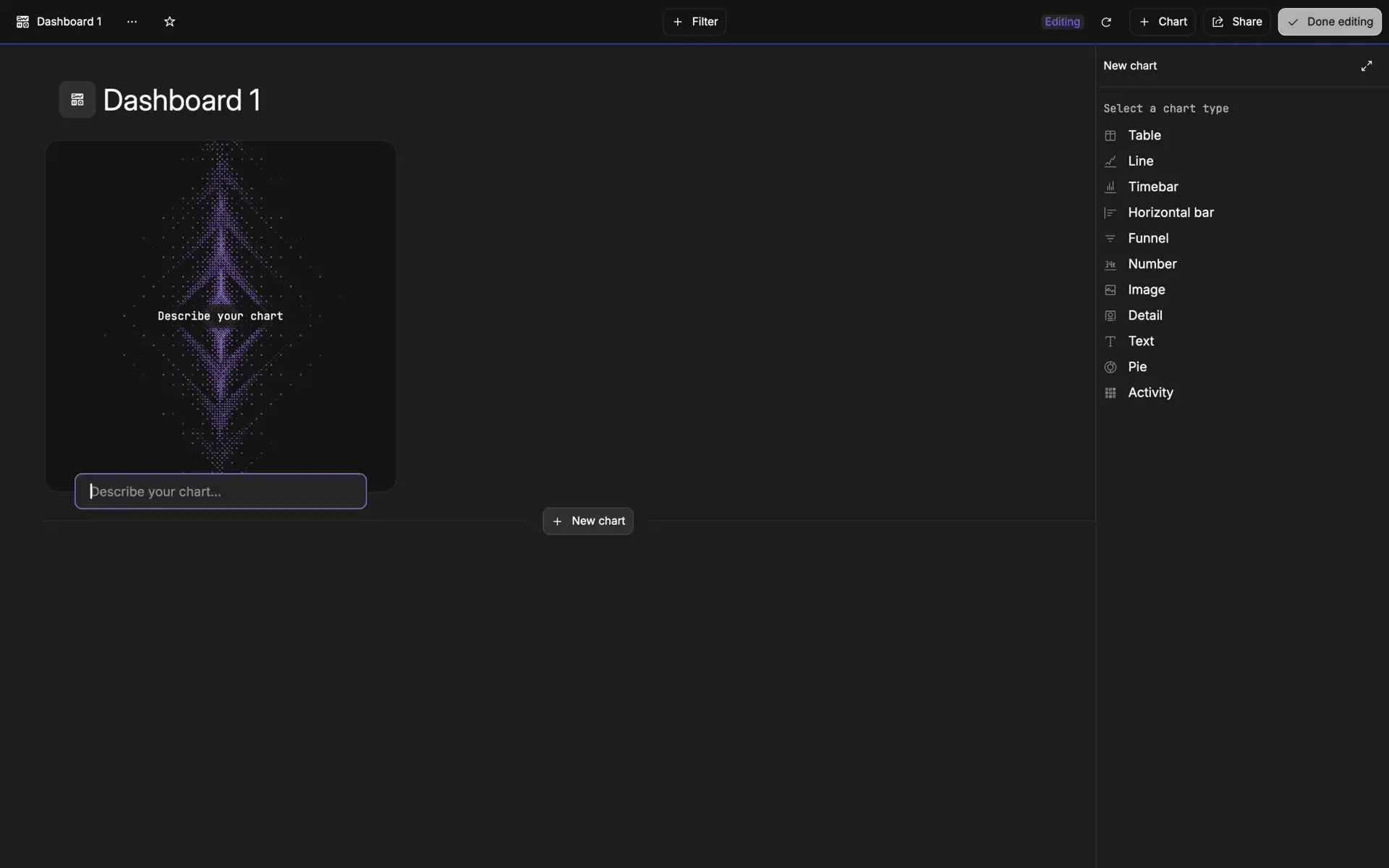
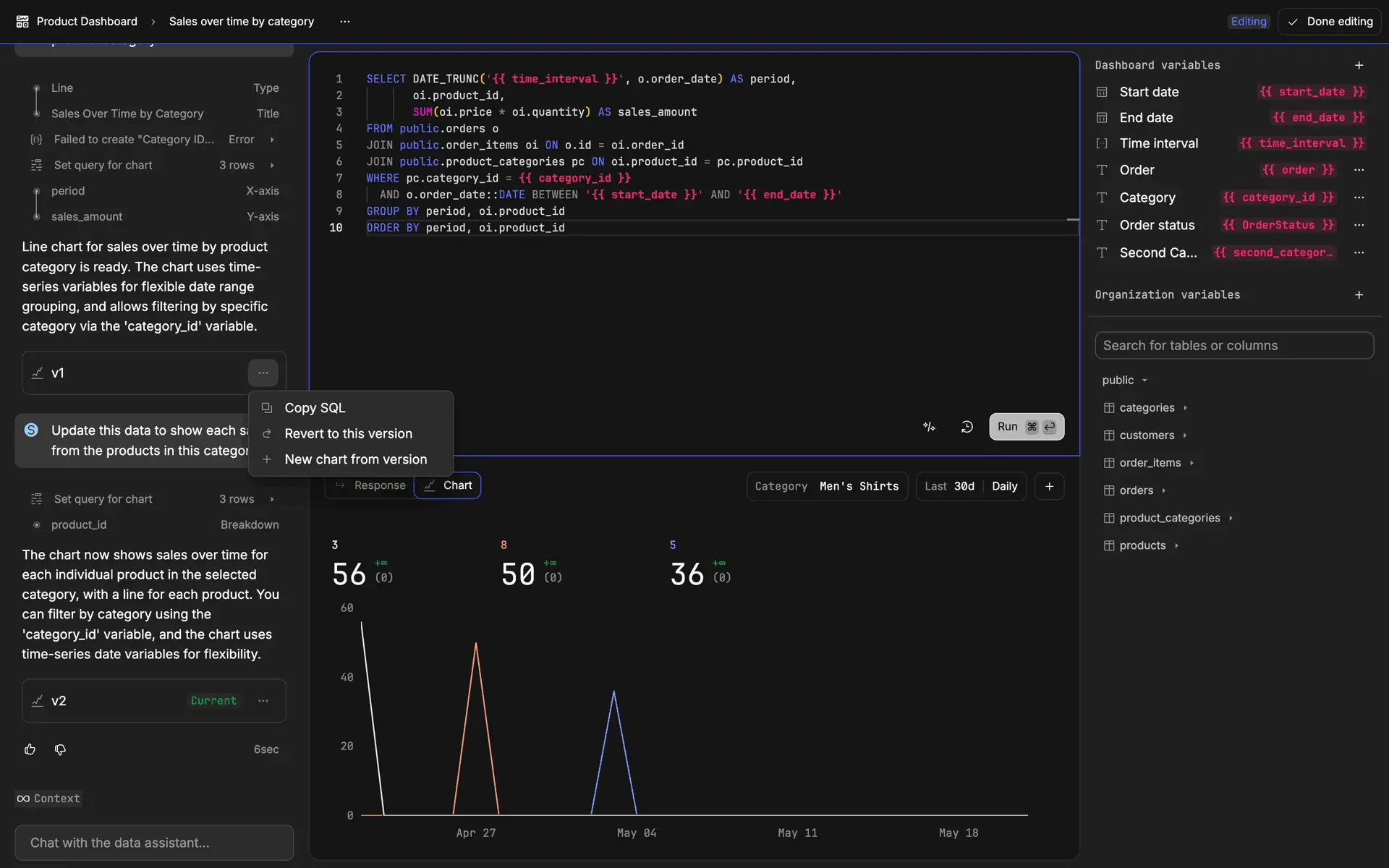
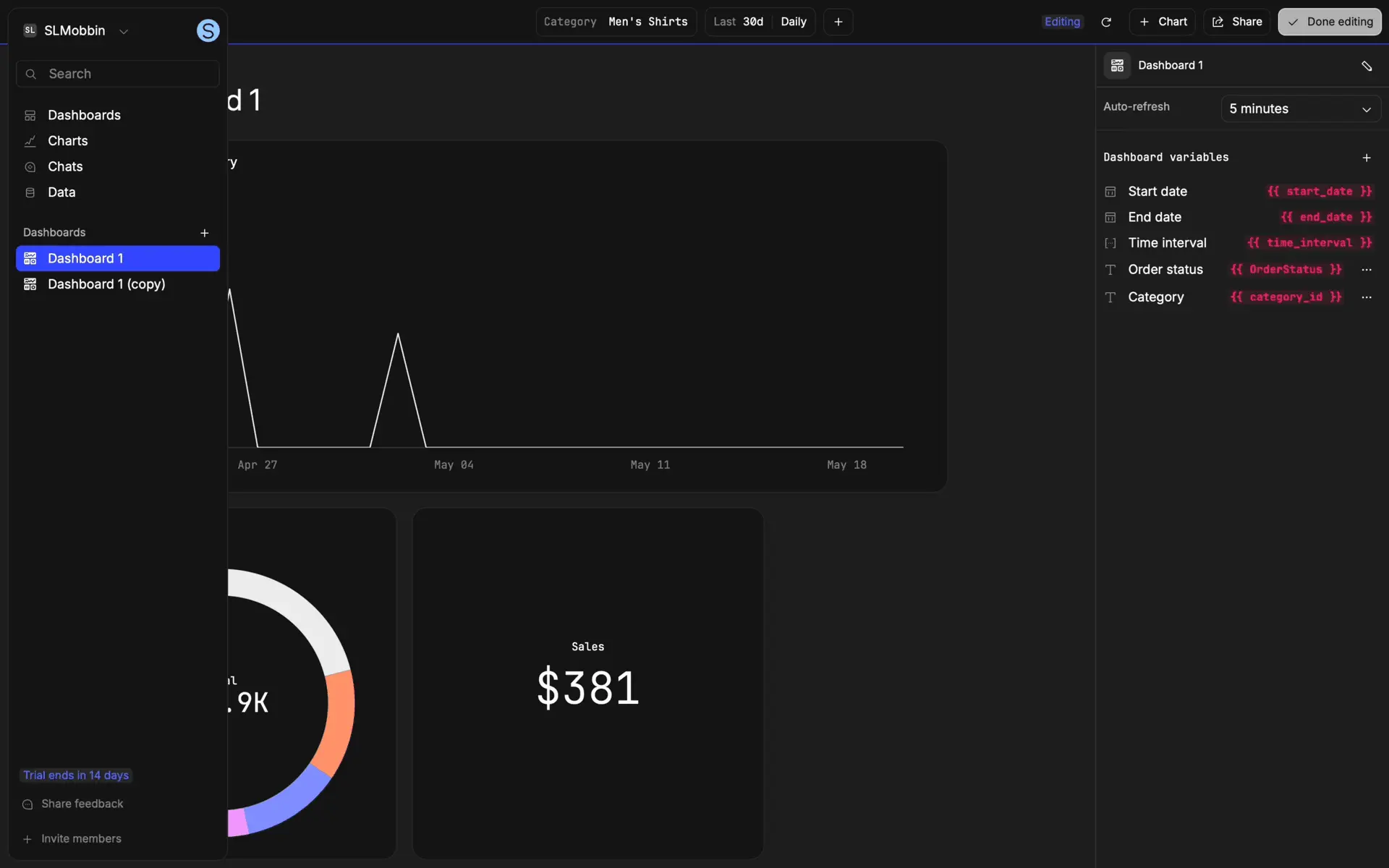
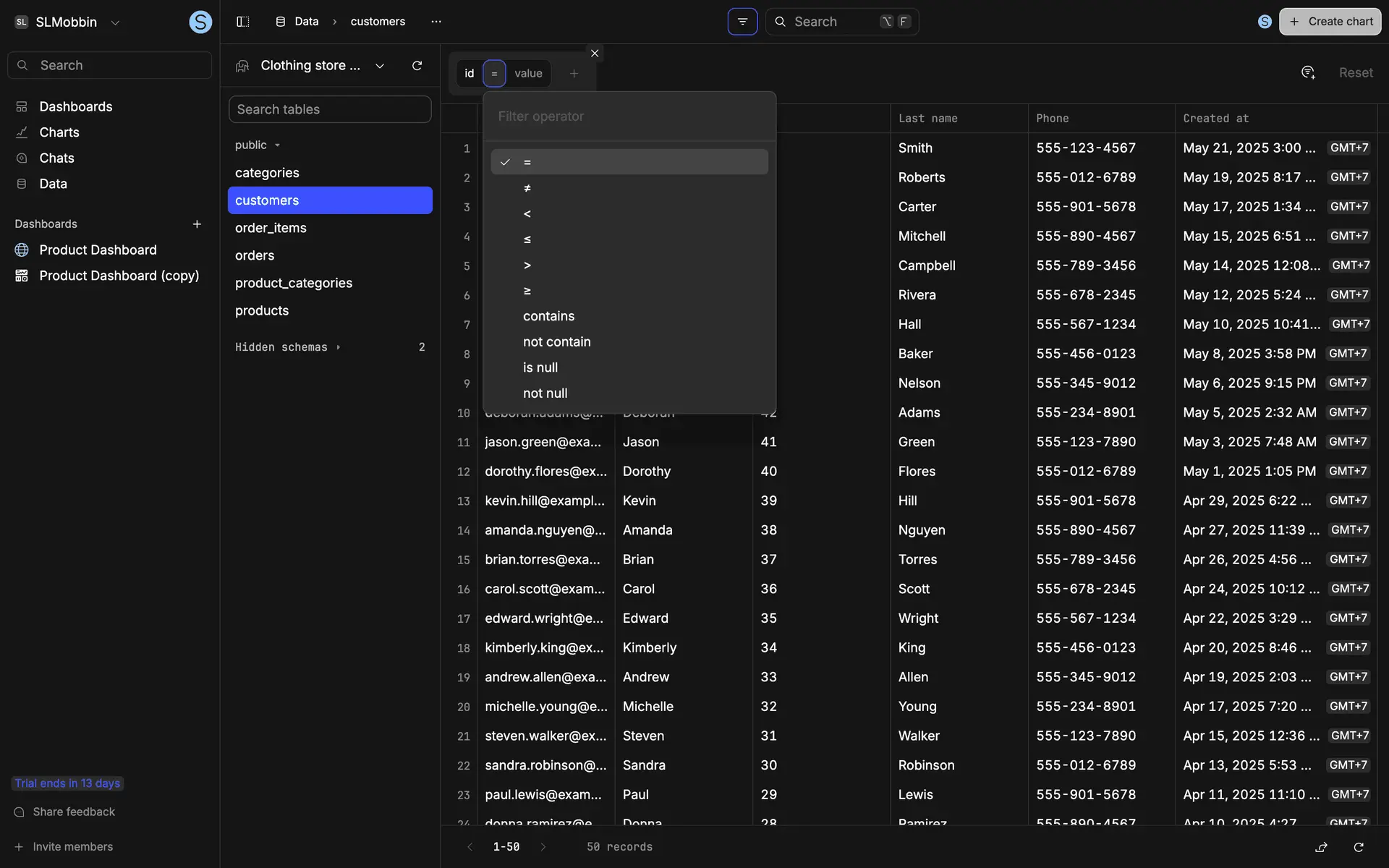
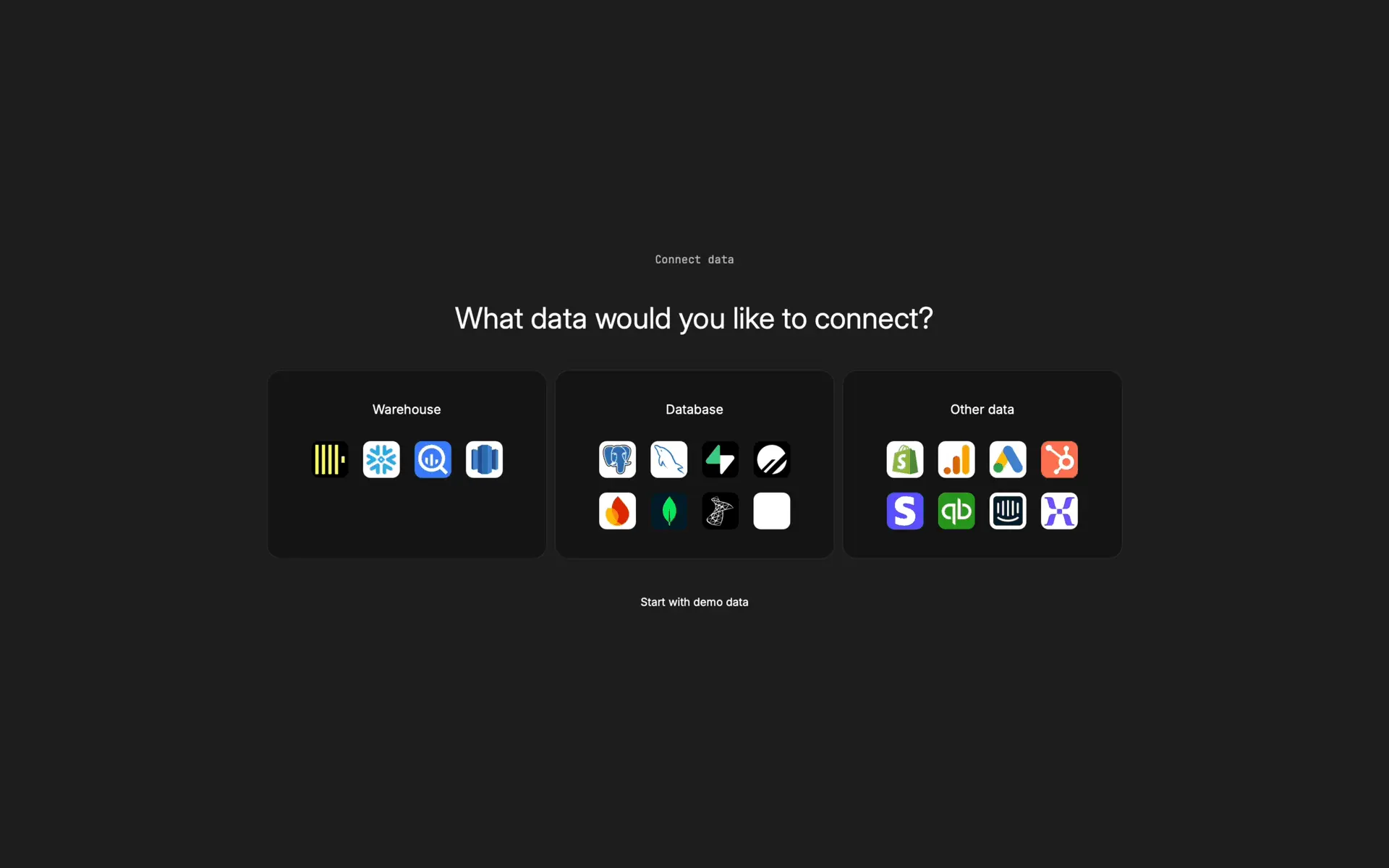
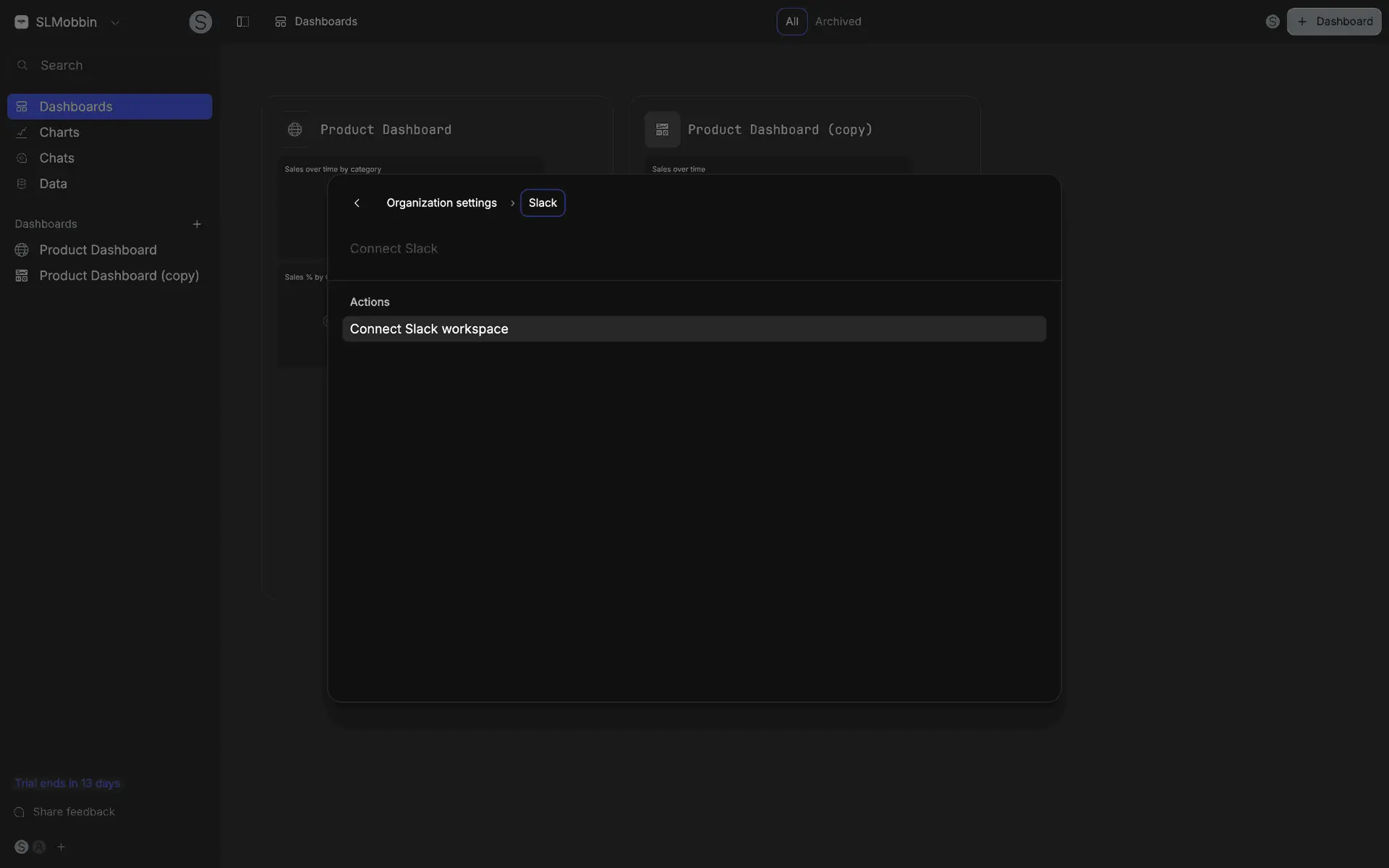
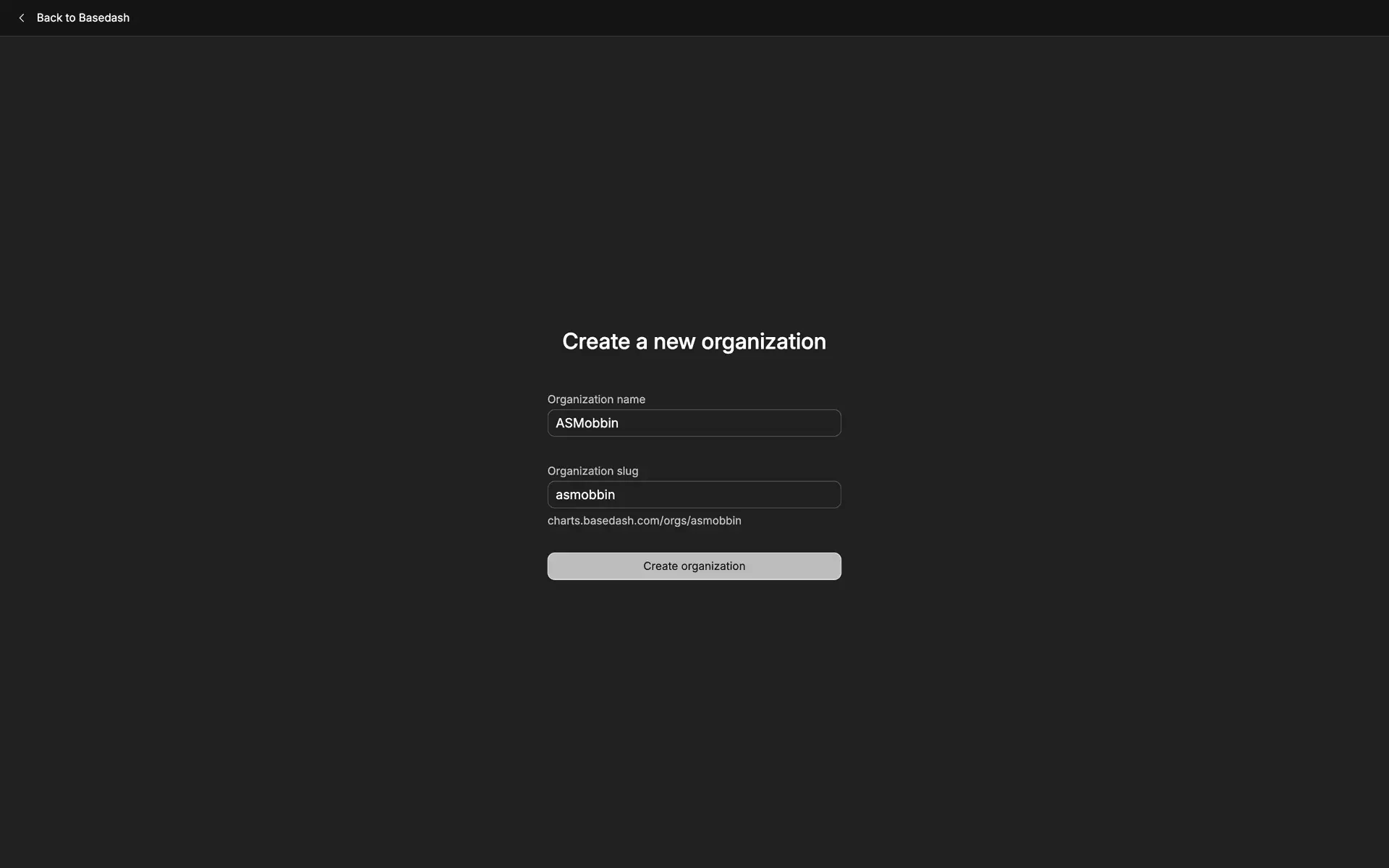
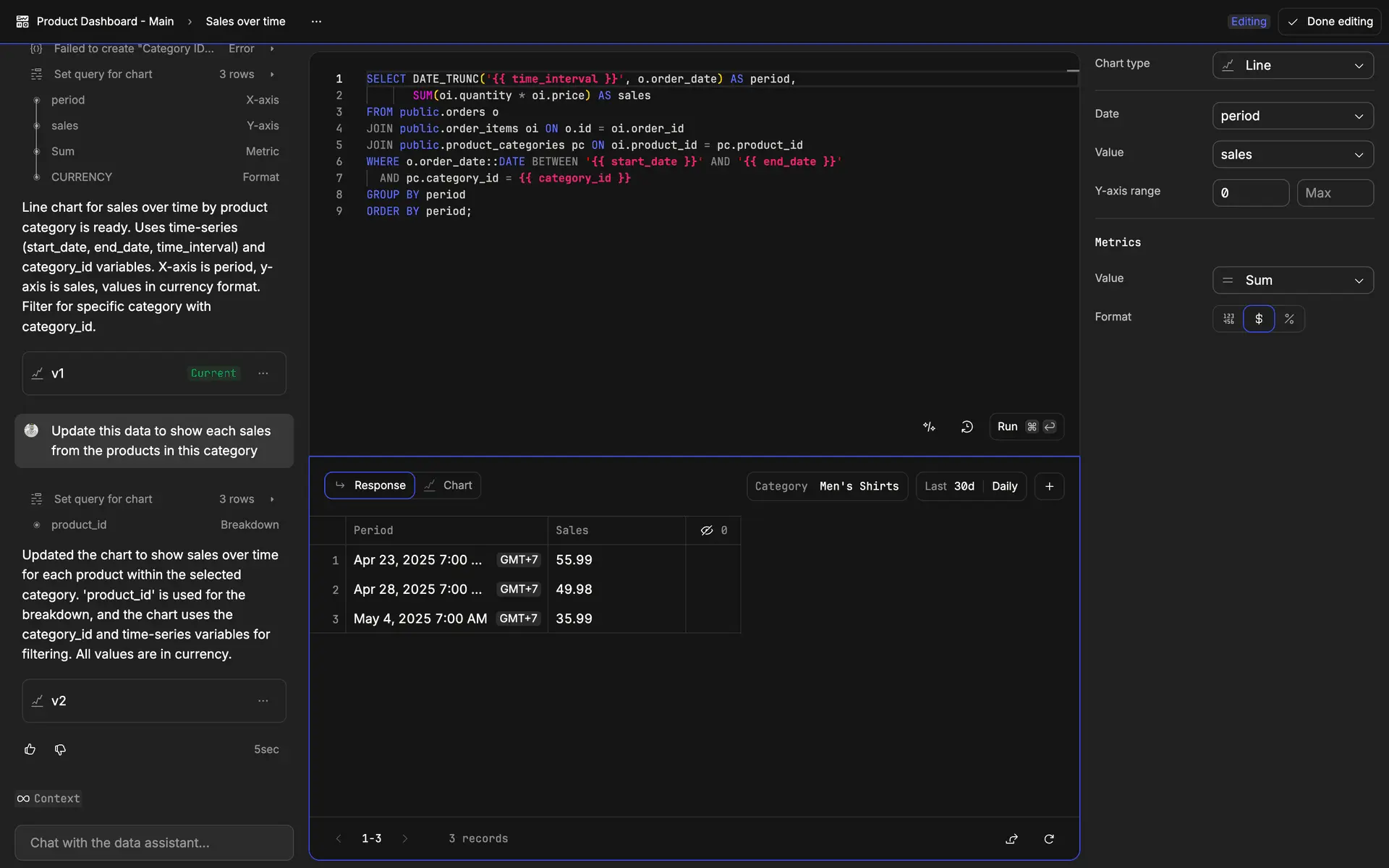
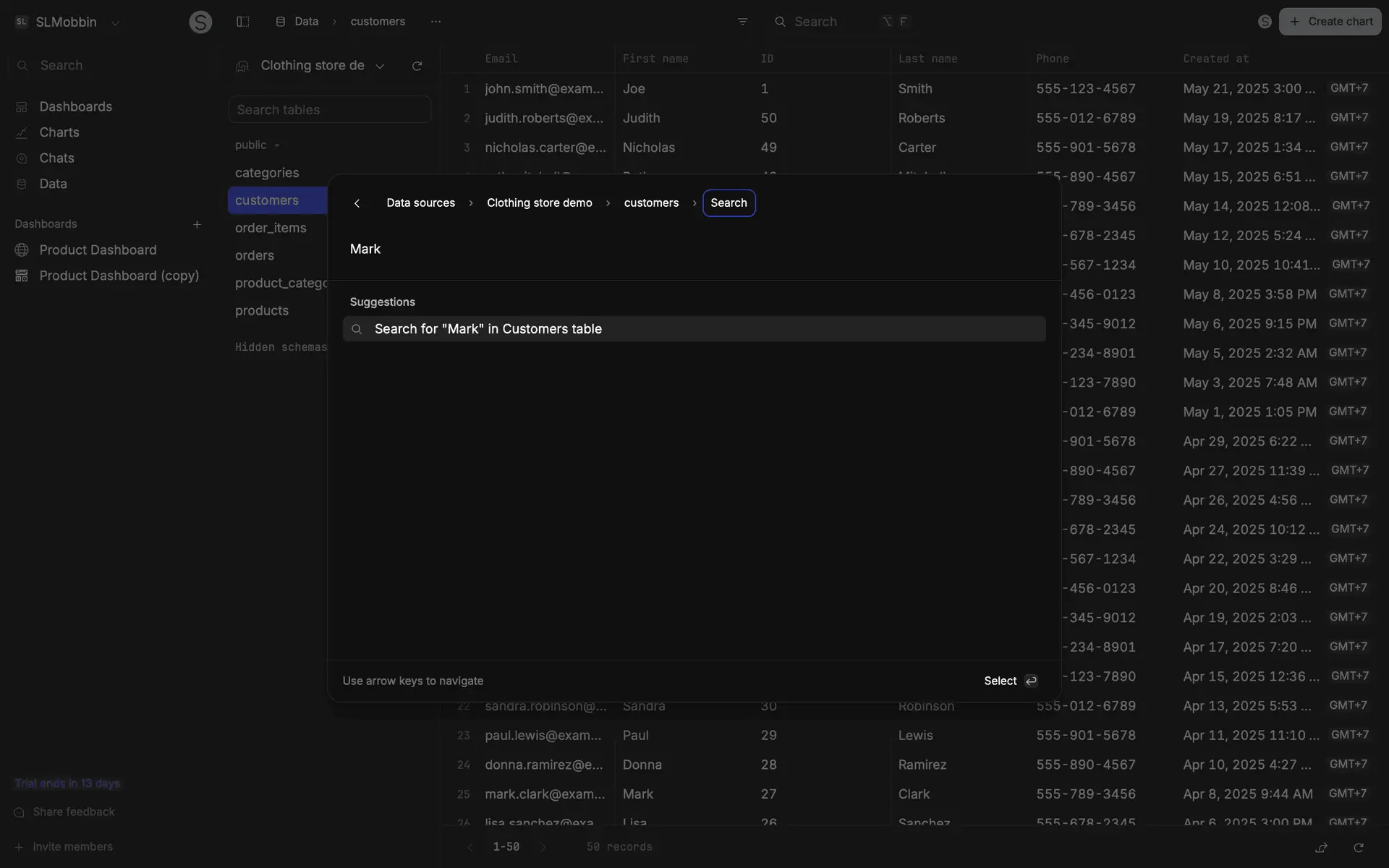
DesignShots contains 170 interface screenshots for Basedash. It is a web app in the Developer Tools category, which covers developer tools and platforms. The frames document product structure, key states and repeated decisions across different parts of the interface. At composition level, the project is tagged with 6 UI patterns: Control panel with metrics and charts, Side navigation panel, Data tables with sorting, Settings and configuration page and Data input forms, validation and submission. Its extracted palette is led by dark tones, with the HEX values displayed on the page. For analysis, compare repeated screen types within Basedash, then open the linked patterns and other Developer Tools products. This separates a durable interface pattern from a treatment unique to one product. Every figure comes from the published collection; captures filed under older versions are excluded from the current count.
More about BasedashHide
Interface Design Basedash
Basedash — a Web App in the Developer Tools. Developer tools and platforms. Internal tool builder connected to your database. Admin panels, dashboards without code. The interface includes 6 UI patterns: Control panel with metrics and charts, Side navigation panel, Data tables with sorting, Settings and configuration page, Data input forms, validation and submission, Modal windows and dialogs. The color palette is built on dark tones.
UI Patterns in Basedash
FAQ
How many screenshots of Basedash are in the collection?
The collection contains 170 UI screenshots of Basedash, covering key product screens.
What category does Basedash belong to?
Basedash is a Web App in the Developer Tools category.
How to use screenshots as design reference?
Study UI/UX design solutions for inspiration when designing Developer Tools products.
The screenshots come from the real product and document the interface as it appeared when captured.