Editor Design: WYSIWYG, Code, Document & Canvas UI
Editor interface examples: WYSIWYG, code editors, documents, visual canvases. See how Notion, VS Code, Figma design content creation tools.
27 products · 335 screenshots
More about this pattern
Editors are central to many products where users create content. Browse block editors (Notion), rich-text with toolbars, code editors with syntax highlighting, canvas editors (Figma, Miro), markdown editors. Notice toolbar placement (fixed vs floating), slash commands, collaborative editing, version history. Useful for designing CMS, note-taking apps and creative tools.
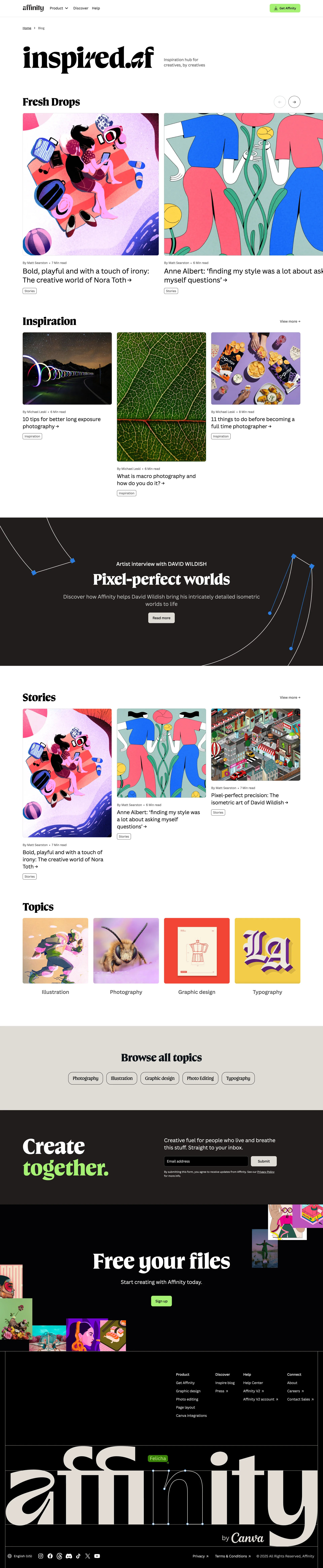
Affinity
Design and photo editing tools in one app

Chronicle
AI presentation tool for stories worth telling
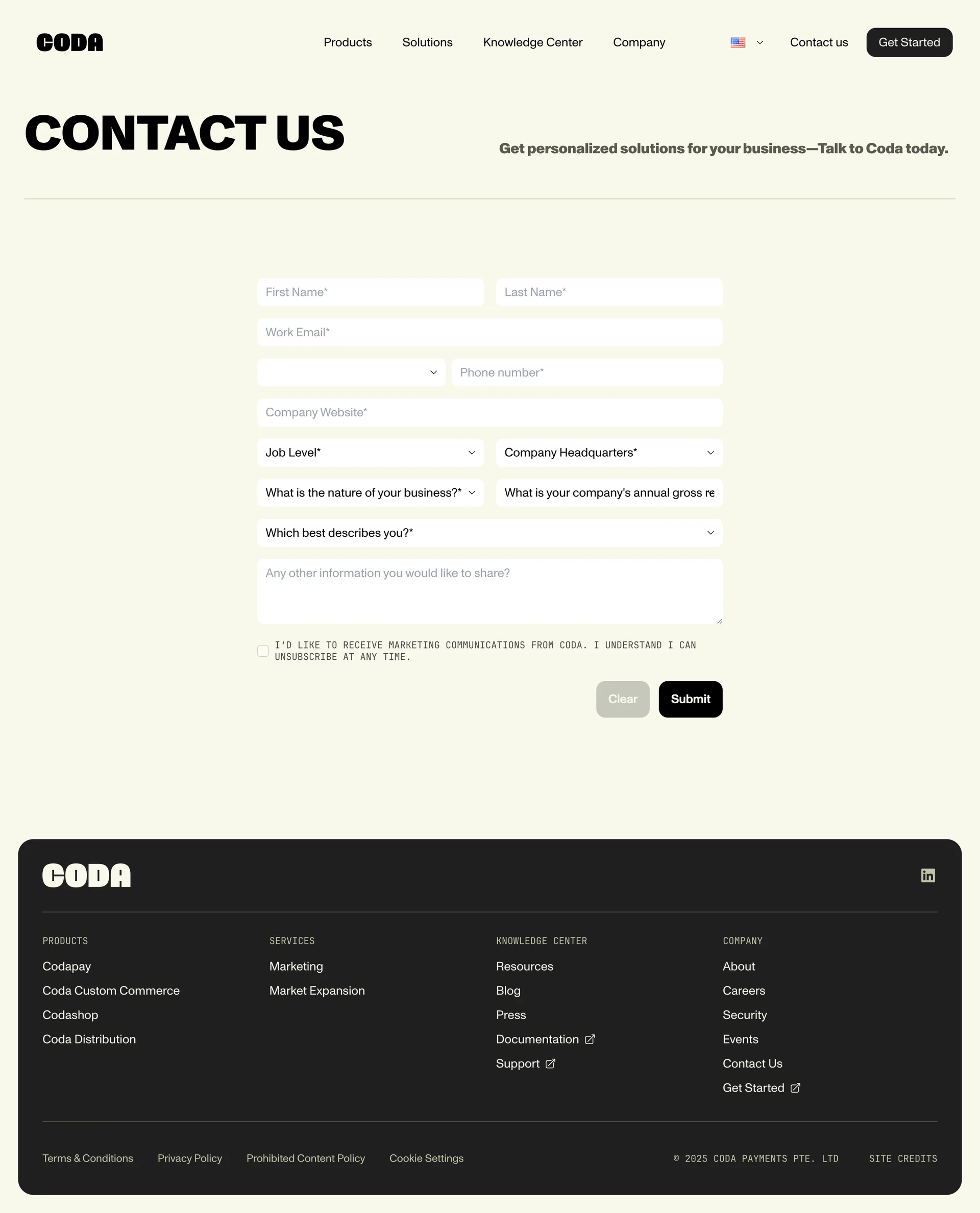
Coda
The doc for everyone, meet the evolution of docs
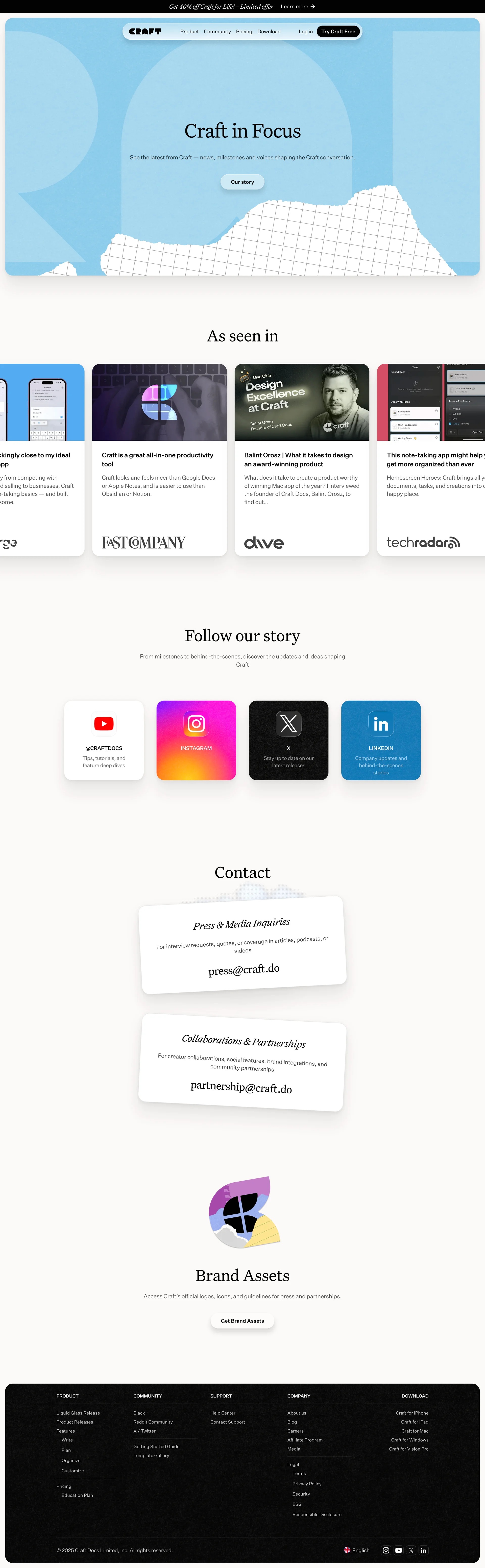
Craft
Write docs, AI editing
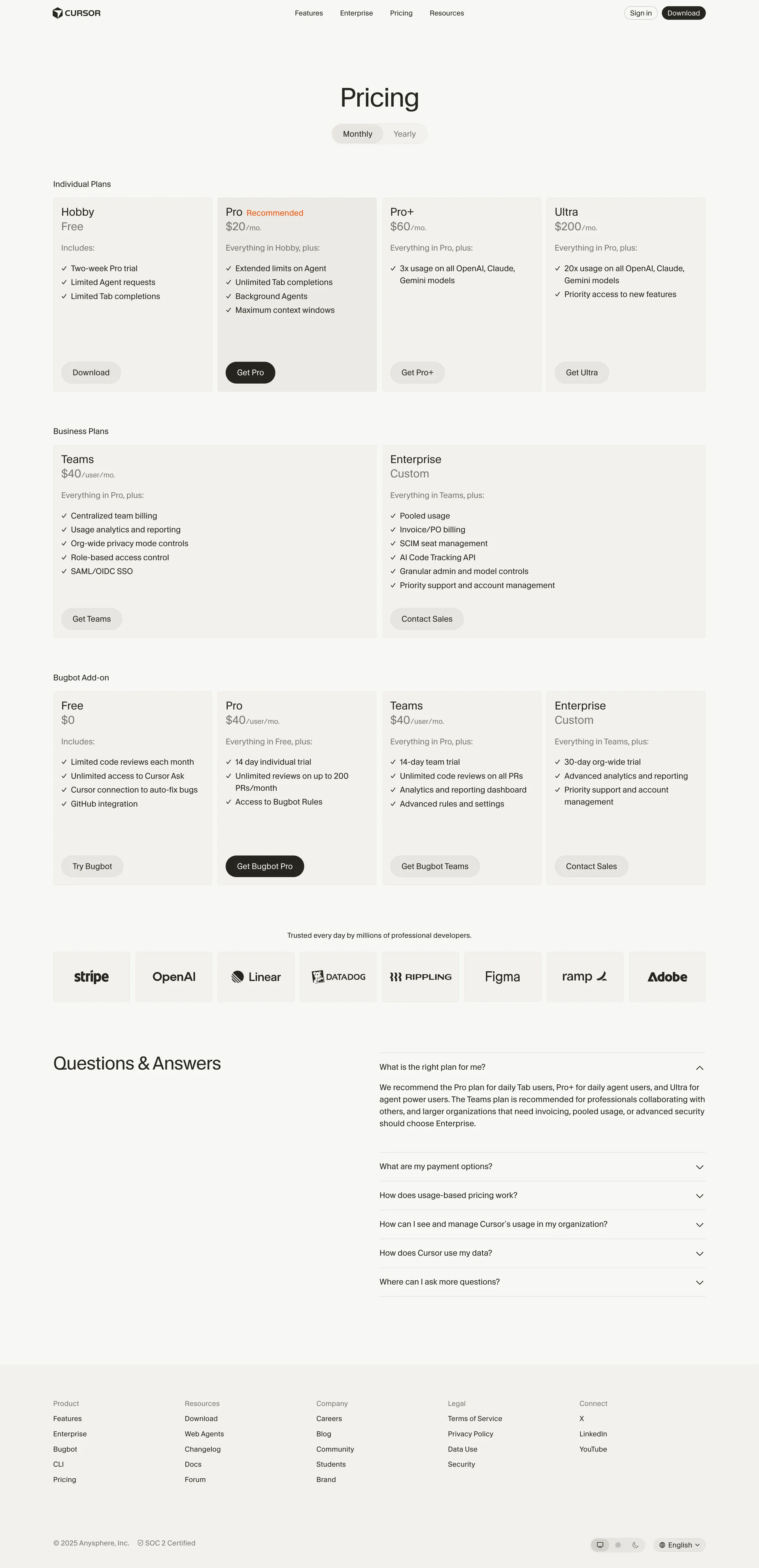
Cursor
The best way to code with AI

Deta
Intelligent notebook for thinkers
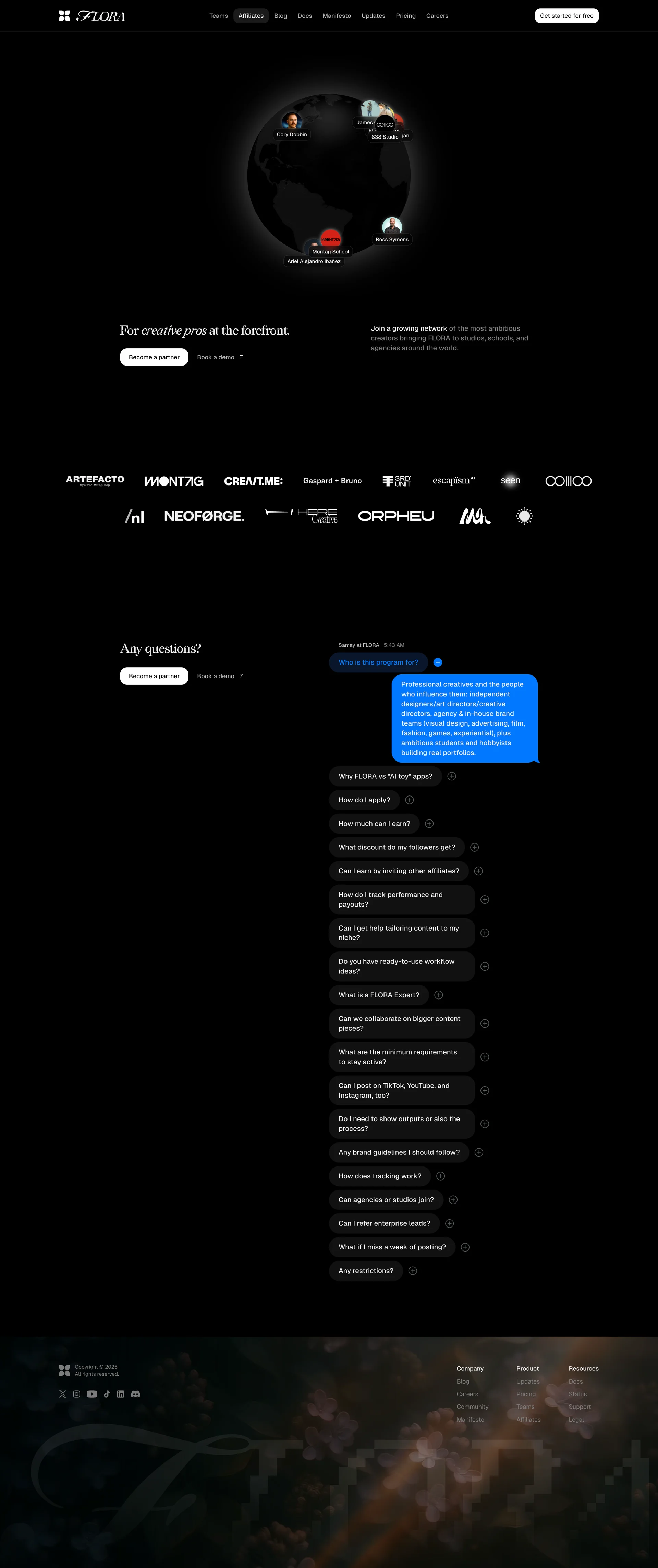
FLORA
Your intelligent canvas
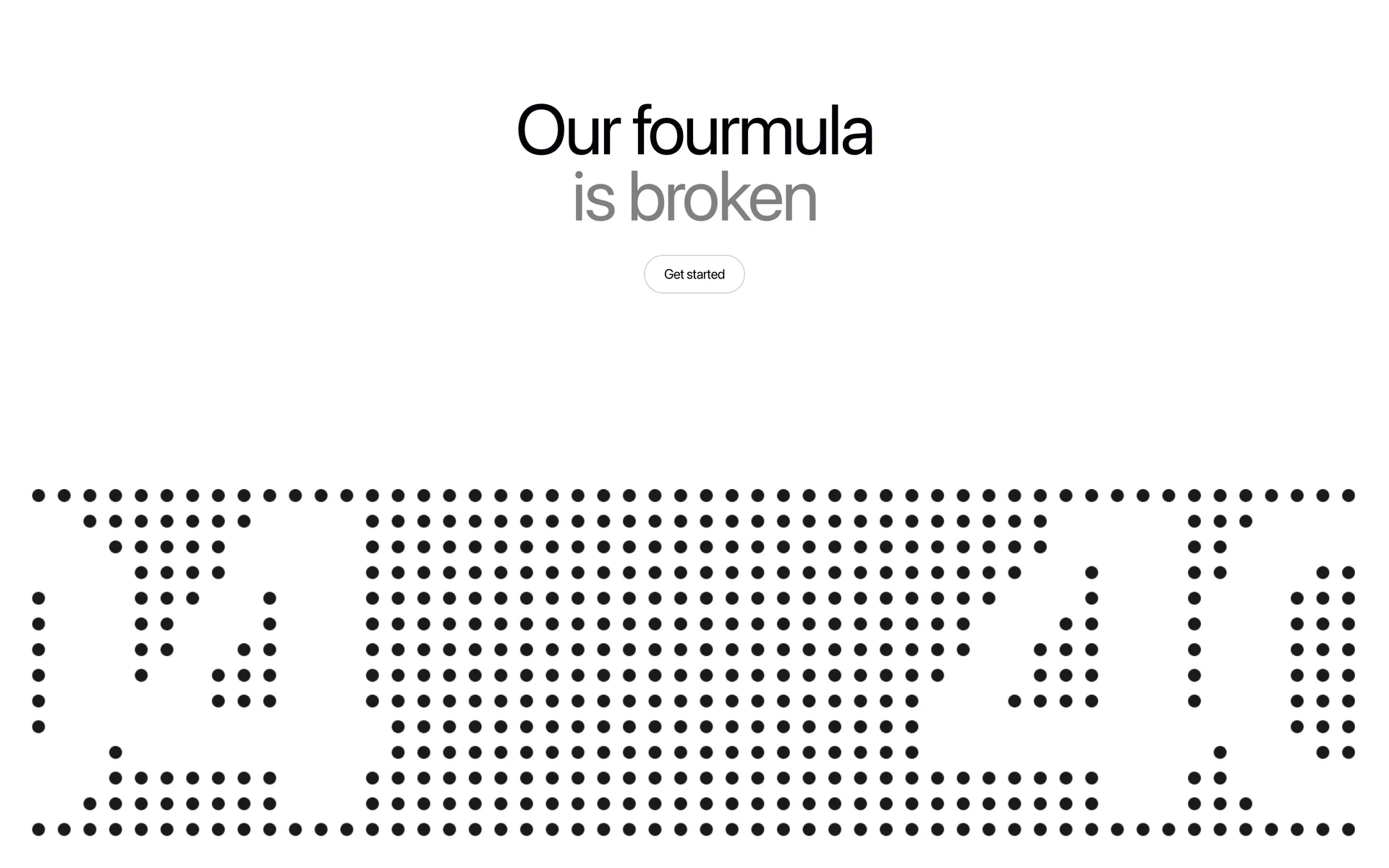
Fourmula AI
AI product generation
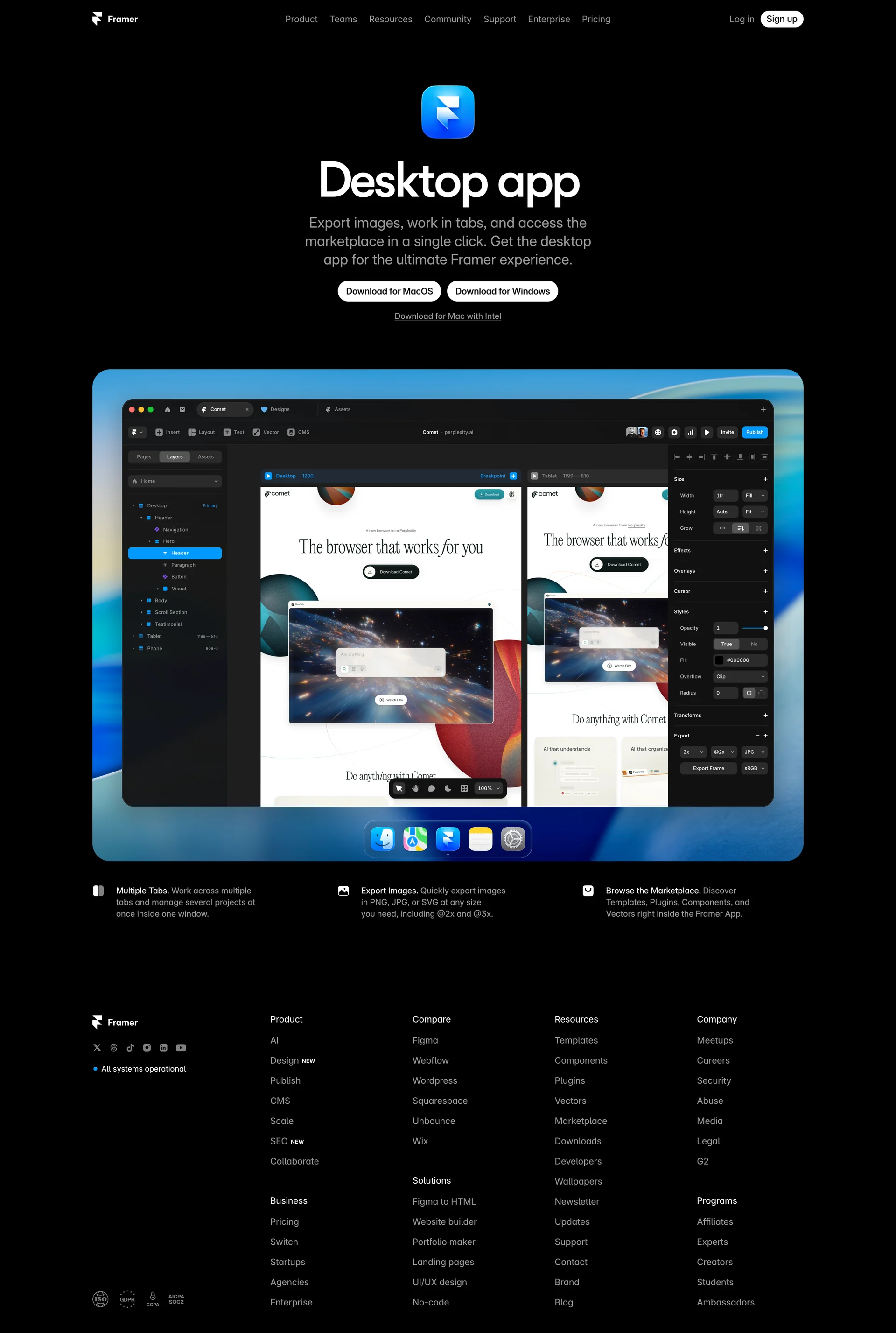
Framer
No code website builder

Fuser
Universal AI creative platform

GitBook
The AI-native documentation platform
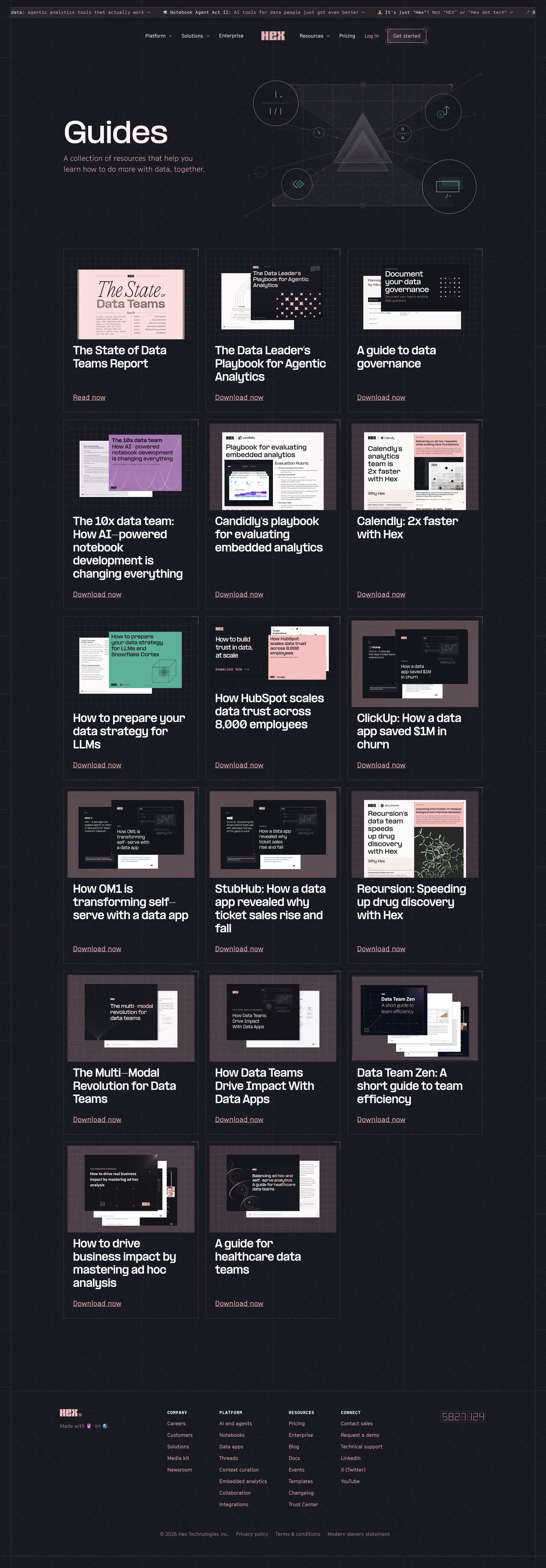
Hex
Bring the magic of AI to data, for everyone

Jasper
AI built for marketing

Jitter
Fast and simple motion design tool

Legora
Collaborative AI for lawyers
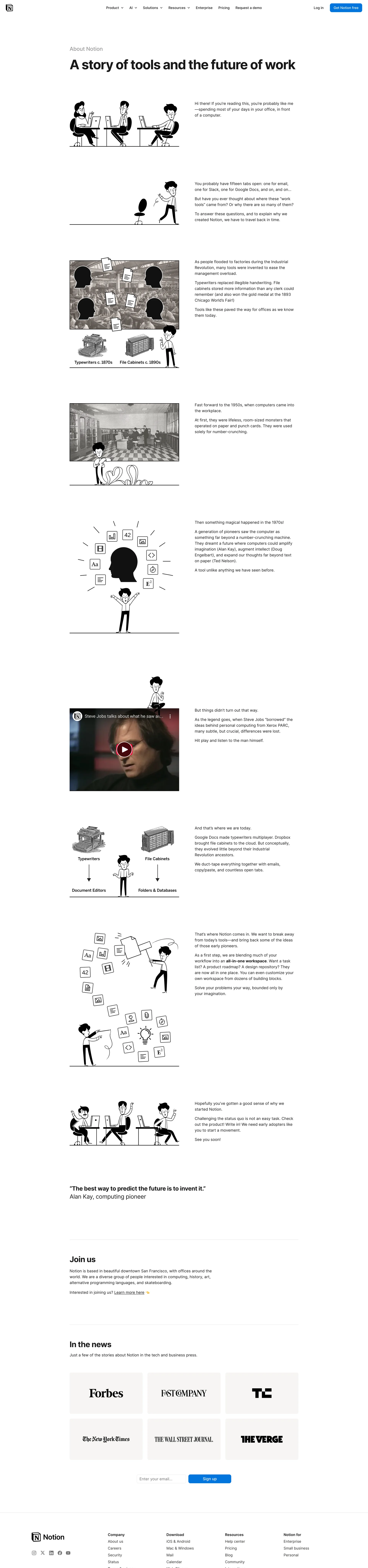
Notion
The AI workspace that works for you
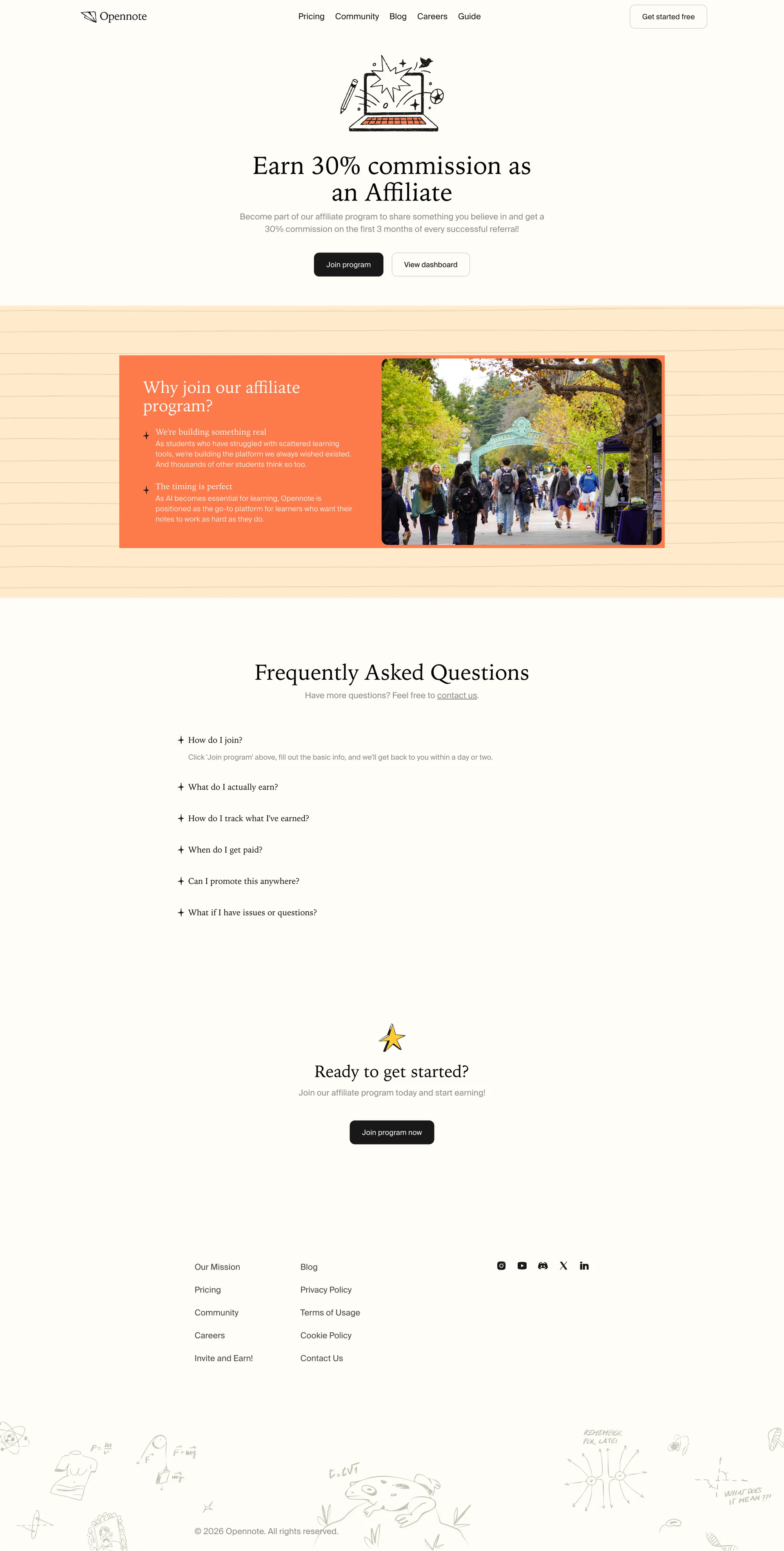
Opennote
The notebook that thinks with you
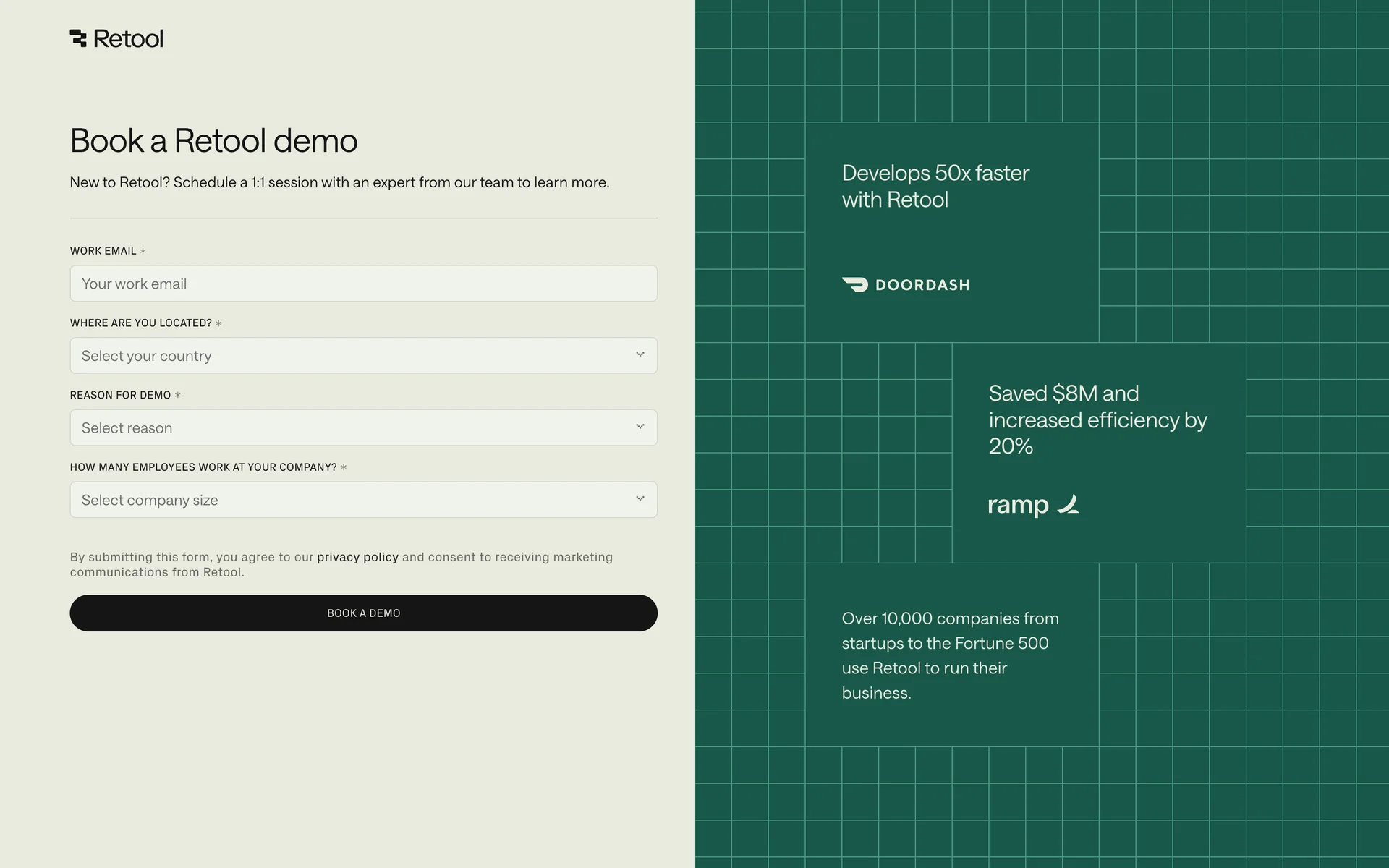
Retool
The best way to develop effective software

Runway
Advancing creativity with artificial intelligence

Sana
AI tools for human knowledge

Squarespace
Easily create your own website
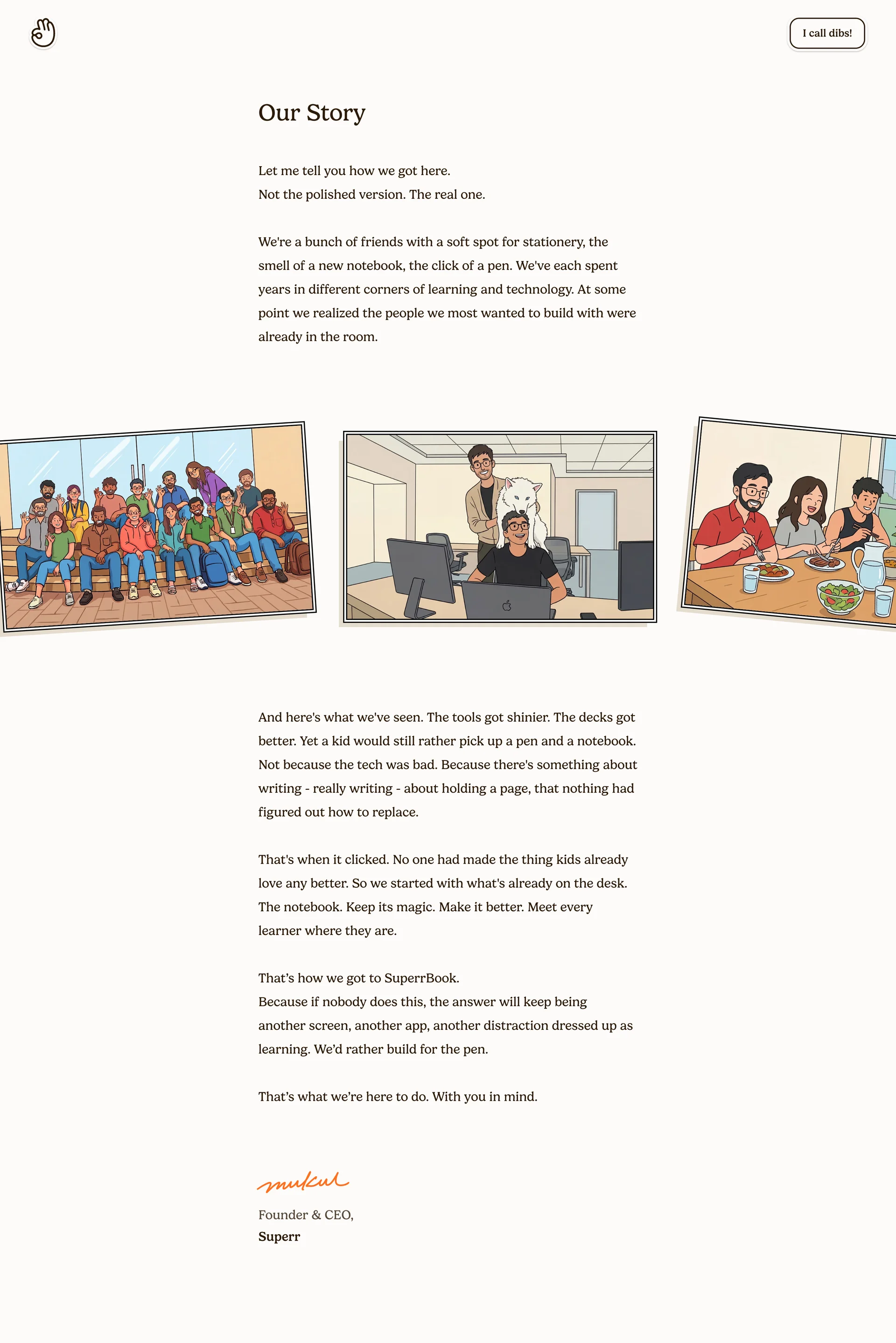
Superr
Your AI notebook
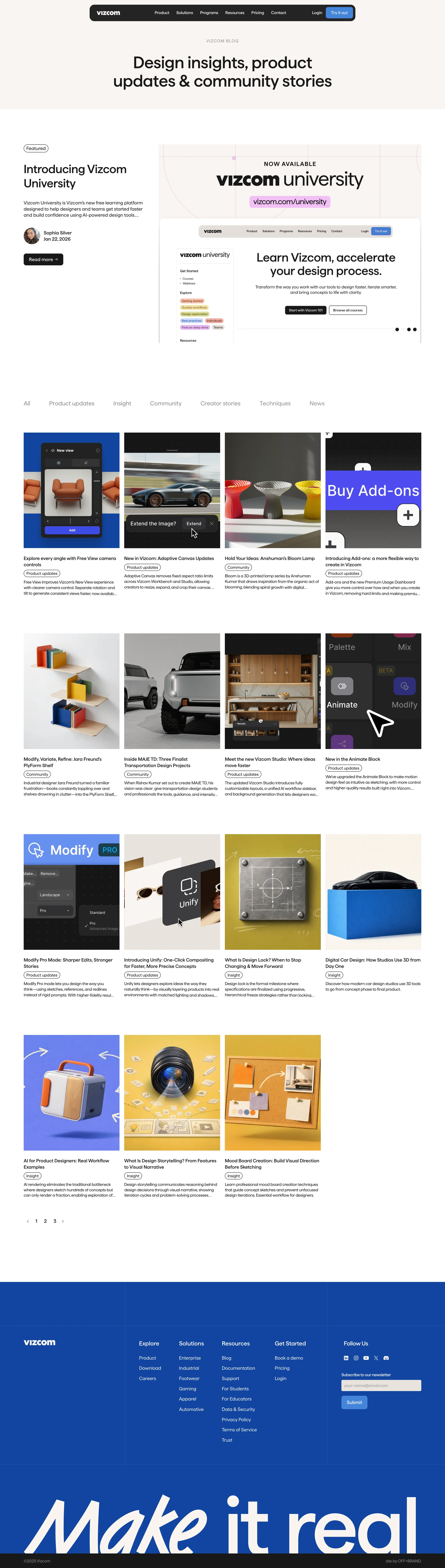
Vizcom
AI creative tools for artists and designers

Voiceflow
Build chat and voice AI agents without code

Webflow
Create a custom website
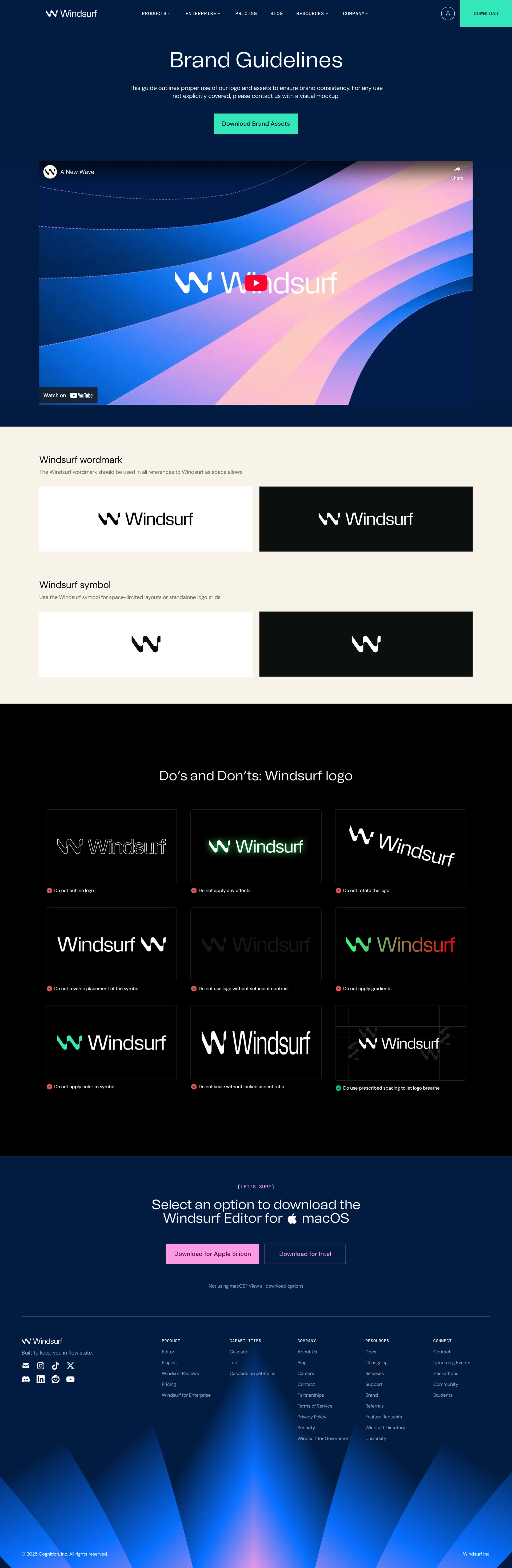
Windsurf
The most powerful AI code editor
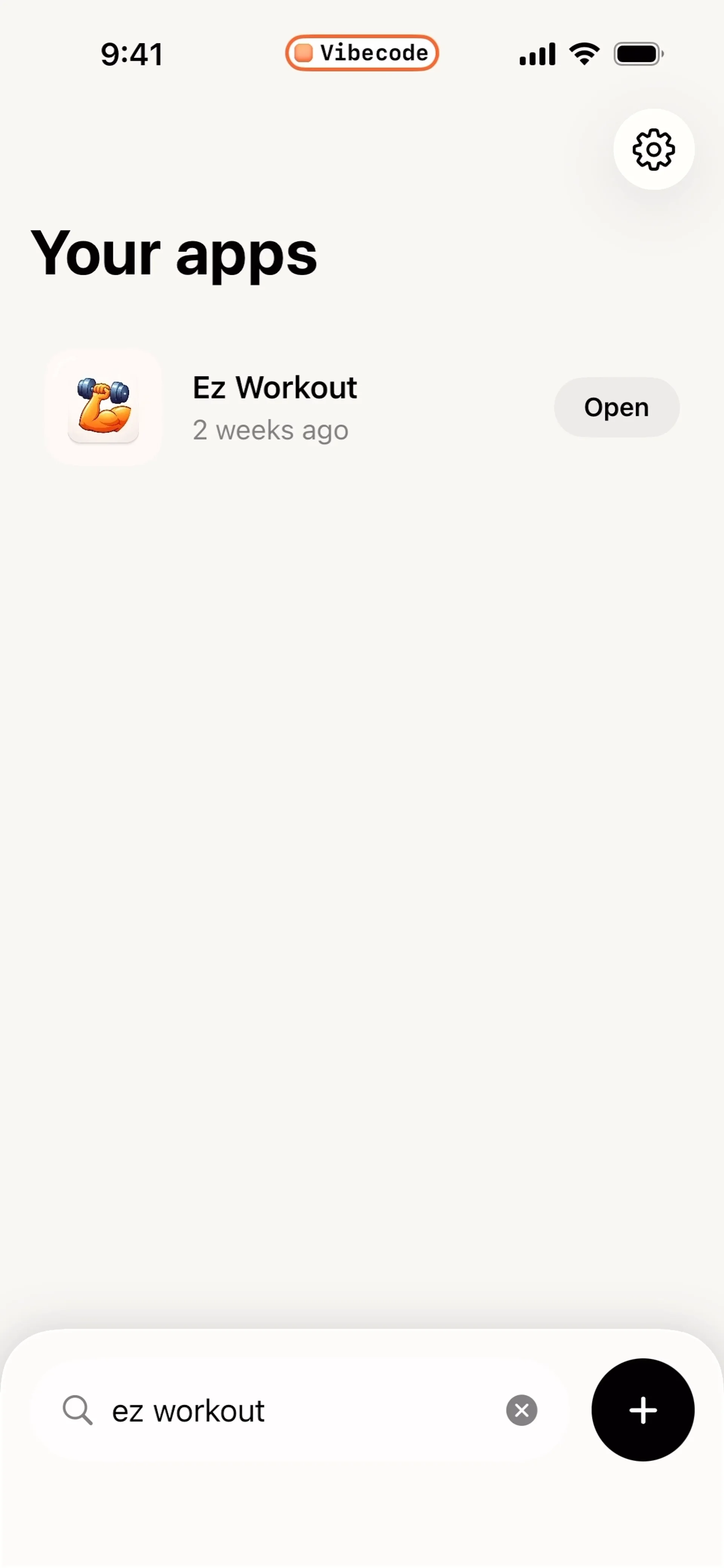
VibeCode
Mobile coding environment. Write and run code on iOS, programming playground.