Communication Apps: Messenger, Video Call & Email UI Design
Communication app UI screenshots: messengers, video calls, email clients, VoIP. UI examples from Slack, Zoom, Telegram — how communication tools are designed.
26 products · 4,626 screenshots
More about this category
Communication apps are the foundation of work and personal interaction. UI must be lightning-fast and intuitive. Browse chat interfaces with threads, video calls with participant management, email clients with message grouping, channels with reactions. Notice status indicators, offline handling, push notifications. Useful for designing messengers, corporate communicators and helpdesk systems.
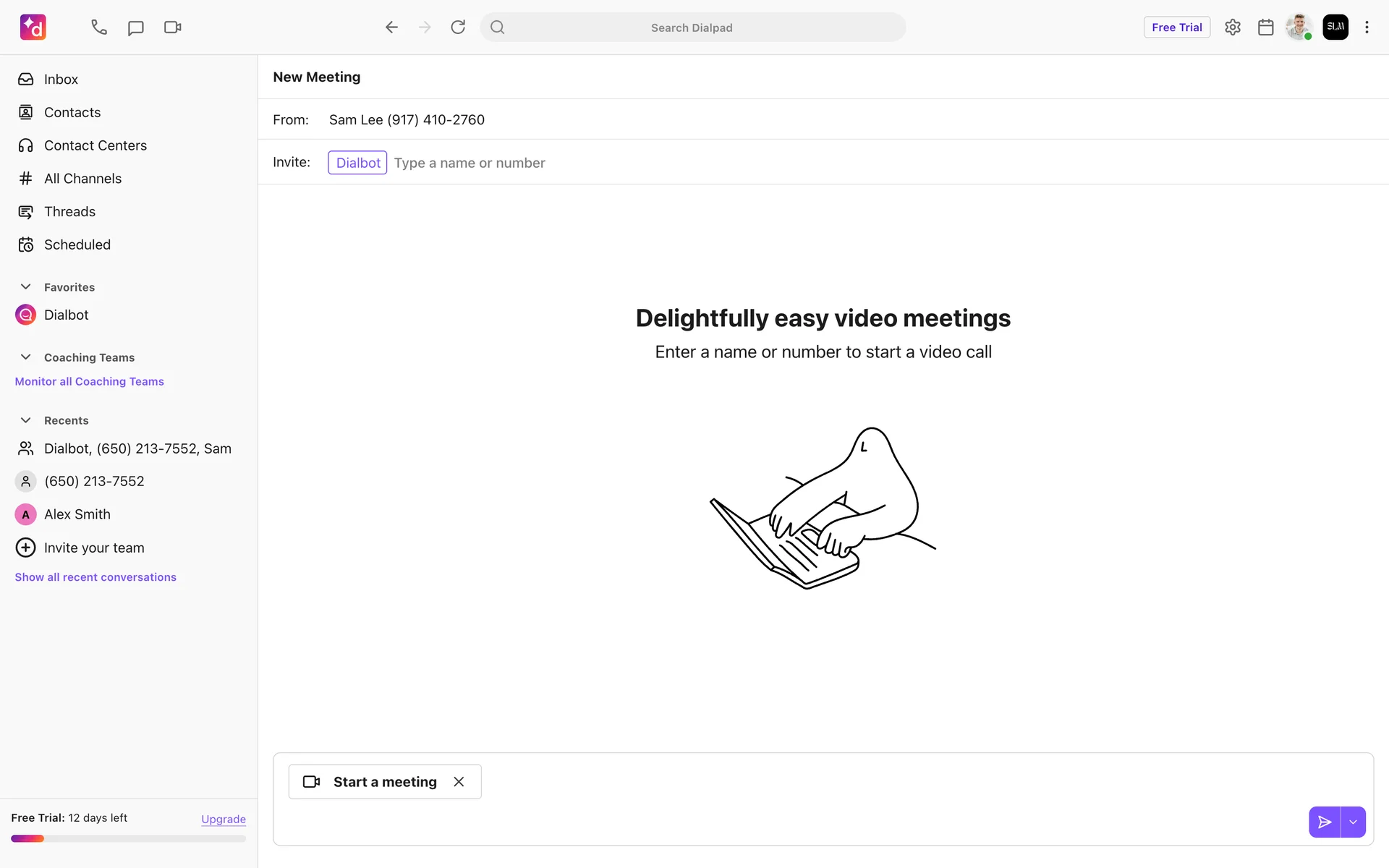
Dialpad
AI-powered business communications. Cloud phone, video meetings, contact center.
Discord
Community communication platform. Voice, video, text chat for gaming and communities.
Front
Customer communication hub. Shared inbox, email, chat, SMS in one collaborative platform.
Google Meet
Video conferencing by Google. Virtual meetings, screen sharing, recording, live captions.
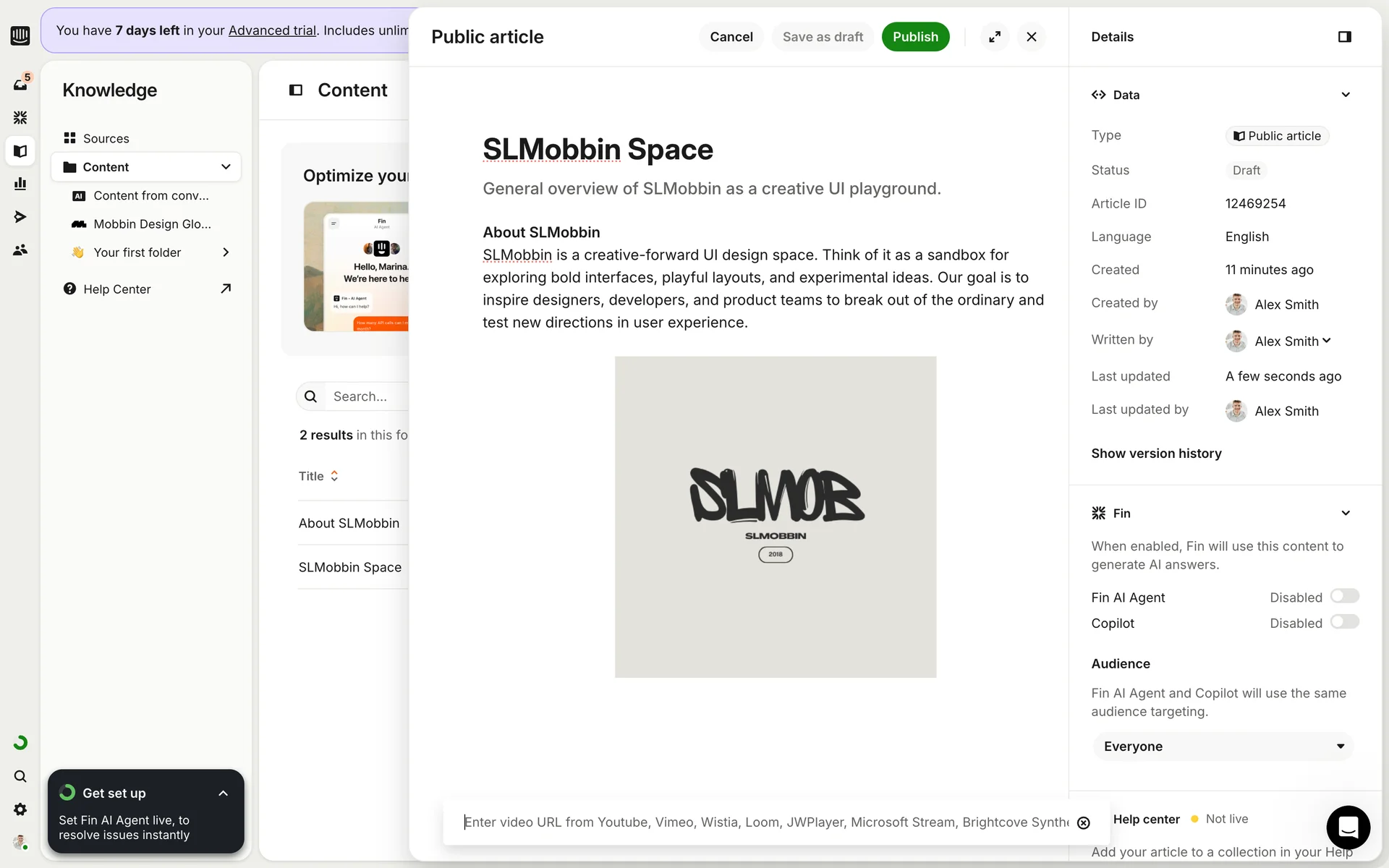
Intercom
Customer messaging platform. Live chat, bots, help center, product tours, outbound.
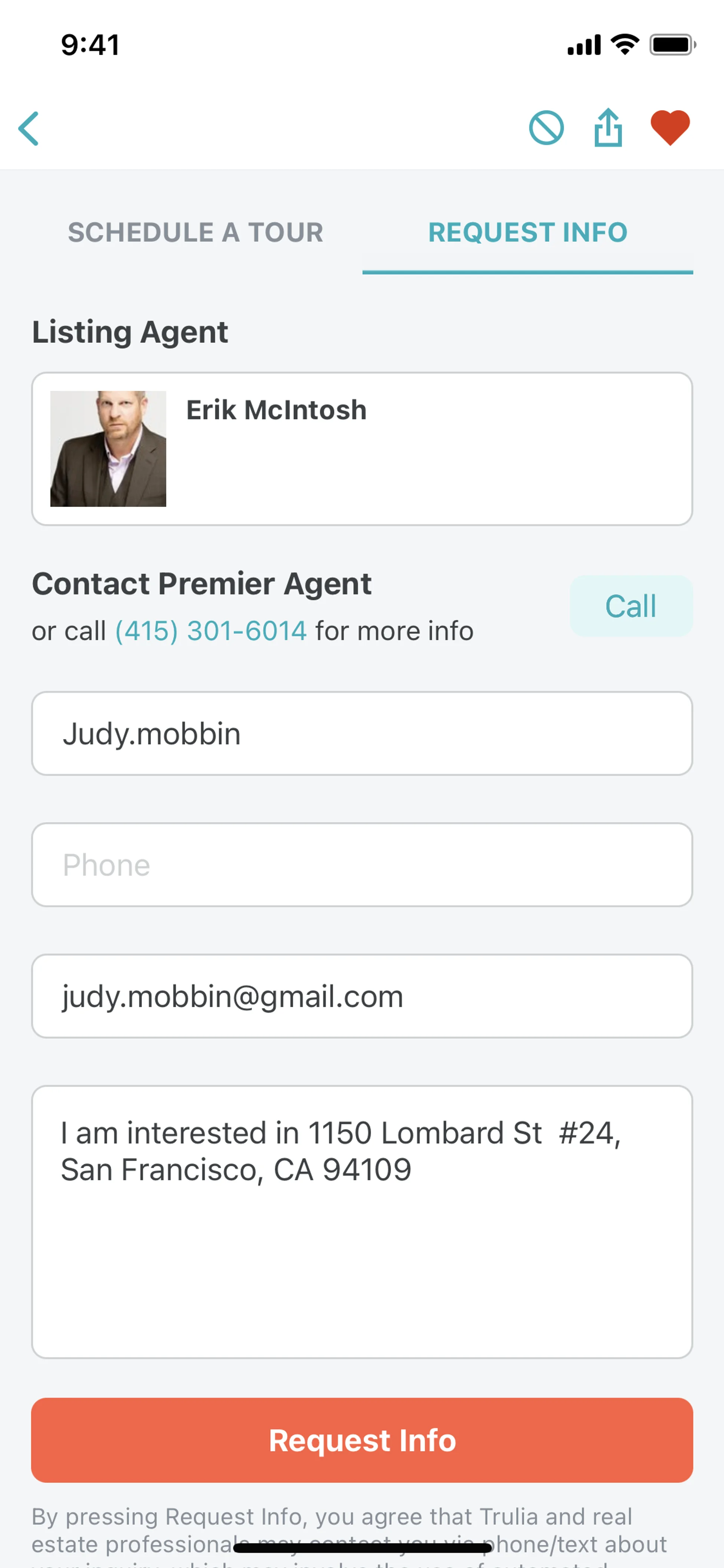
Loom
Async video messaging for work. Screen recording, video sharing, viewer insights.
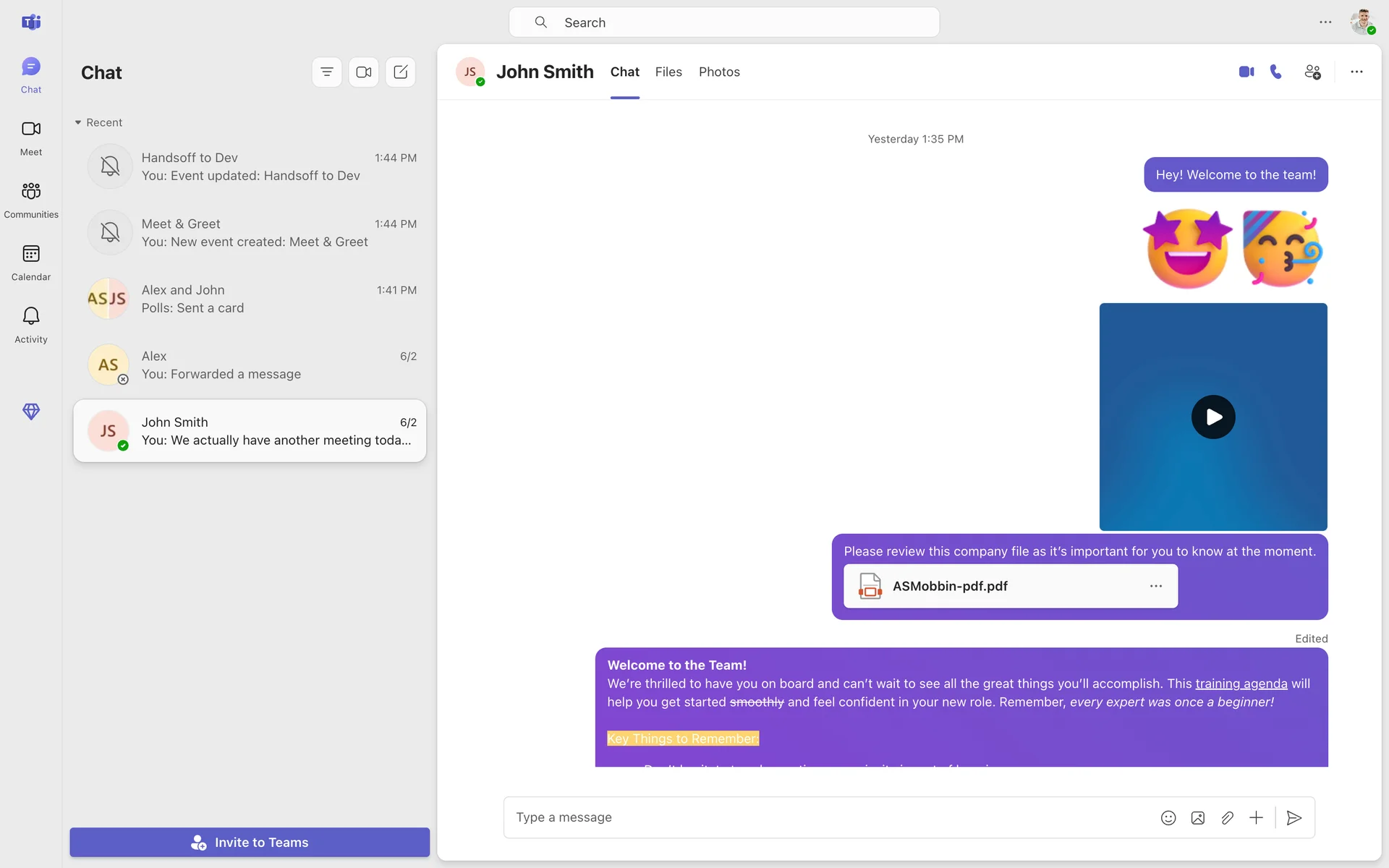
Microsoft Teams
Business communication platform. Chat, video calls, file sharing, app integrations.
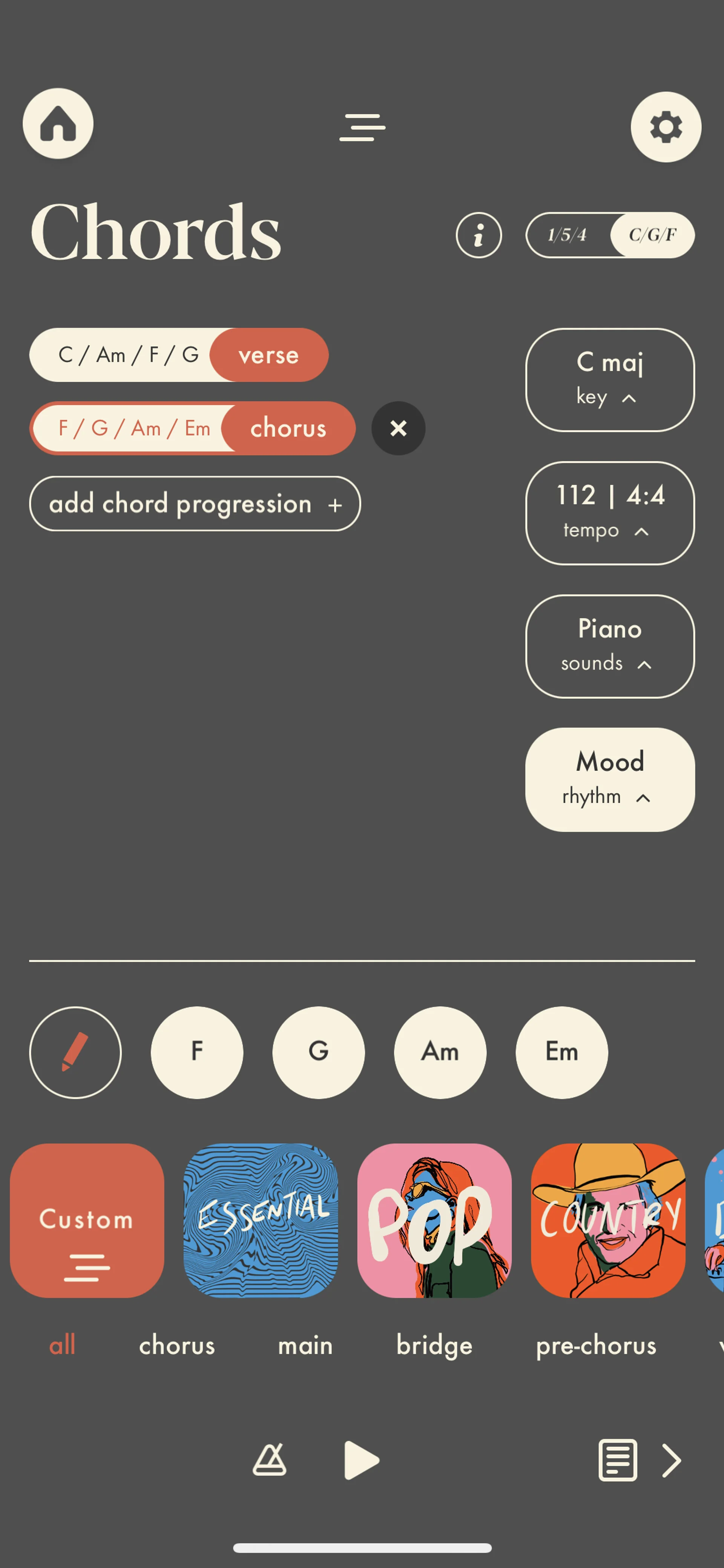
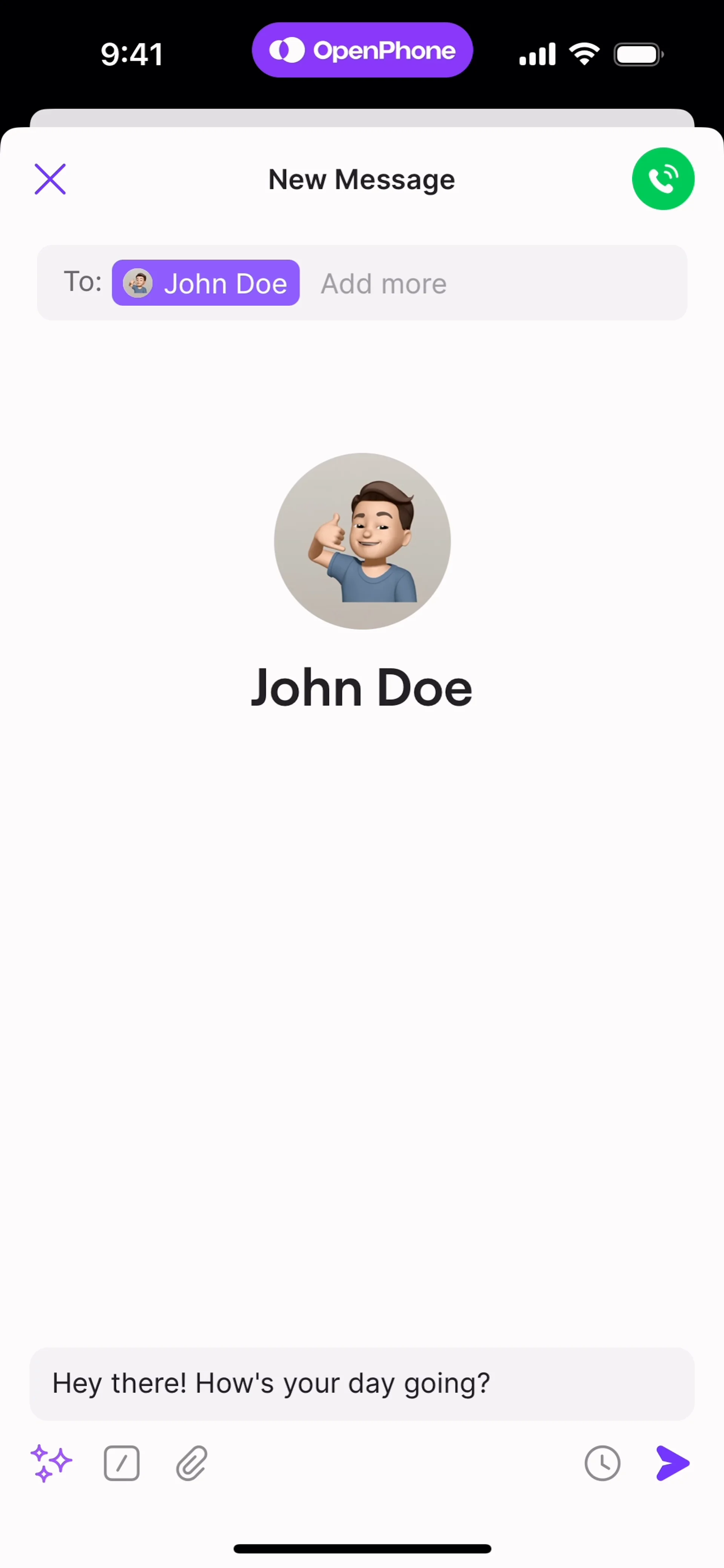
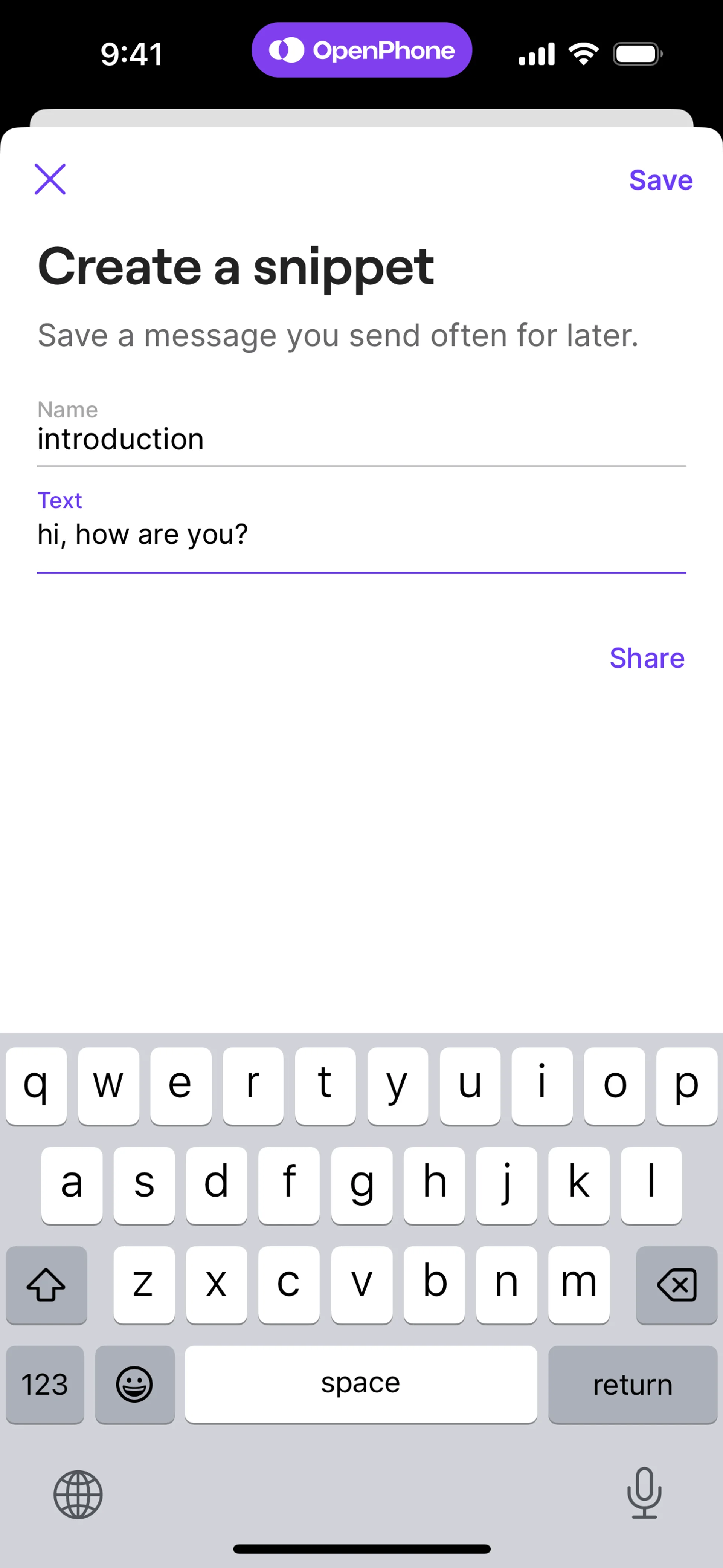
OpenPhone
Business phone system. Shared numbers, call routing, CRM integration, messaging.
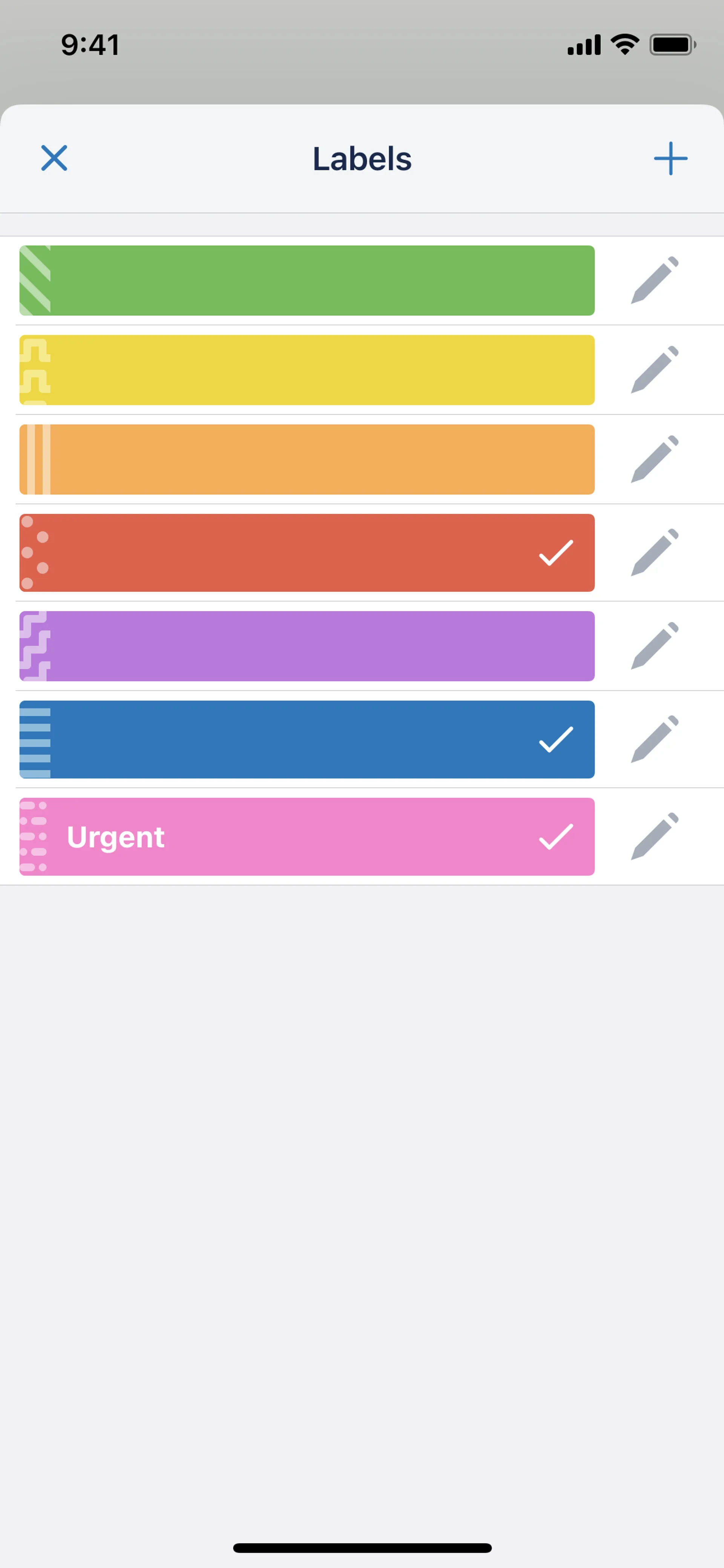
Plain
Customer support API-first platform. Modern support tool for product-led companies.
Skype
Video calling and messaging. Free calls, screen sharing, group video conferencing.
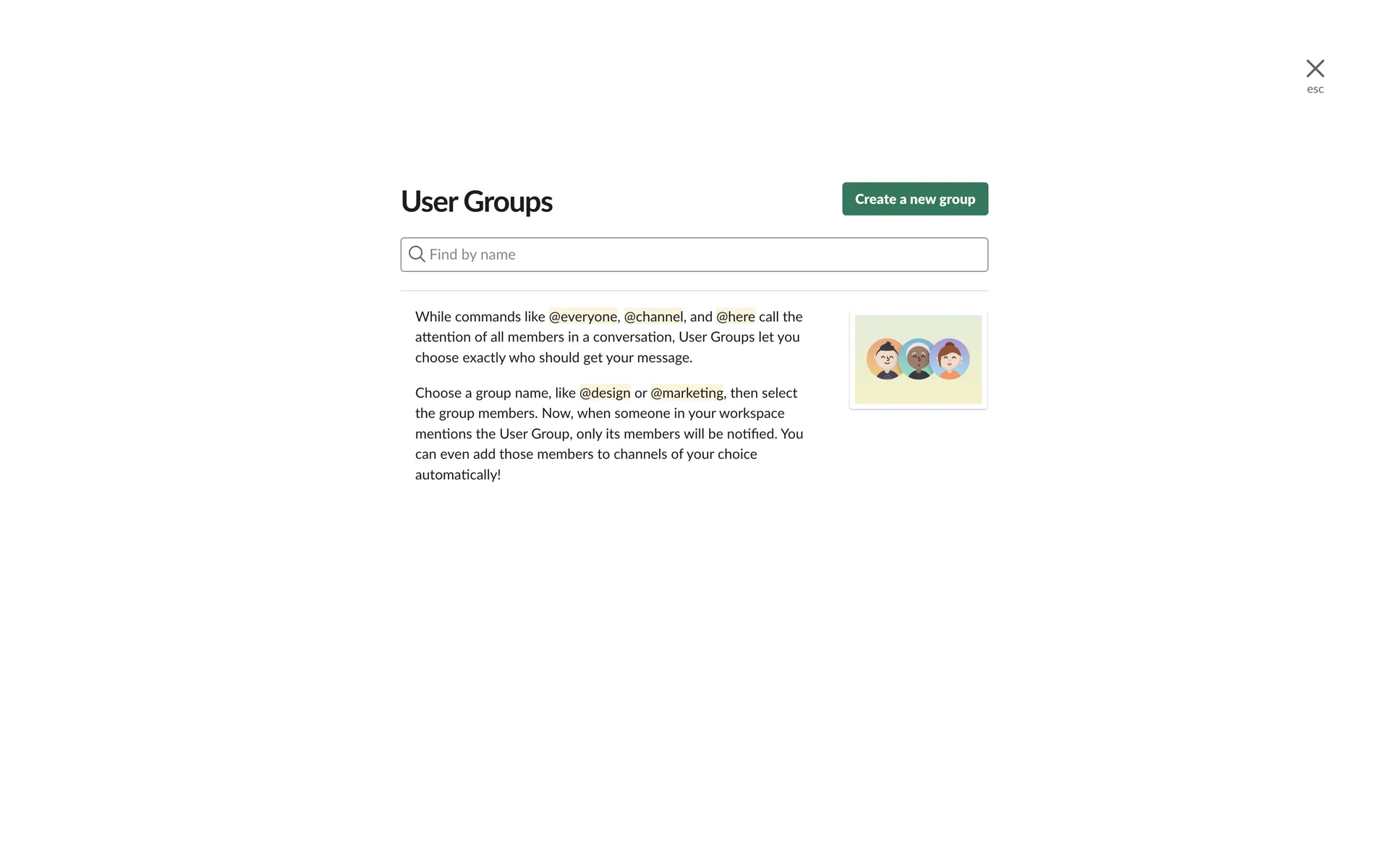
Slack
Team messaging platform. Channels, DMs, integrations, workflows, huddles.
Telegram
Cloud-based messaging app. Channels, groups, bots, file sharing, encrypted chats.
Twist
Async team communication. Organized threads, channels for remote-first teams.
Messaging and calling app. End-to-end encrypted texts, voice, video, business API.
Whereby
Browser-based video meetings. No downloads, custom rooms, recording, integrations.
Zendesk
Customer service platform. Ticketing, chat, knowledge base, call center, AI agents.
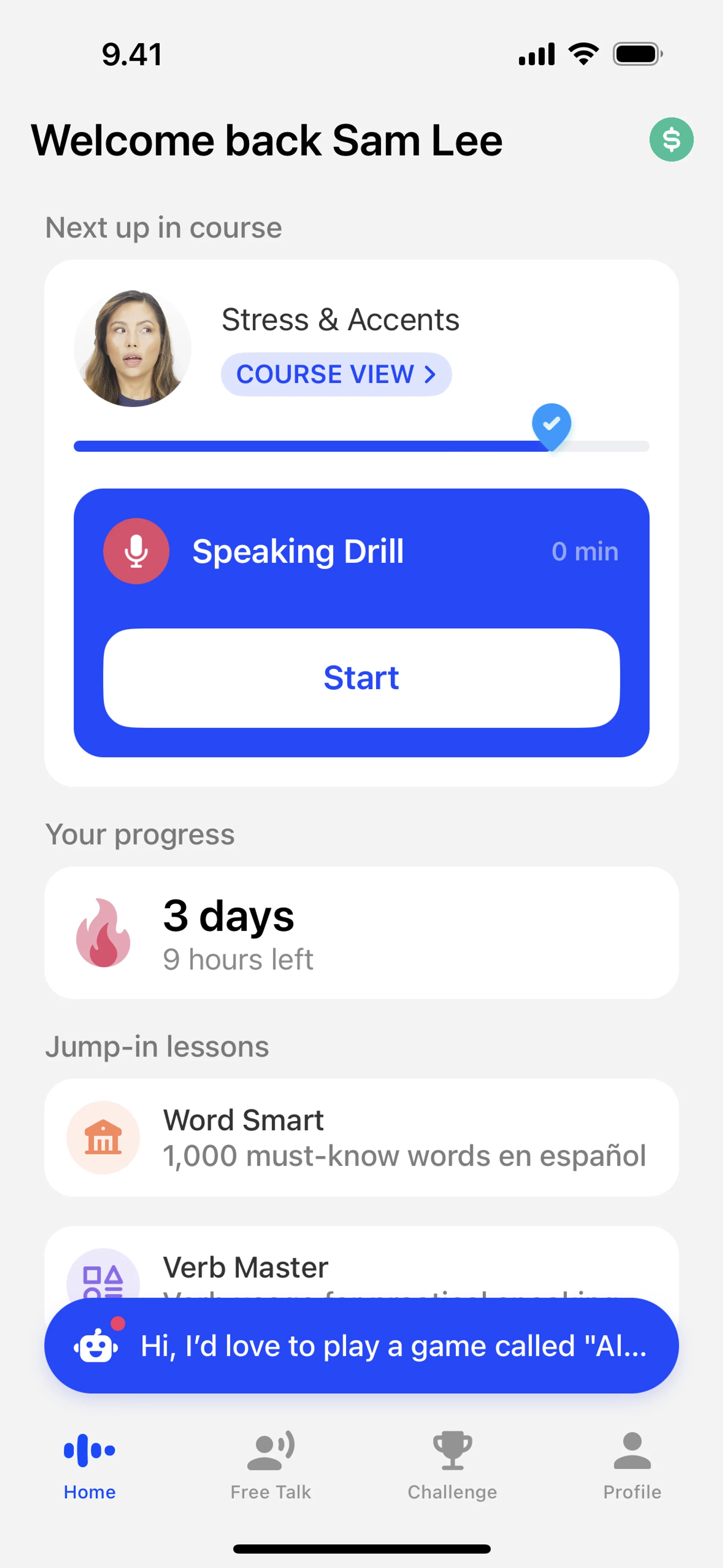
Zoom
Video communications platform. Meetings, webinars, chat, phone, whiteboard, AI companion.
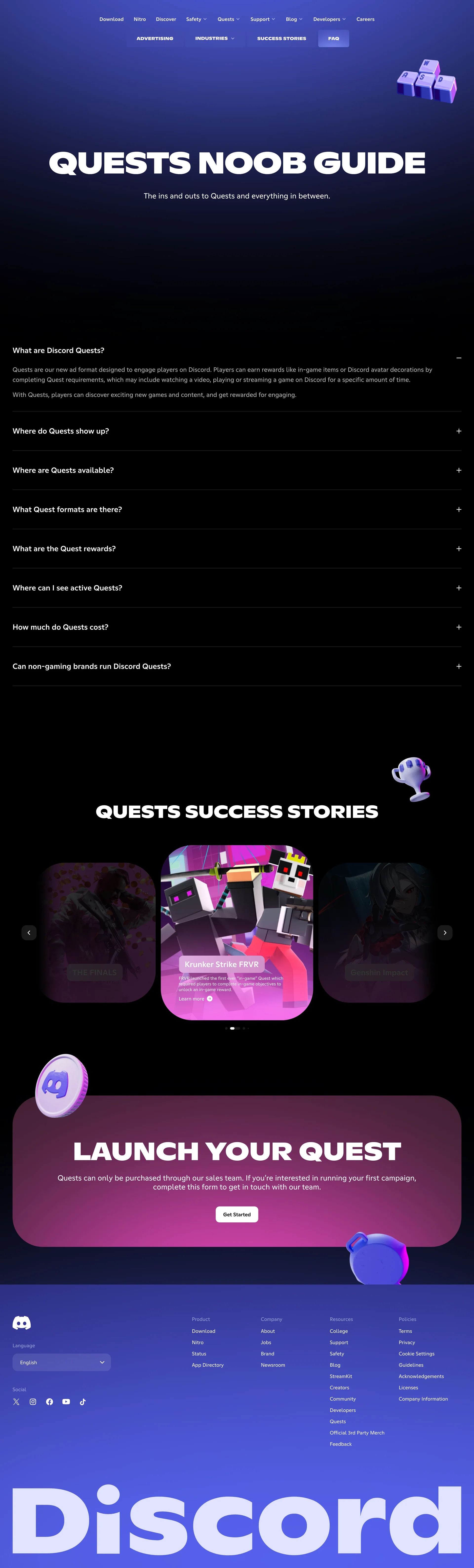
Discord
Talk, play, hang out
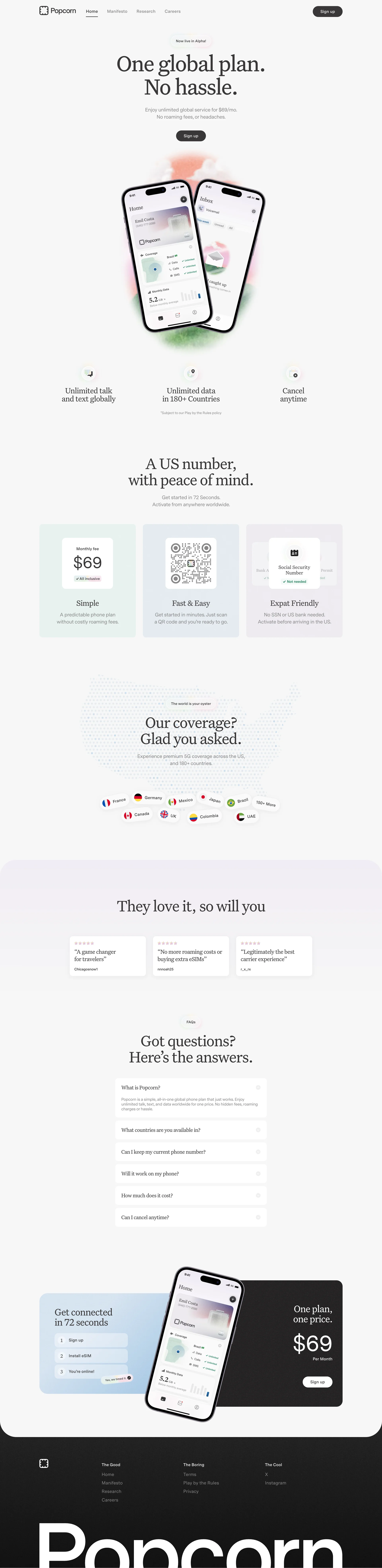
Popcorn
The next-gen telecommunications
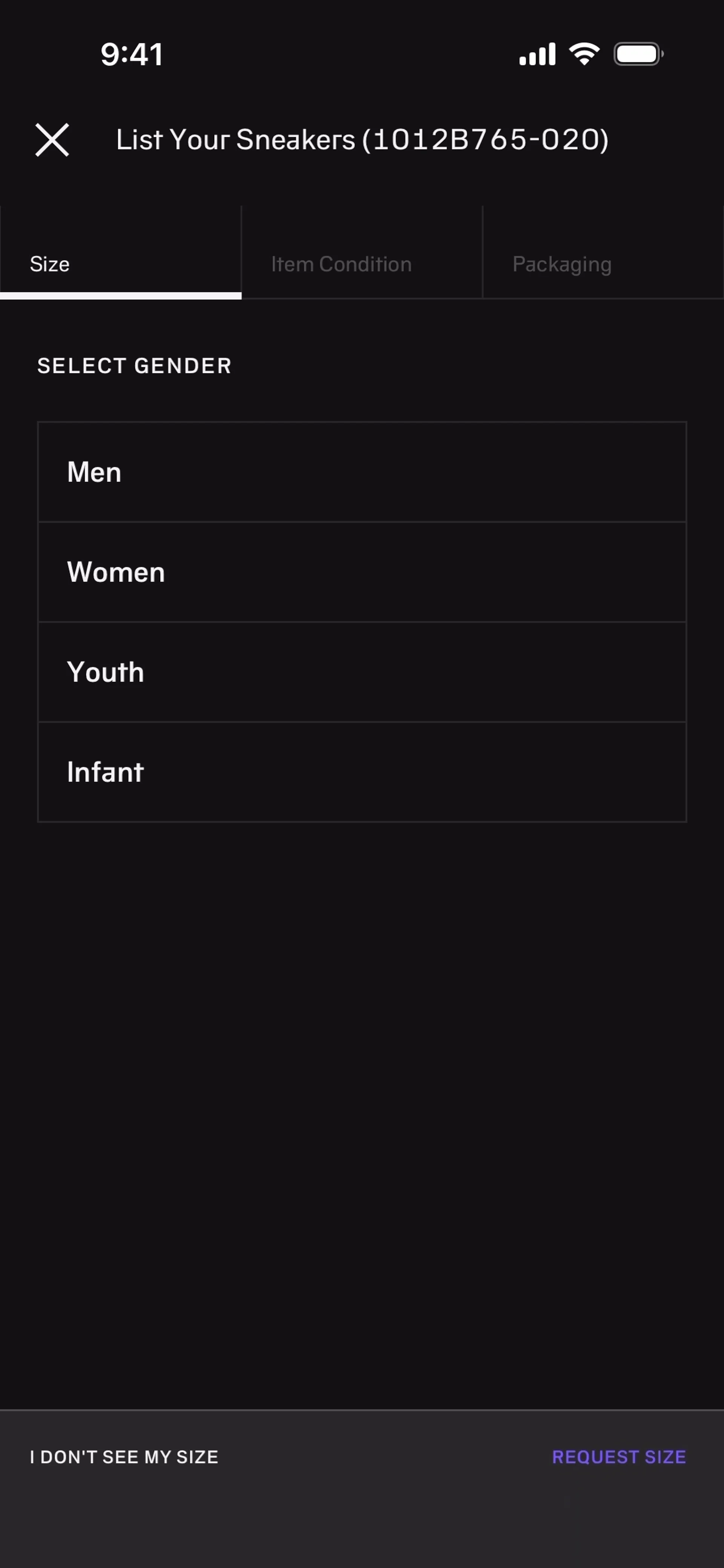
Alias
Word guessing party game. Explain words without saying them, team play.

Apple Mail
iOS email client. Unified inbox, smart folders, focus filters, rich formatting.
Discord
Talk, play, hang out
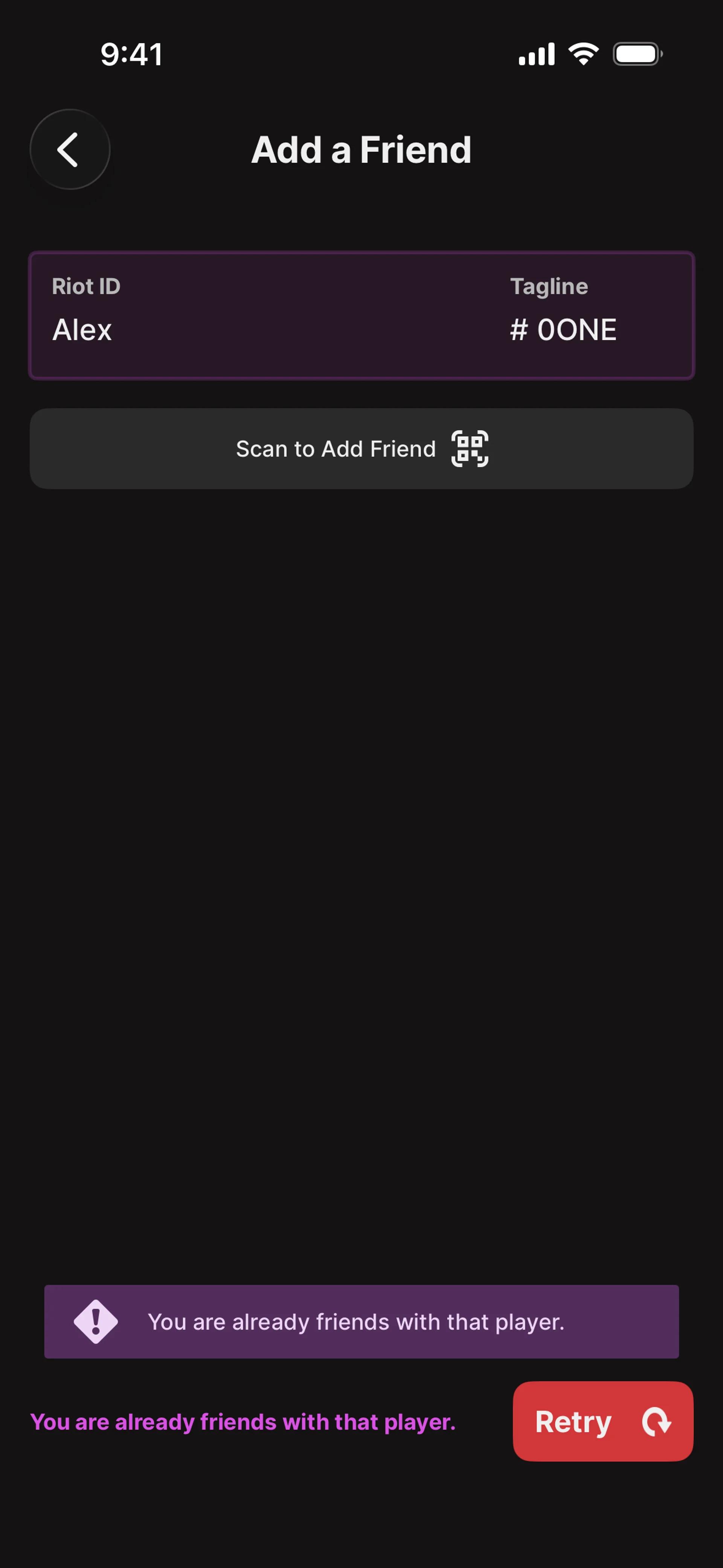
Riot Mobile
Telecom mobile app. Plans, data usage, account management, eSIM.
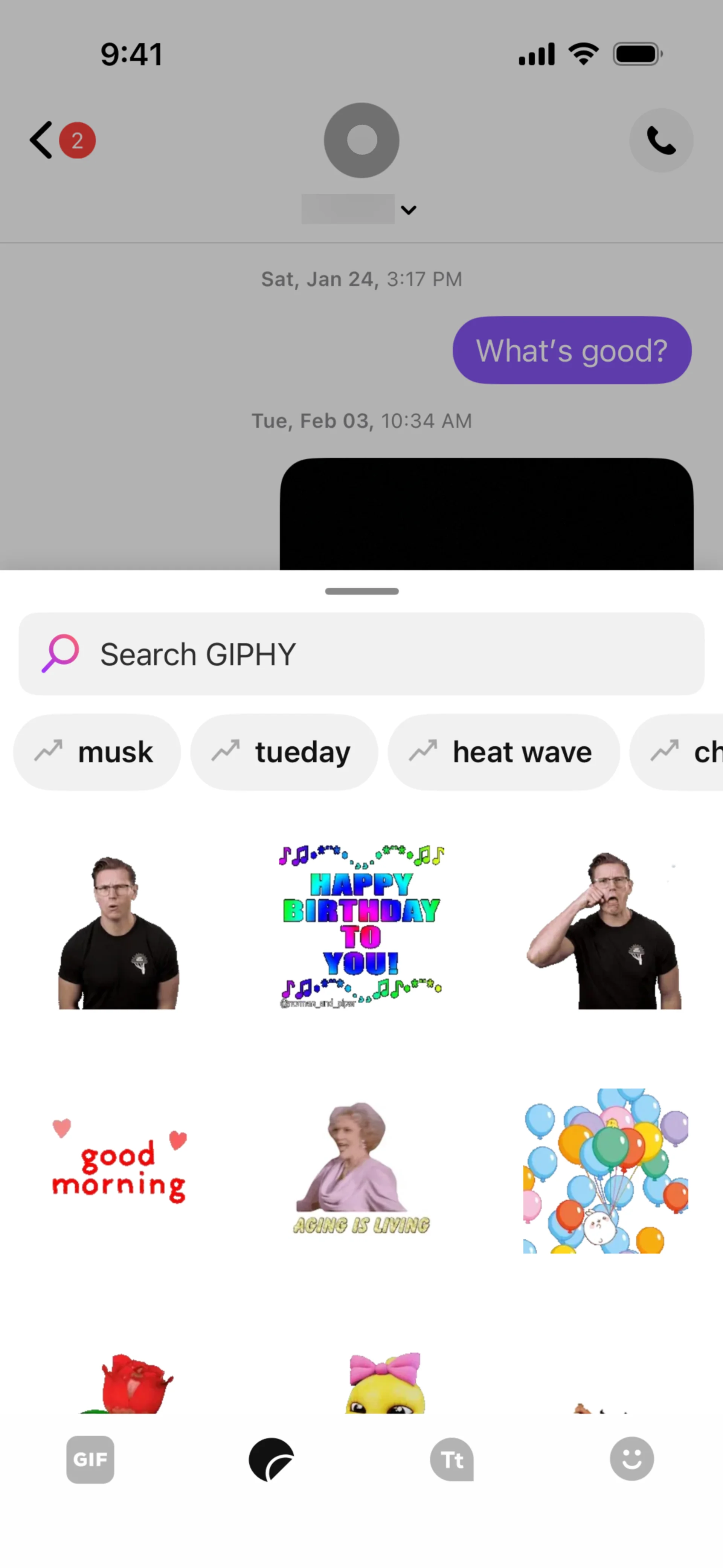
TextNow
Free phone service. Calls, texts, data over WiFi with ad-supported free number.
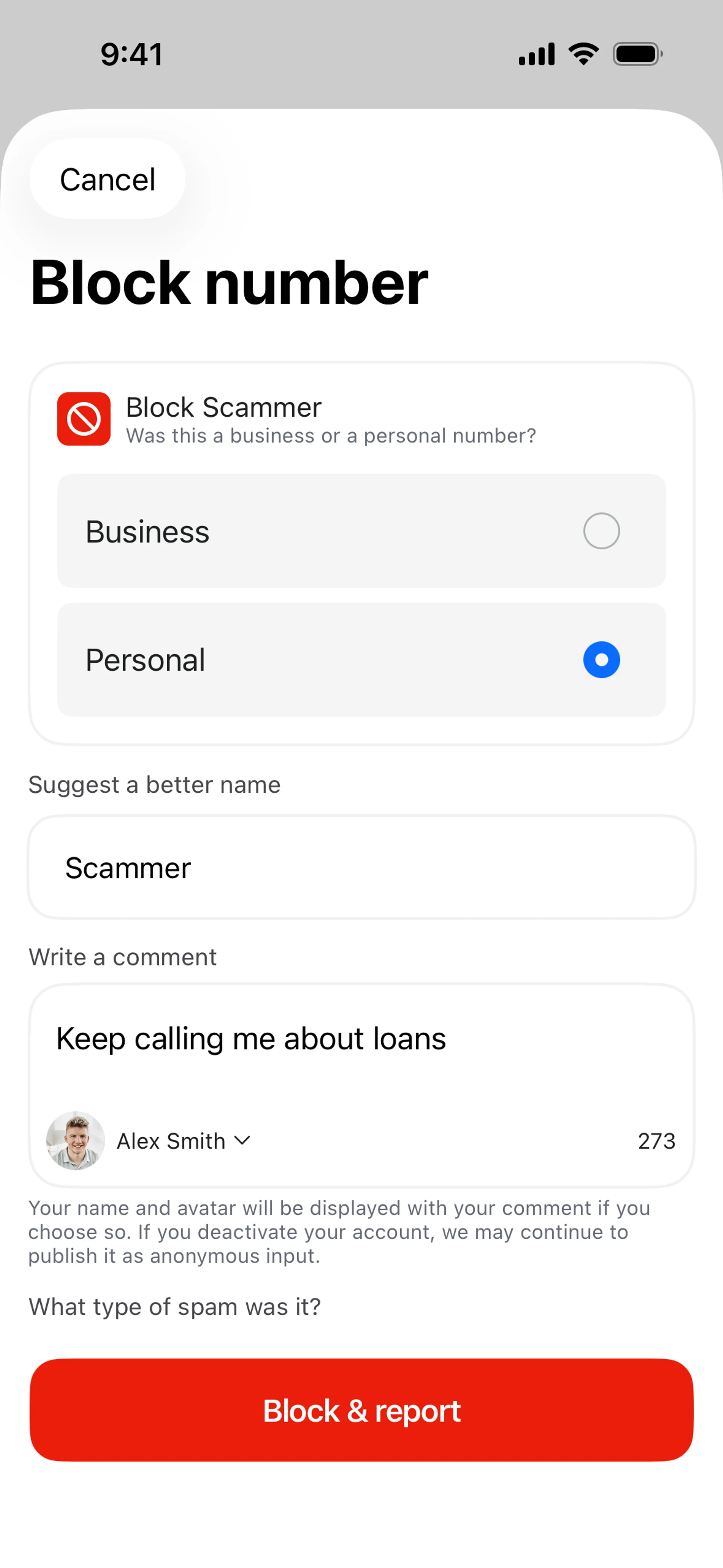
Truecaller
Caller ID and spam blocking. Identify unknown numbers, block scam calls.
Simple, reliable, private messaging